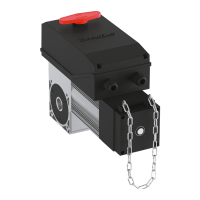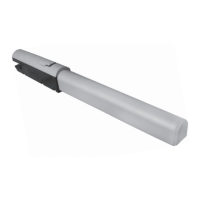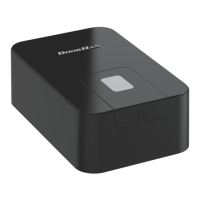
EasyManua.ls Logo

DoorHan SECTIONAL-800PRO-CE - User Manual

DoorHan SECTIONAL-800PRO-CE
20 pages
Print Icon
To Next Page IconTo Next Page
Loading...
© DoorHan, 03.2019
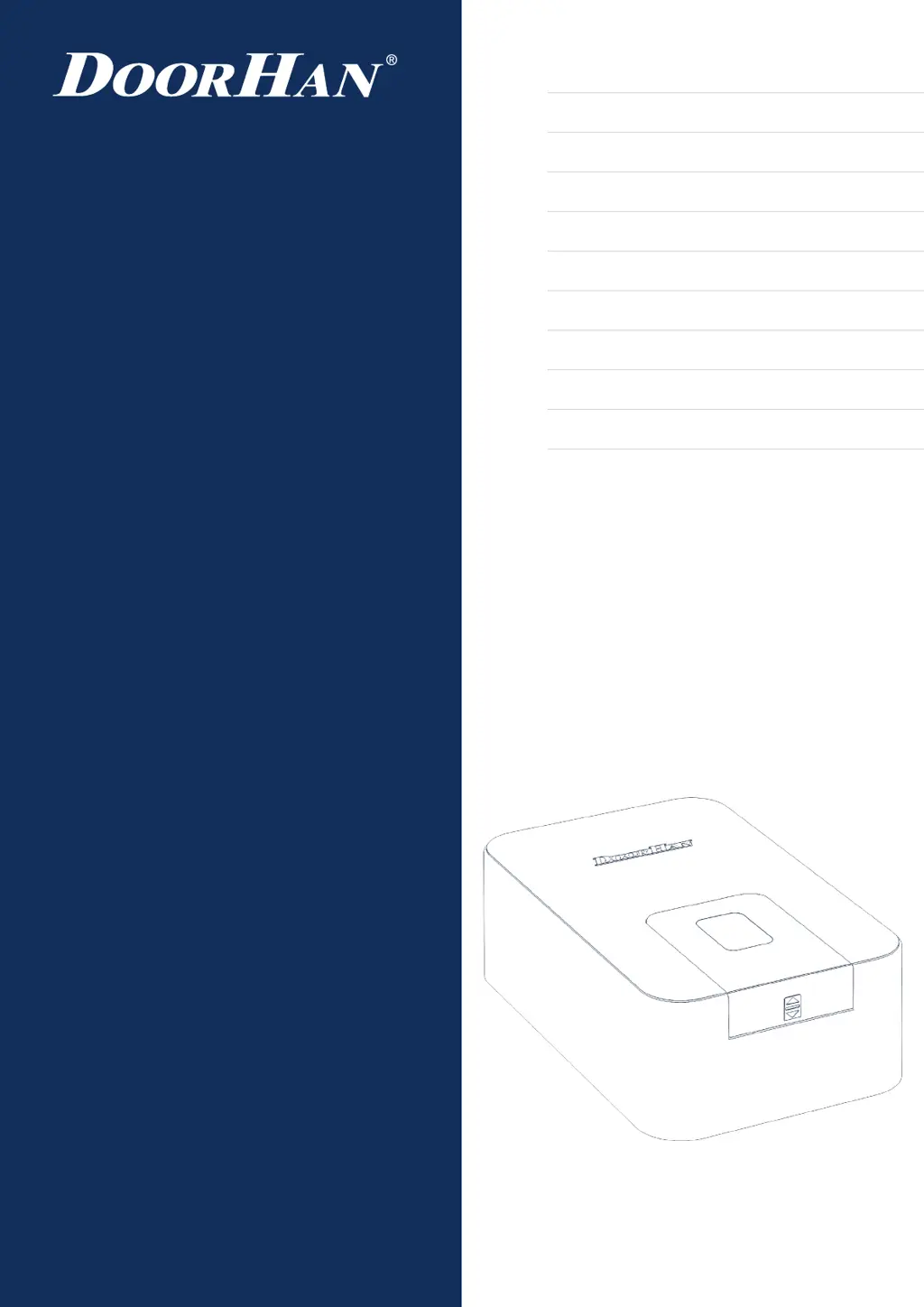
Installation and Operation Manual
SECTIONAL-800PRO-CE
SECTIONAL-1000PRO-CE
Operator
Actual versions::
Soft — v 1.7; PCB — v 1.3
General Information
2
Safety Instructions
3
Operator Unit
5
Operator Installation
6
Electrical Connections
9
Operator Programming
10
Manual Opening
17
Maintenance
17
Troubleshooting
18
Appendix
19

Questions and Answers

  • C
    Christopher BrownAug 16, 2025
    How to fix a DoorHan Gate Opener when it does not run?
    • J
      John EricksonAug 16, 2025
      If your DoorHan Gate Opener isn't running, the issue could be due to no power supply or a blown fuse. Make sure the power is on and replace the fuse if necessary.
  • P
    Paula NunezAug 19, 2025
    What to do if the DoorHan SECTIONAL-800PRO-CE Gate Opener remote control does not run?
    • D
      David WilkinsonSep 12, 2025
      If your DoorHan Gate Opener remote control isn't working, it might not be recorded in the receiver memory, or the battery could be dead. Try recording the remote control again or changing the battery.
  • C
    Cynthia LeeAug 22, 2025
    Why is the DoorHan SECTIONAL-800PRO-CE remote control actuation distance too small?
    • T
      Tiffany PenaAug 22, 2025
      If the remote control actuation distance is too small for your DoorHan Gate Opener, the battery may be discharged or there may be an interfering signal. Try changing the battery or removing the source of interference.
  • S
    samuelthomasAug 25, 2025
    How to reduce noise when DoorHan SECTIONAL-800PRO-CE runs?
    • R
      robersonjorgeAug 26, 2025
      If your DoorHan Gate Opener is noisy when it runs, the chain might not be properly lubricated. Lubricate the chain to reduce the noise.
  • M
    Mary MorrisAug 27, 2025
    What to do if the DoorHan SECTIONAL-800PRO-CE Gate Opener chain moves but the door doesn't?
    • J
      janetphillipsAug 27, 2025
      If the chain is moving but the door isn't, the carriage may be disengaged or not hooked with the chain support. Engage the carriage or hook it with the chain support.
  • R
    Rebecca CunninghamAug 31, 2025
    What does it mean when my DoorHan SECTIONAL-800PRO-CE Gate Opener beeps twice, the door doesn't move, and the display blinks 'P'?
    • B
      Bailey MendozaAug 31, 2025
      If your DoorHan Gate Opener beeps twice, the door doesn't move, and the display blinks 'P', it indicates that safety devices have been activated. Remove any obstacles and check the operation of the safety devices.
  • E
    Elizabeth MillerSep 2, 2025
    How to fix noise and sagging chain during DoorHan Gate Opener operation?
    • C
      Cynthia FlynnSep 3, 2025
      If you notice noise and a sagging chain during operation of your DoorHan Gate Opener, it could be due to prolonged use without lubrication. Tighten the chain using the chain-tensioning screw and lubricate the chain.
  • L
    Lauren StevensSep 6, 2025
    What to do if the DoorHan SECTIONAL-800PRO-CE door suddenly stopped and the 'F' indicator is on?
    • J
      Jacob PowersSep 6, 2025
      If the door has suddenly stopped and the 'F' indicator is on for your DoorHan Gate Opener, it means the door ran into an obstacle. Remove the obstacle, check the door mechanics, or change the pulse sensor.
  • G
    George BernardSep 9, 2025
    What does it mean when my DoorHan Gate Opener beeps twice, the door doesn't move, and the display blinks «S»?
    • H
      Heather GomezSep 9, 2025
      If your DoorHan Gate Opener beeps twice, the door doesn't move, and the display blinks 'S', it means the open wicket sensor was activated. If there is no open wicket sensor, check for a jumper in the GND — STOP terminal.
  • M
    Michelle SimmonsSep 12, 2025
    Why did my DoorHan SECTIONAL-800PRO-CE suddenly stop, and the '?' indicator is on?
    • A
      audrey82Sep 12, 2025
      If your DoorHan Gate Opener suddenly stopped and the '?' indicator is on, it indicates insufficient supply voltage. Verify that the power supply corresponds to the declared characteristics.

Summary

Safety Instructions

2. Safety Instructions

General safety regulations to preserve people's health and ensure proper manual usage.

Electrical Connections

5.2. Control Block Wiring Diagram

Wiring diagram illustrating the connections for the operator's control block.

Operator Programming

6.3. Basic Programming

Guide to setting basic operator functions like door positions and force.

6.4. Advanced Programming

Entry point for advanced operator settings and configurations.

6.4. Remote Control Programming

Procedures for managing remote controls, including adding and removing them.

Maintenance

Troubleshooting

9. Troubleshooting

Common issues, possible reasons, and solutions for operator malfunctions.

DoorHan SECTIONAL-800PRO-CE Specifications

General IconGeneral
BrandDoorHan
ModelSECTIONAL-800PRO-CE
CategoryGate Opener
LanguageEnglish

Related product manuals