Maximum 2A@5V, depends on the input power of DC IN
Compatible with USB class compliant MIDI devices
Compatible with some known not USB class compliant MIDI
devices
Compatible with all musical instruments with MIDI standard interface,
compatible with all MIDI type messages
USB class compliant, plug and play
Powered by DC interface, 5V~12VDC
4. Steps for usage
1) Power supply: Use a 5V~12V DC power supply to supply power to the product through
the "DC IN", and the indicator lights up after power is supplied.
2) Configure the pedal's MIDI messages:
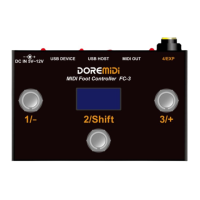
Connect the computer via USB DEVICE to configure the MIDI messages of the pedals.
For the configuration method, see 4. MIDI message configuration;
If not configured, default parameters are used:
Press to send 127, release to send 0
3) Connect MIDI device/computer: Connect an external MIDI device/computer via USB
DEVICE/USB HOST/MIDI OUT.
4) Connect the expression pedal: Connect an analog expression pedal via a 6.35 TRS
cable.
5) Output MIDI messages: By pressing the footswitch/expression pedal, the configured
MIDI messages can be output.
The FC-3 can be configured with up to 16 sets of independent MIDI messages. Hold
down "Shift" and click "-"/"+" to switch to select different MIDI message numbers.
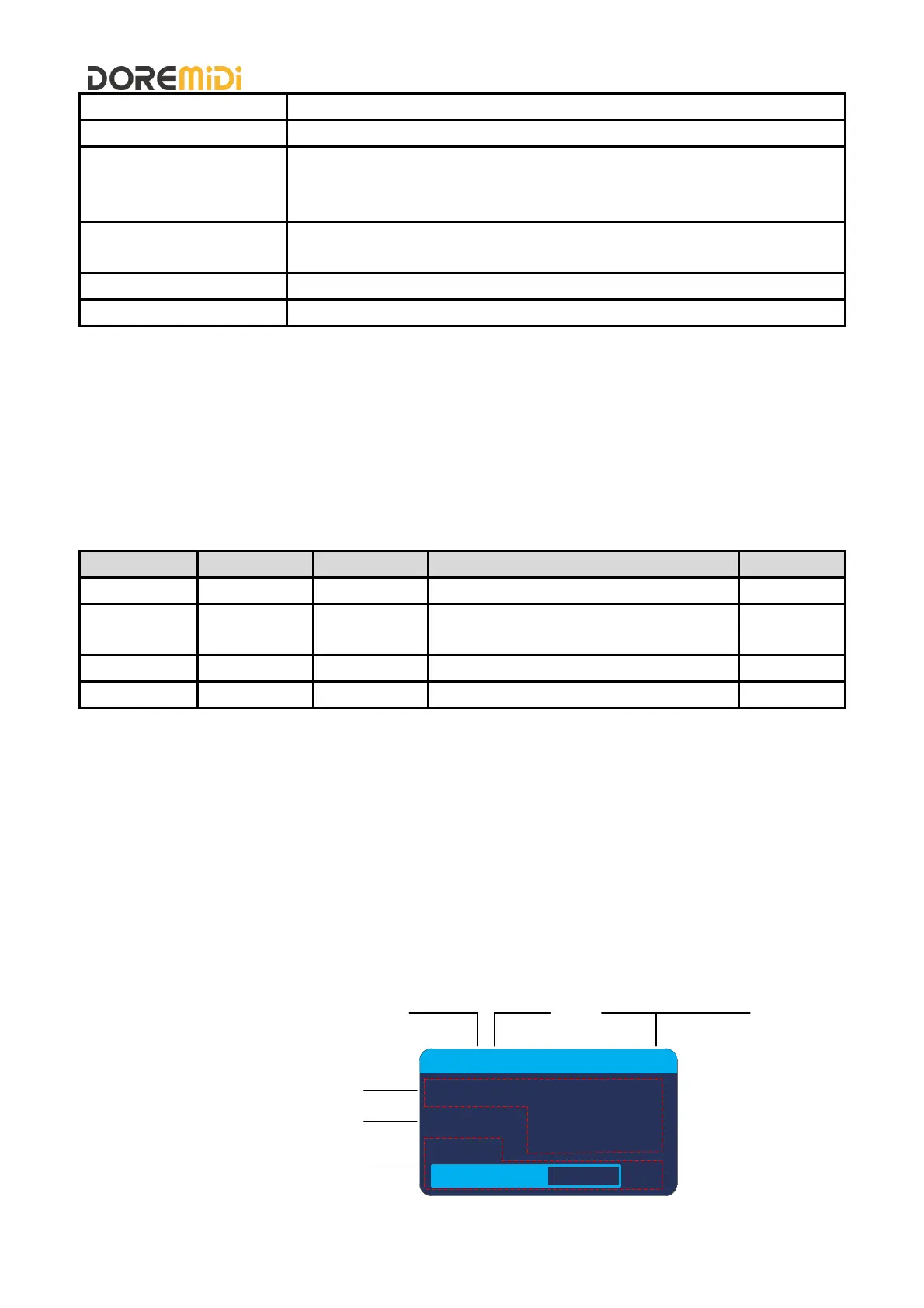
6) Screen display description:
127
USB: D H
NO.:1
CH:1
88
CC#11
PC
MIDI Message Number
USB Device
USB Host
Switch Pedal Parameters
Expression Pedal Parameters
MIDI Channel


 To Next Page