English
Display
Brightness level
You can adjust the brightness of the display.
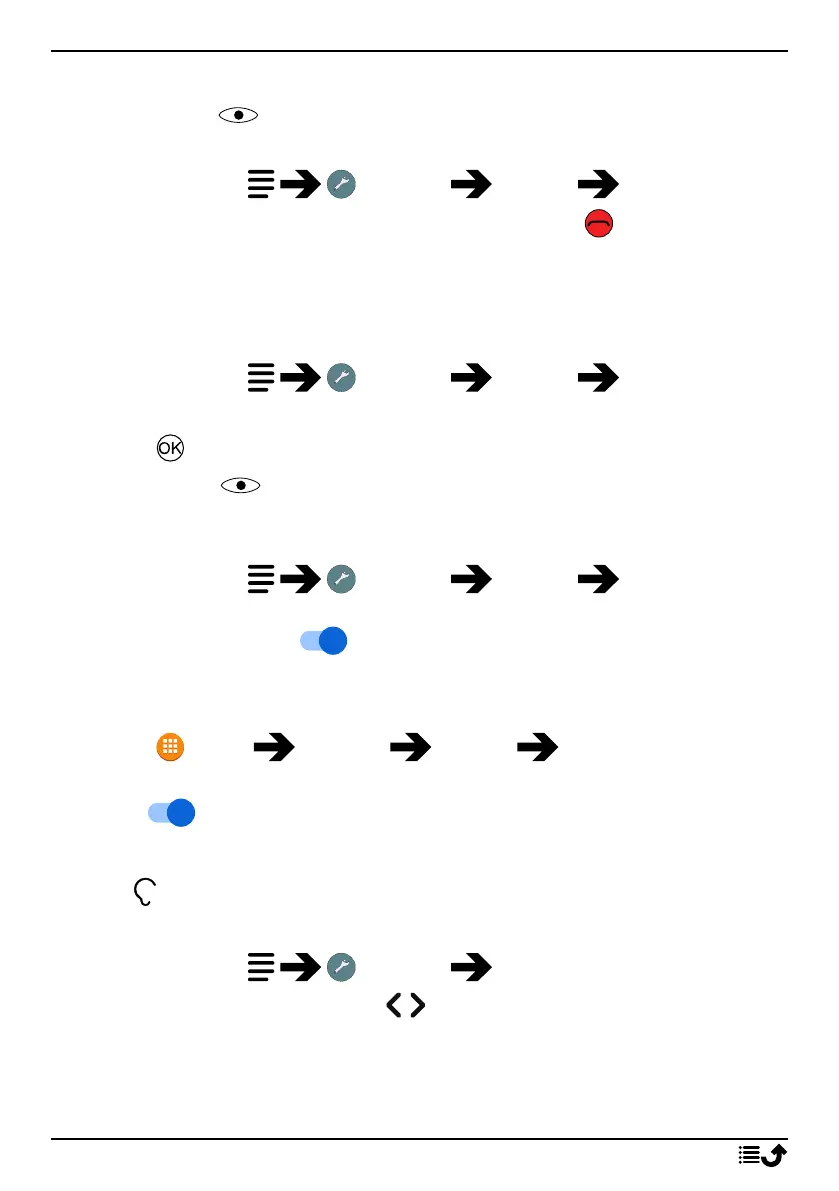
1. Press and hold Settings Display Brightness level.
2. Set the brightness to comfortable level and press when done.
Note! The brighter the display is, the more batter power it will consume.
Sleep
Select the delay time for the display backlight.
1. Press and hold Settings Display Sleep.
2. Select the how long time the display lit.
3. Press to confirm.
Colour inversion
Colour inversion exchanges colour values. For example, black text on a
white screen becomes white text on a black screen.
1. Press and hold Settings Display Colour
inversion.
2. Set the switch to on to enable this feature.
Block function
Select an app or function you want to block for usage.
1. Press Menu Settings Display Block function.
2. Select each app/function you want to disable and activate blocking
with .
Sound
Volume
Adjust the volume settings for various sounds on your device.
1. Press and hold Settings Sound:
2. Select type of sound and use
/ to adjust the volume.
• Media volume.
• Alarm volume.
• Ring volume.
36



 To Next Page