English
3. Press when done.
Audio setup
If you use a hearing aid or have hearing difficulties when using the device
in a noisy environment, you can adjust the audio settings.
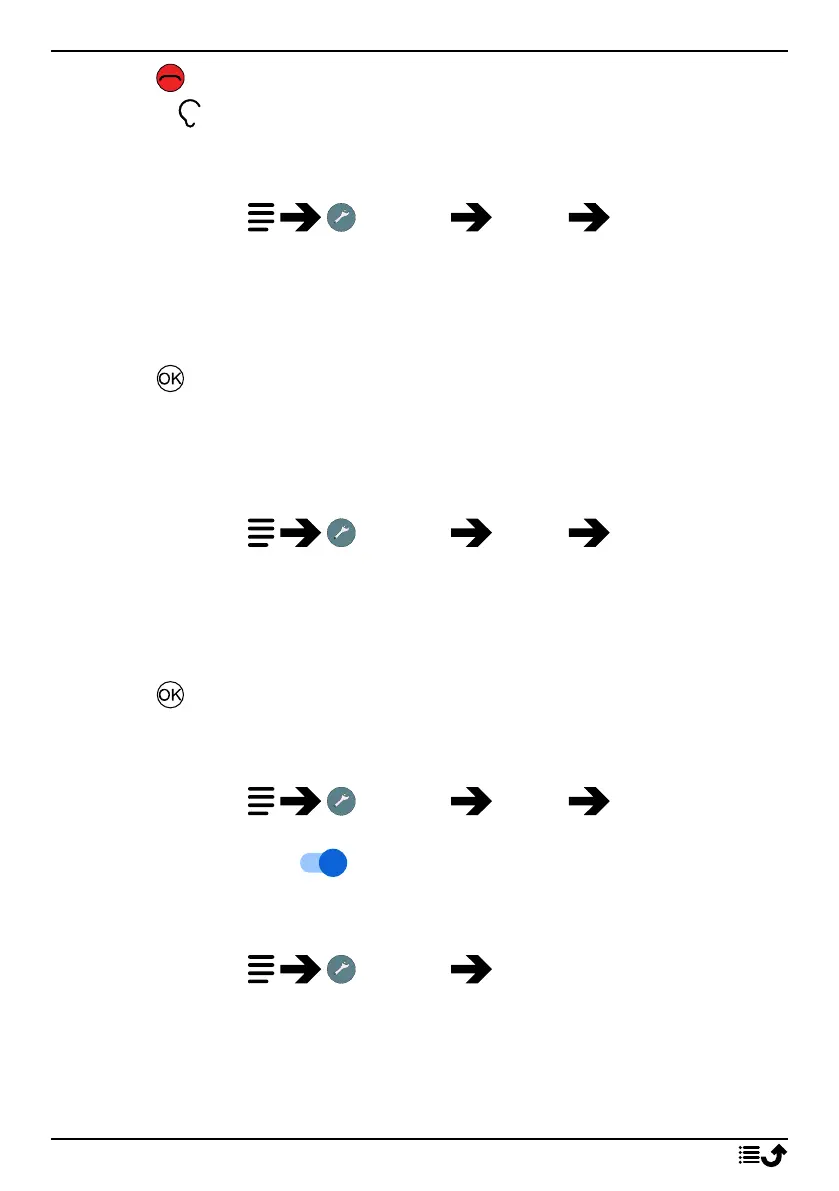
1. Press and hold Settings Sound Audio setup:
• Normal for normal hearing in normal conditions.
• High for moderate hearing impairment or use in a very noisy
environment.
• HAC mode for use with hearing aid.
2. Press to confirm.
Note! Try different settings to find the one that suits your hearing the best.
Keypad tone
Select the sound you hear when you press the keys of the phone.
1. Press and hold Settings Sound Keypad tone .
2. Select between
• Silent
• Click
• Tone
3. Press to confirm.
Vibrate for calls
Set to vibrate for incoming calls.
1. Press and hold Settings Sound Also vibrate for
calls.
2. Set the switch to on to enable this feature.
Ringtones and alerts
Select various ringtones and alerts on your device.
1. Press and hold Settings Sound.
2. Select the sound to set and select one of the available melodies, the
melody will be played.
• SIM1 Phone ringtone to set the ringtone for incoming calls on
SIM1.
37



 To Next Page