English
Home key
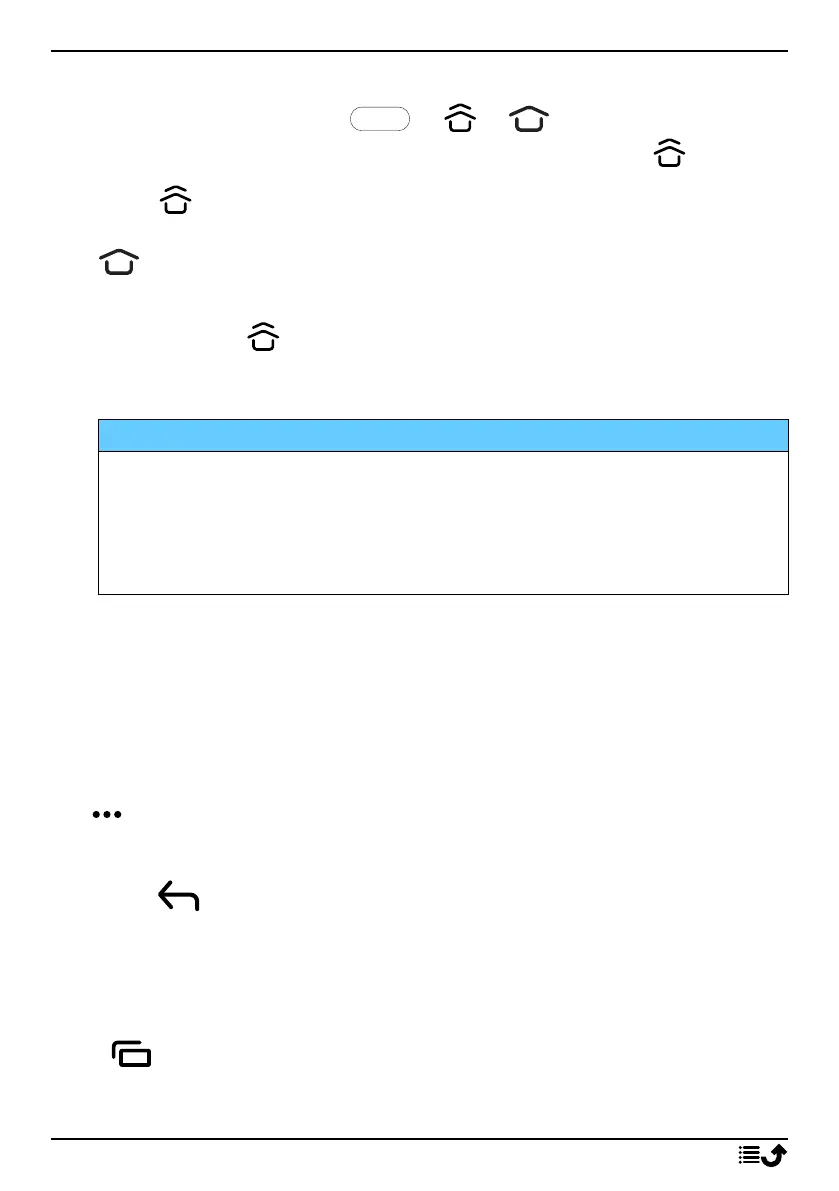
• Press the centre oval key or or to return to the Home
screen. In the rest of the document we will only refer to .
Note! is only visible if Swipe up on Home button is activated, see
Swipe up on Home button, p.14.
is only visible if Swipe up on Home button is deactivated, see
Swipe up on Home button, p.14.
• Press and hold to launch Google Now. Google Now is an intelligent
personal assistant developed by Google, that is available within the
Google search mobile application.
IMPORTANT!
You need an Internet connection and a Google account (see, Sign in
to Google
™
, p.7) to use this service. It is recommended to use Wi-Fi
connections when available to reduce costs for data traffic. Contact
your service provider for detailed subscription costs before
activating.
To set up Wi-Fi, see Connect to Internet using wireless networks (Wi-Fi),
p.21.
Doro shortcuts panel
Note! This feature needs to be activated before the icon is visible. See
Navigation, p.14
Tap in the command bar to open a panel which contains several short-
cuts to ease your phone use.
Back key
Tap to return to the previous screen, or to close a dialog box, menu, or
keyboard.
Recents key
Note! is only visible if Swipe up on Home button is deactivated, see
Swipe up on Home button, p.14.
13



 To Next Page