English
Tip: Text messages (SMS) are delivered immediately to a device that most
of us have with us at all times, a text message also represents a more
personal and intimate connection. Most modern smartphones can receive
emails (that may be preferable for more formal communications or
inquiries) but texting remains simpler and is the only option for those using
a more basic cell phone.
You can find more help regarding Messages on support.google.com/
messages/.
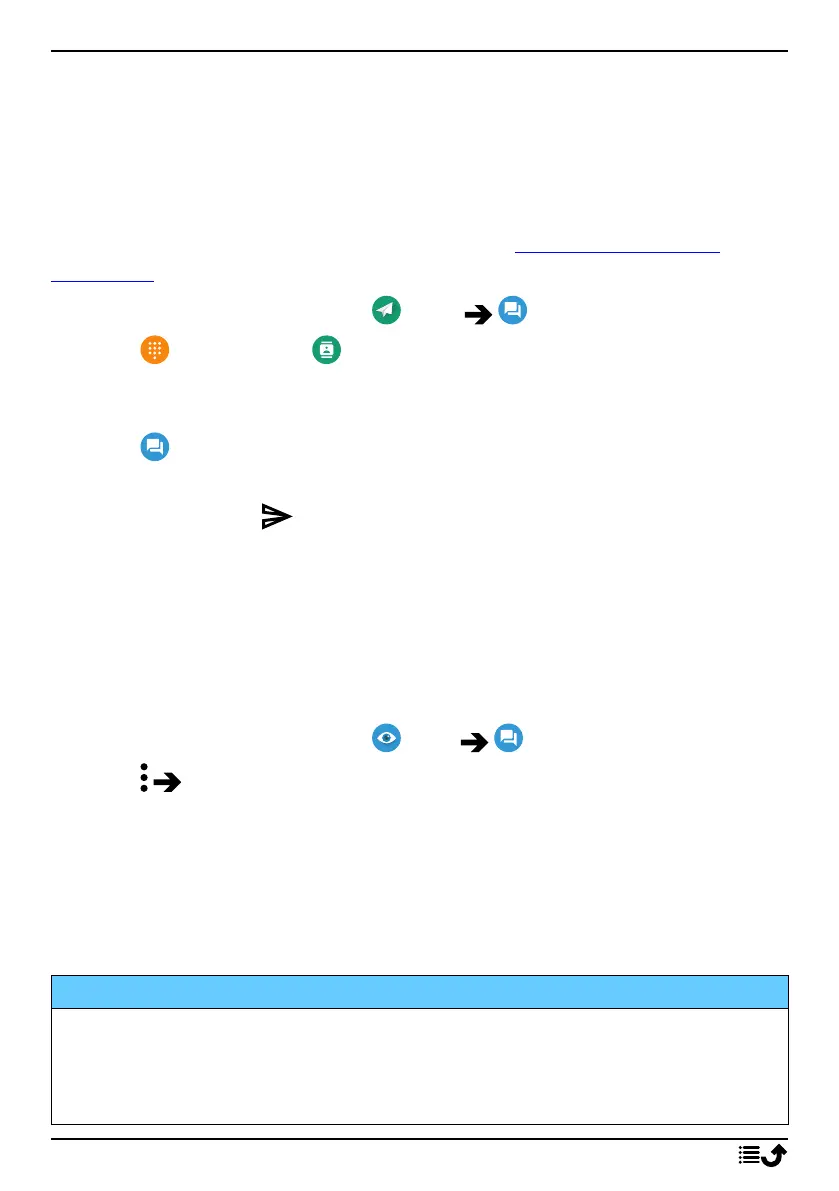
1. From the Home screen, tap Send A message.
2. Tap To a number/ To a contact.
3. Enter the phone number, you are offered suggestions as you type or
search among your stored contacts.
4. Tap or tap a suggested contact.
5. Compose your message.
6. When done, tap to send.
Note! If you choose to add multiple recipients, you may be charged for
each recipient. You may also incur additional charges for sending messages
when you are roaming. It is recommended to use Wi-Fi connections when
available to reduce costs for data traffic.
Messages settings
1. From the Home screen, tap View My messages.
2. Tap Settings.
Note! Message settings are normally already set and should not need to be
altered by you, unless, of course you want to make changes. Some
features are network services and you may need to subscribe to them first.
For more information contact your service provider.
Email
IMPORTANT!
You need an Internet connection to use this service. It is recommended
to use Wi-Fi connections when available to reduce costs for data traffic.
Contact your service provider for detailed subscription costs before
activating.
56



 To Next Page