English
Turn Data roaming On or Off
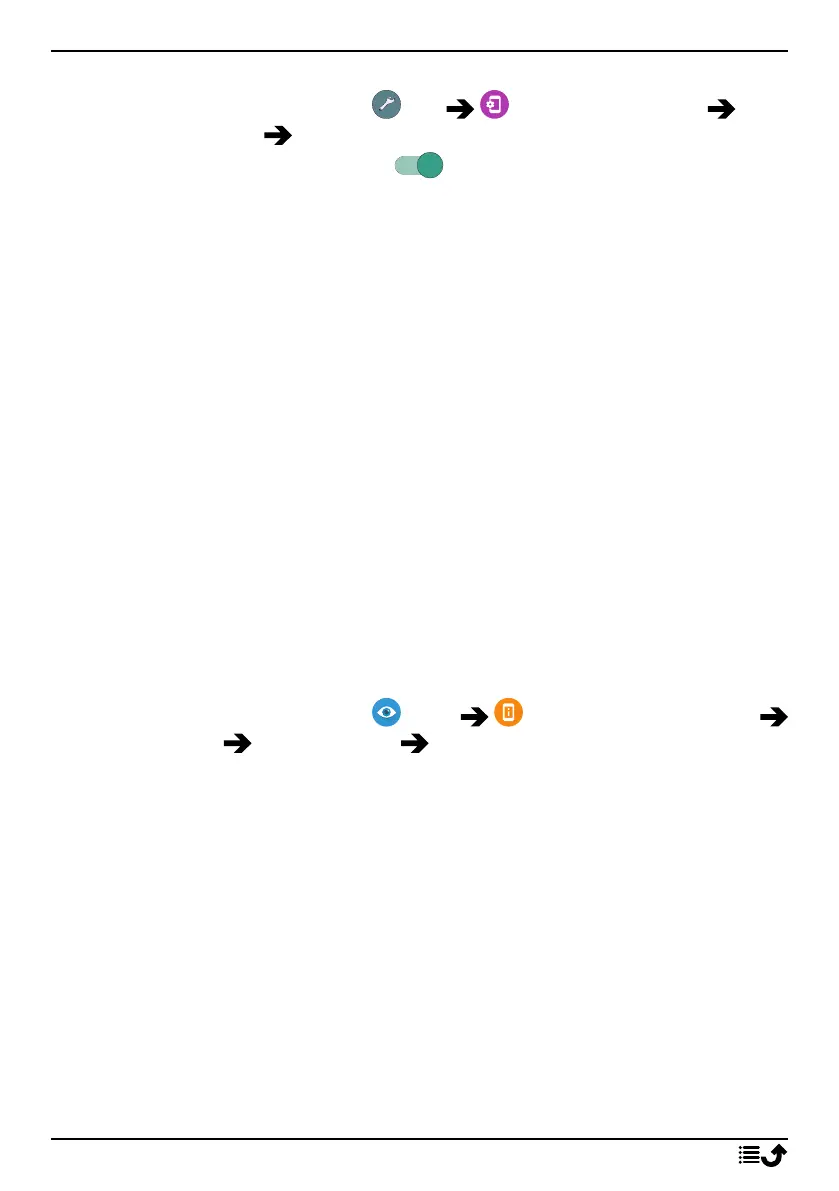
1. From the Home screen, tap Set Advanced settings Net-
work & Internet Mobile network.
2. Use the Data roaming switch to enable/disable.
Battery
Increase the charging speed
1. To increase the charging speed, turn the device or its screen off when
you charge the battery. Press the Power button to view charging
status.
2. The device can be used during charging, but it may take longer to fully
charge the battery.
3. If the device heats up or the ambient air temperature rises, the charg-
ing speed may automatically decrease. This is a normal operating con-
dition to prevent damage to the device.
Battery saver mode
Once activated, the battery saver mode, helps to increase battery life. The
battery saver is designed to start functioning when the battery level of your
phone reaches a certain level. To save battery many features are slowed
down, such as: background syncing, vibrations (vibrate on touch will be
lost), email and/or message processes and more.
1. From the Home screen, tap View My phone information
Battery info Battery Saver Turn on now.
2. When activated, the colour of the battery in the status bar at the top
of the screen turns orange. This lets you instantly know that the mode
is activated.
3. To automatically activate power saving mode when the remaining bat-
tery power reaches the set level, switch to enable Turn on
automatically.
4. If needed, adjust the battery level when the battery saver should turn
on automatically.
Note! You will be prompted to enable the battery saver feature when the
battery level reaches the set level. The battery saver feature will turn off
automatically when you charge your device.
23



 To Next Page