English
2. To disable, tap once again.
Keypad (tone sending)
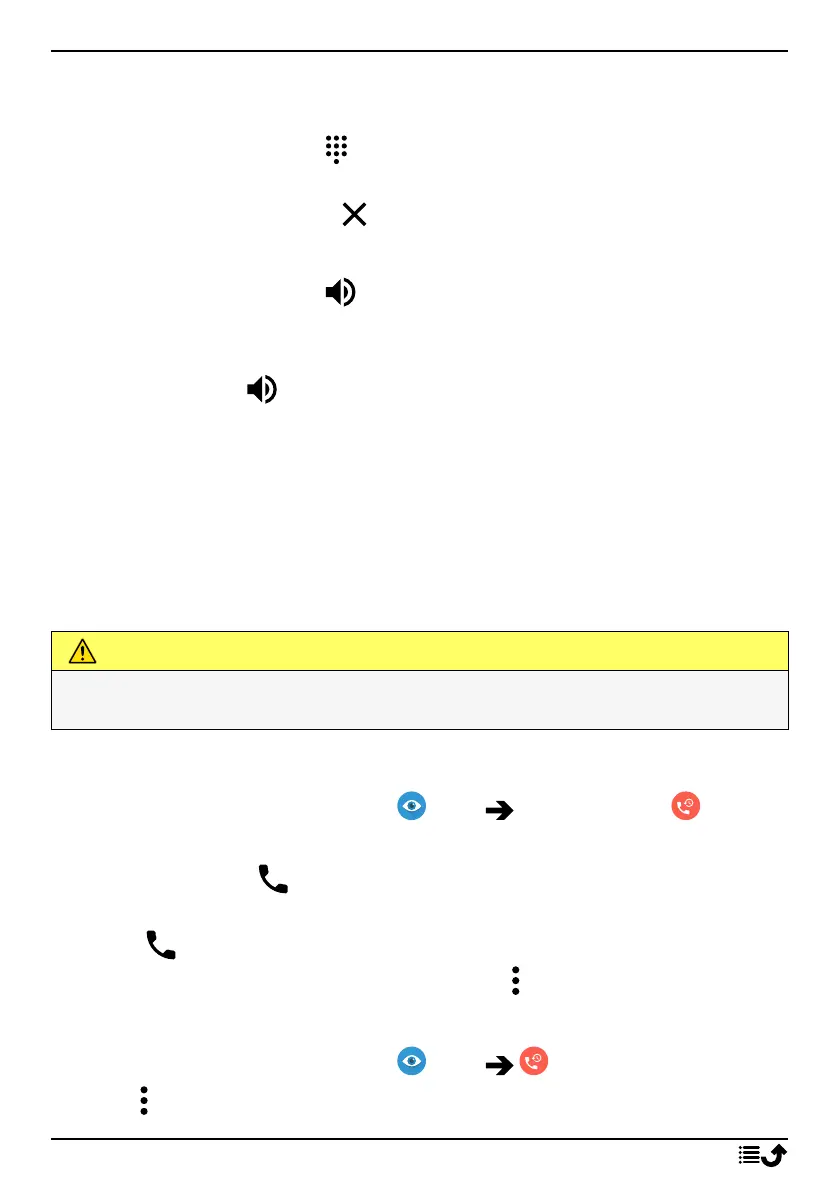
1. During a voice call, tap .
2. Enter number.
3. To close the keypad, tap .
Loudspeaker
1. During a voice call, tap .
2. Speak clearly into the microphone at a maximum distance of 1 m. Use
the volume keys to adjust the loudspeaker volume.
3. To disable, tap once again.
Note! During a voice call more actions can be available, depending on the
region, service provider, model specifications, or software.
Headset
Headset
• Connect a headset to the headset socket. The internal microphone in
the phone is automatically disconnected.
CAUTION
Using a headset at high volume may damage your hearing. Adjust the
volume level carefully when using a headset.
Call log
1. From the Home screen, select View My call history .
2. Tap a number or a contact to:
• To call, tap .
• Press and hold a number/contact for more options tapTo call, tap
.
• For more general call log options tap .
Clear the call log
1. From the Home screen, select View My call history.
2. Tap and select Call history.
46



 To Next Page