English
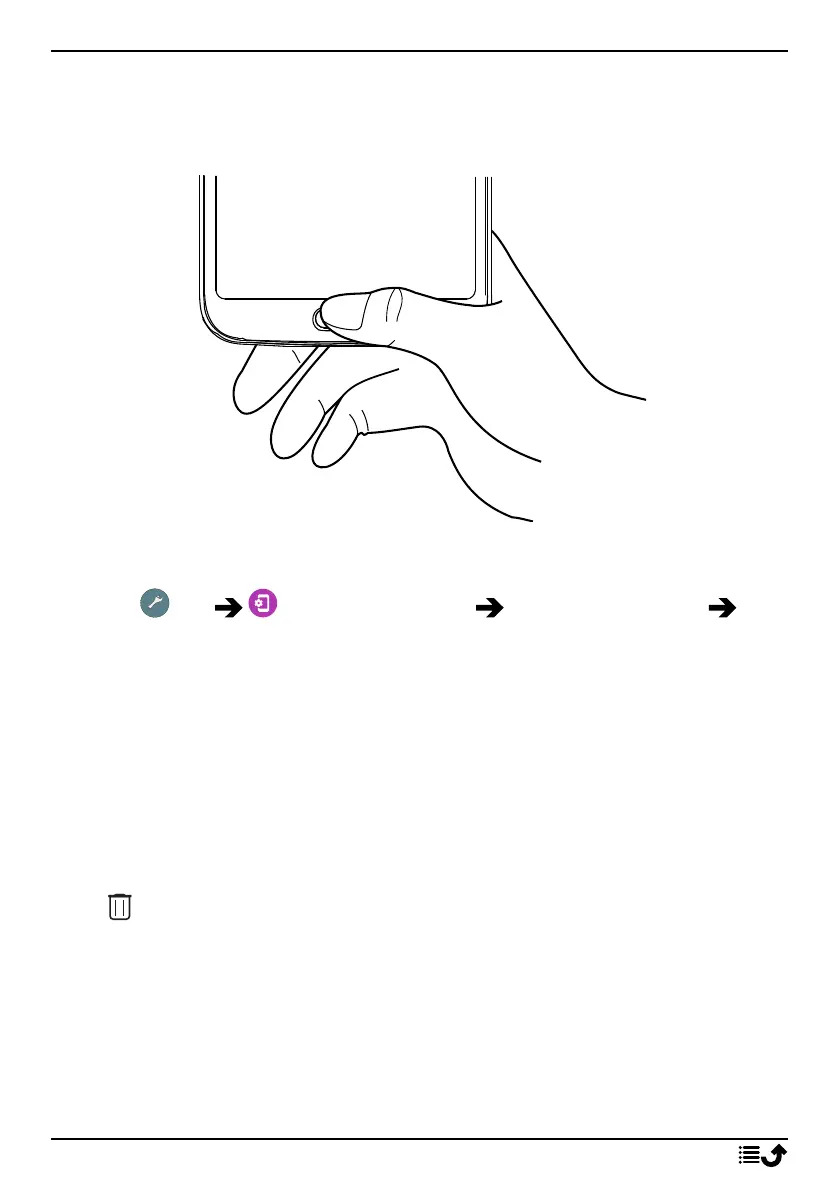
• Do not cover the fingerprint sensor with protective films, stickers, or
other accessories that may deteriorate the fingerprint recognition. If
the fingerprint sensor initially is covered with a protective film, re-
move it before using the fingerprint recognition sensor.
Register a fingerprint for the first time
1. Tap Set Advanced settings Security & location
Fingerprint.
2. Tap Next and enter your pattern, PIN or password.
3. Follow the on-screen instructions to complete fingerprint. Keep lifting
and placing the same finger to add the different parts of the finger-
print on the sensor until registration is completed.
4. Tap Done when ready.
Alternatively, tap Add another to add more fingerprints. You can add
up to 5 fingerprints.
Tap on a fingerprint if you want to name it, like “Right indexfinger”.
Press if you want to delete a fingerprint.
14



 To Next Page