English
Status bar
The status bar, located at the top of your screen, shows signal strength, on-
going and new applications as well as battery status.
Notification panel
Open the notification panel to view more information about the icons in
the status bar, to view your notifications and manage the quick settings like
Wi-Fi or Torch.
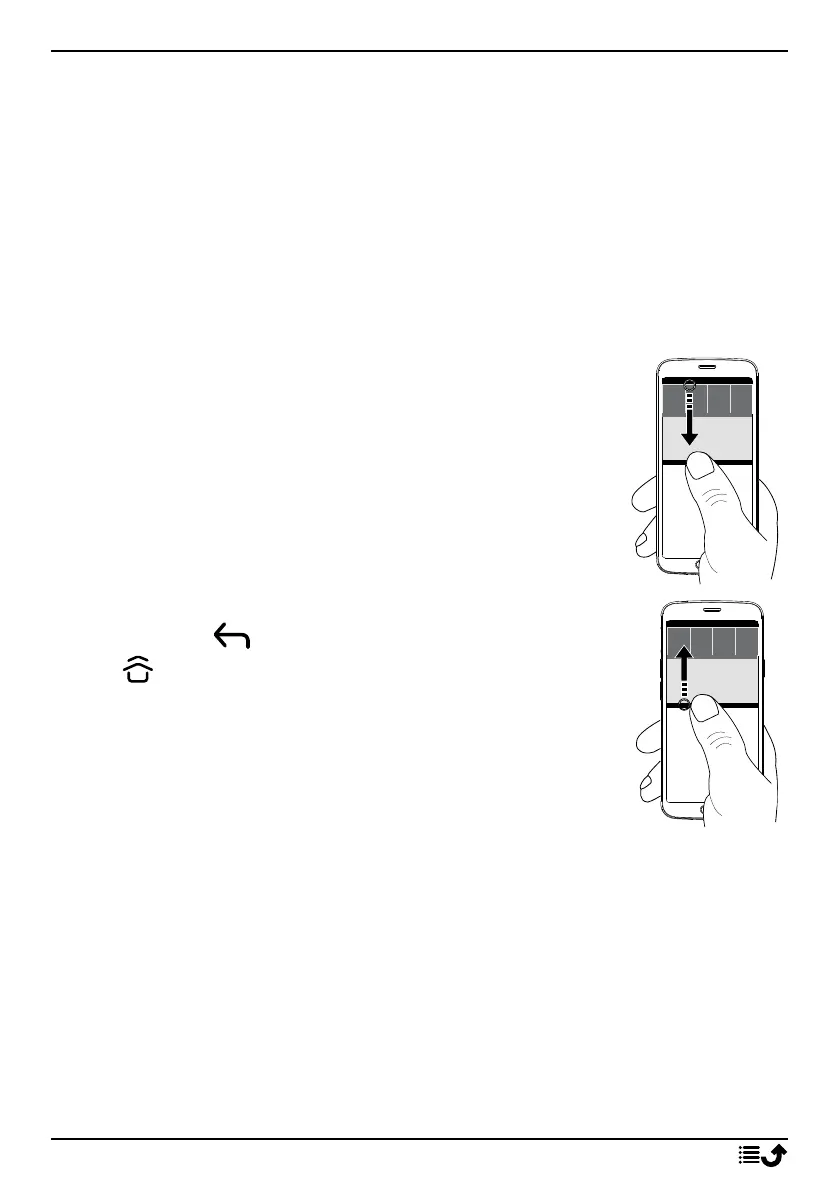
Open and close the notification panel
To open the notification panel, swipe
the status bar down.
To close the notification panel, swipe
up twice, or tap twice,
or tap to return to the Home
screen.
Clear the notifications
• To clear all the notifications, tap Clear all.
• To close one by one, swipe to the left or right.
Notifications on lock screen
All app notifications appear on the lock screen ready for viewing. Not only
that, but you can interact with them as well. Depending on the notification
in question you can:
• Swipe to dismiss.
19



 To Next Page