Page 14
D25F Troubleshooting - Part 3
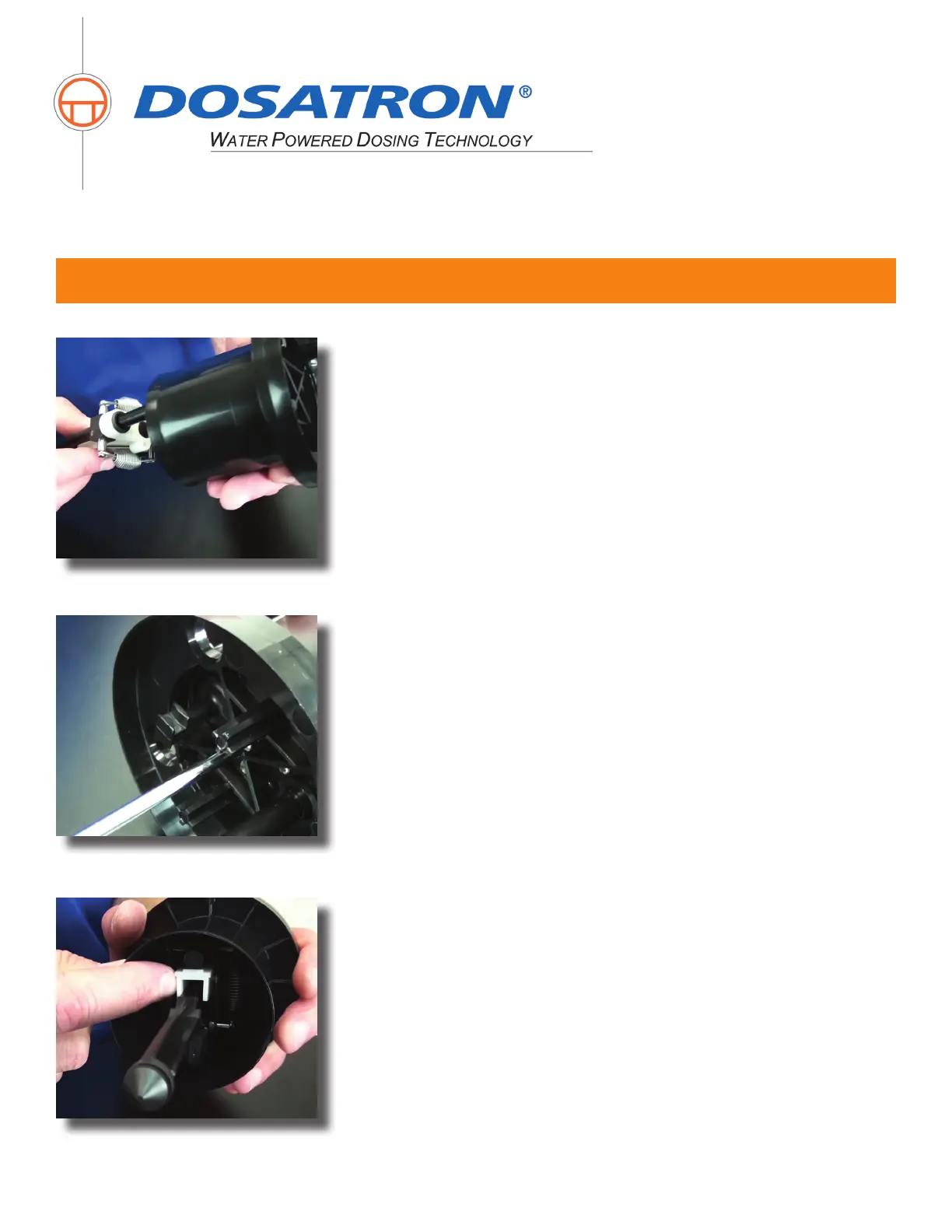
Step 14: Now re-install the four screws and hand tighten them in a
star pattern.
Step 15: Press the white plastic portion of the actuator side to
side. If there is movement, re-tighten the screws.
800-523-8499
www.dosatronusa.com
Proper protection, such as gloves, eye wear, and aprons, are recommended when disassembling a Dosatron.
Step 13: Then, position the actuator assembly in the shell as
shown and hold rmly.


 To Next Page