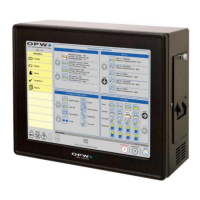
To set up a History Report:
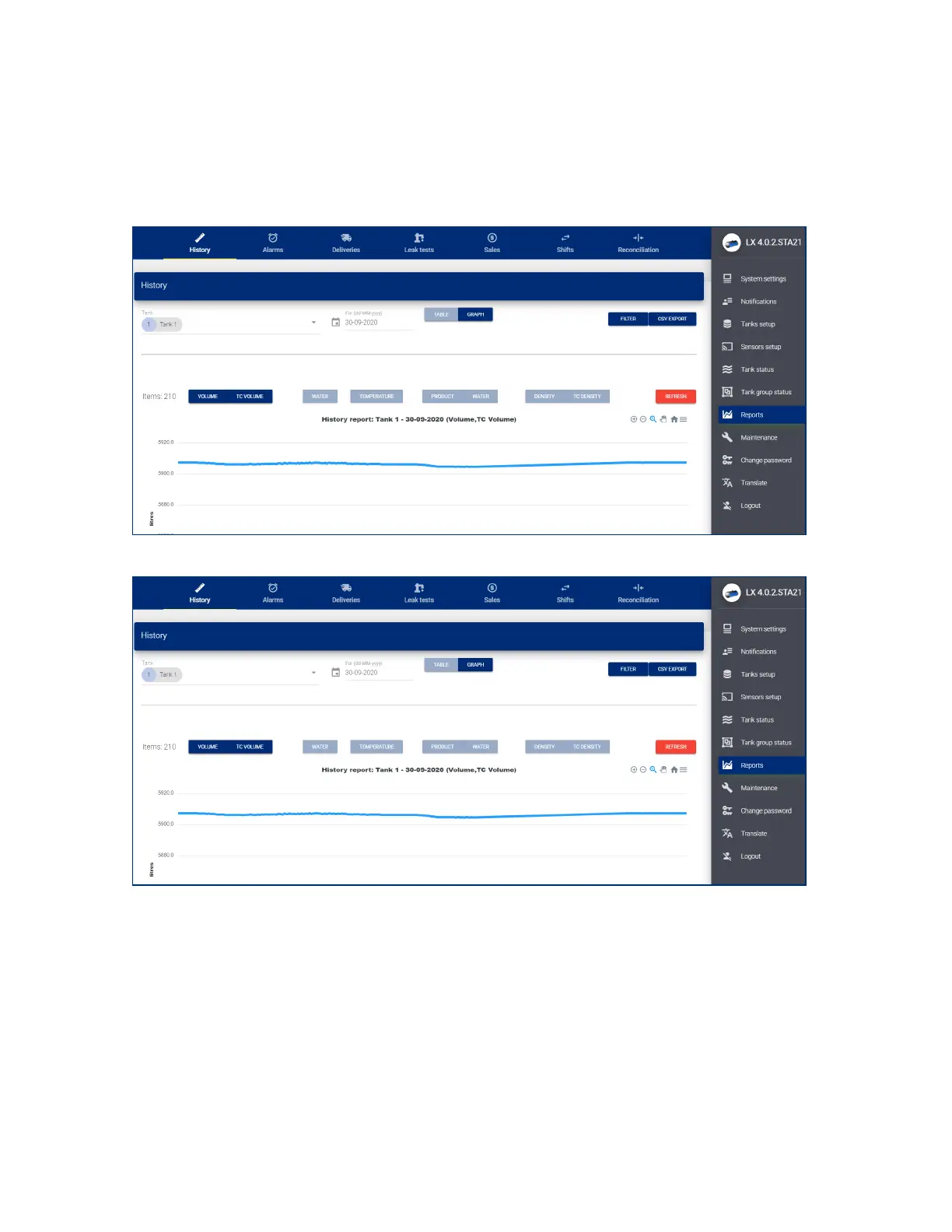
l Select a Tank Number from the drop-down or use the swipe button to select All tanks.
l Use the date-picker to select a From Date for your report.
l Select to see the data in a Table or Graph.
l Push the Filter button to show the data. The image below shows data as a Graph.
l The History Report can be exported to a csv format that can be saved in a spreadsheet or text editor.
Click the CSV Export button to continue.
M2051-EU Rev.: 1 Dover Fueling Solutions
Page 48


 To Next Page
 Loading...