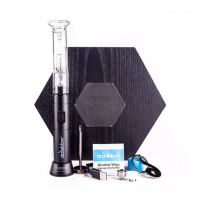
Ceramic Induction Cups should only be removed with the reverse action tweezers.
Although interchangeable, the White Ceramic Induction Cup was designed for use with essential oils, while the
Black Ceramic Induction Cup is designed for leaf.
The SWITCH is able to detect whether or not an Induction Cup is present and will not begin a heating cycle
without a Ceramic Induction Cup in place.
Trying to operate the SWITCH with anything other than authentic Dr. Dabber SWITCH Induction Cups may
damage the unit and/or cause bodily harm and will void all warranty.
*** CRYSTAL INDUCTION CUP MUST BE USED IN CRYSTAL MODE ***
Standby Lighting Options
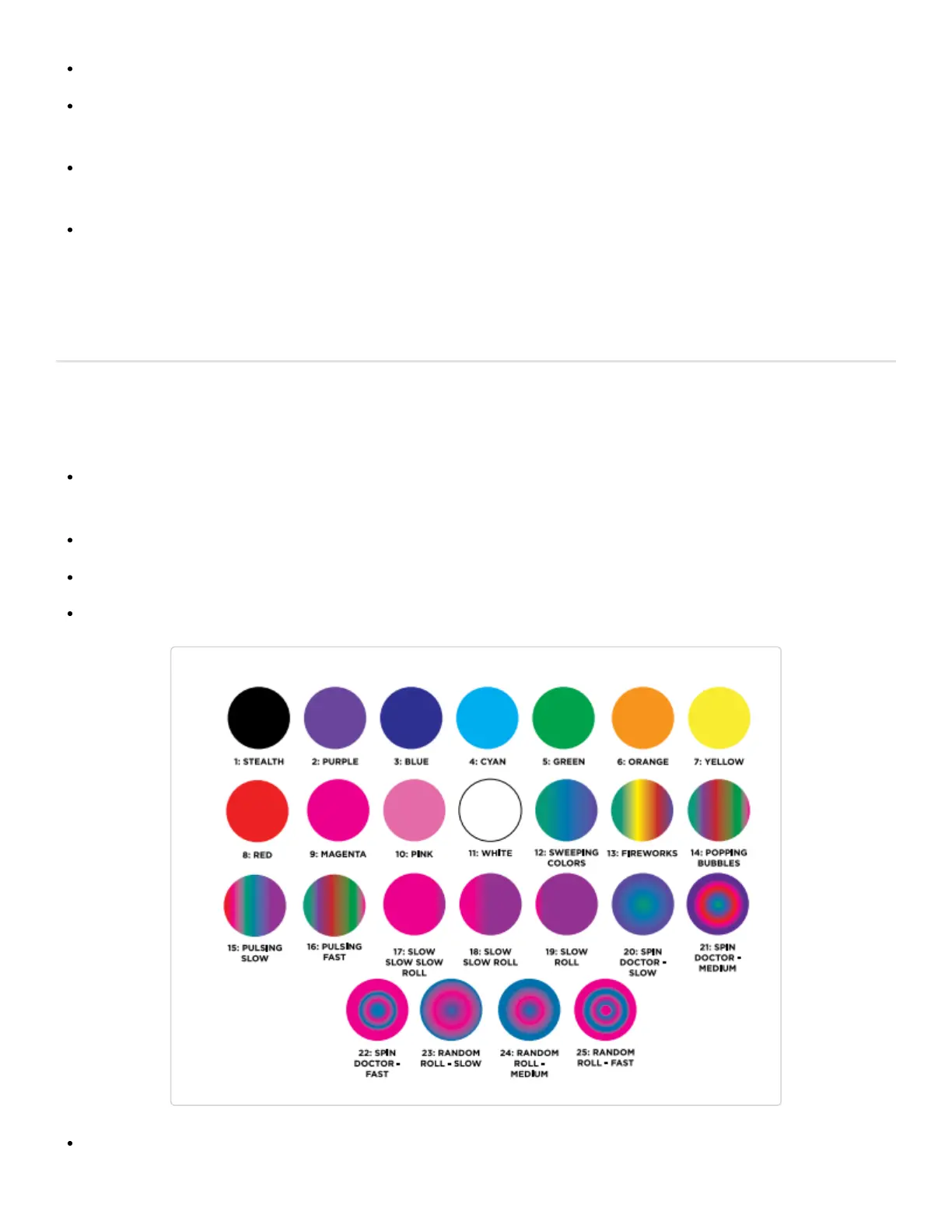
The SWITCH has 25 different ambient light settings to choose from when the unit is in Standby Mode. Once
set, the SWITCH will retain your favorite light setting until it is changed again.
To change light settings, press and hold the (-) button.
While holding down the (-) button, cycle through the lighting options by pressing the (Go) or (+) buttons.
Release the (-) button to save the selected lighting option.
1:Stealth (Glass top lights will not illuminate)


 To Next Page