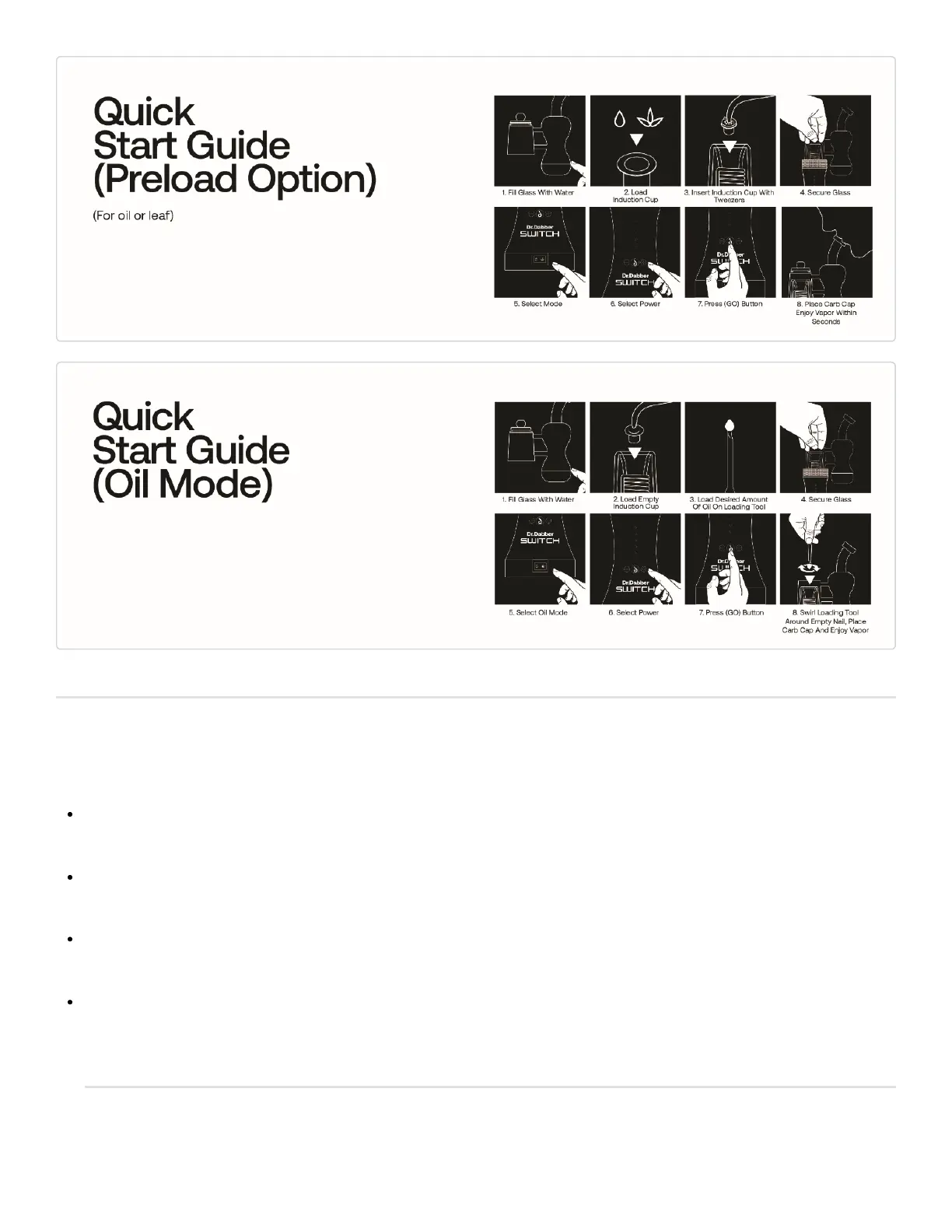
Powering The SWITCH On And Off
Flip the Power Switch to either the (LEAF)mode for vaporizing leaf-based products, or the (OIL) mode for
essential oils.
When changing modes on the SWITCH, the Power Switch must be turned to the ‘OFF’ position before turning
to the opposite mode.
The unit is turned off by returning the Power Switch to the center position. The LEDs will light up Cyan, then
fade to Black.
Internal persistent memory allows the SWITCH to be turned back on and retain the most recent Power Settings
within that Mode.
Adjusting SWITCH Power Settings



 To Next Page