CONTACT US AT www.DRPower.com 11
Assembling the DR TOW-BEHIND FIELD and
BRUSH MOWER
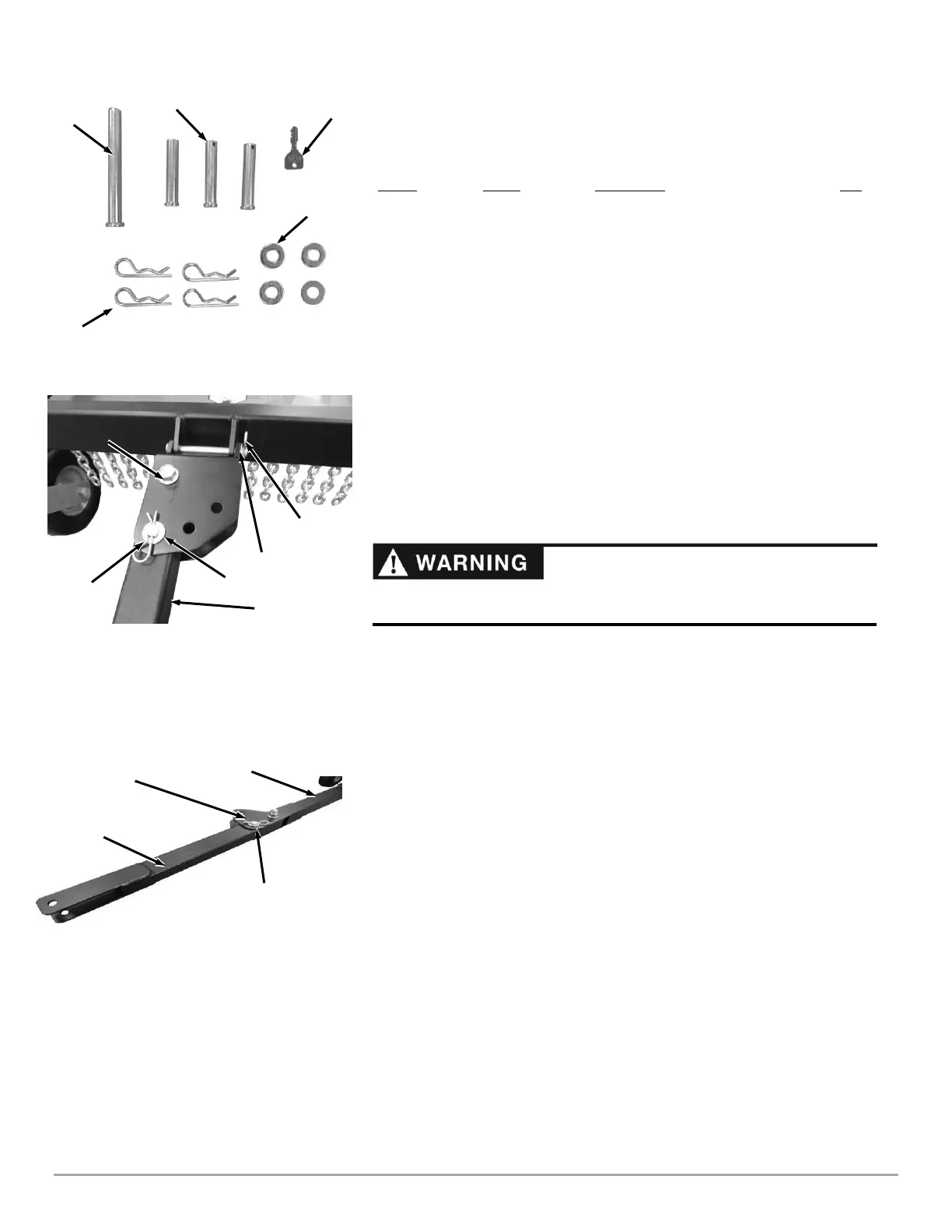
Hardware Supplied in Product Package (Figure 14 and Table below):
Item # Part # Description Qty
11 .................... A0000253563……..PIN Clevis ½ X 4.5 in L ZP …………...….1
10 .................... 255491…………......Pin, Clevis, ½ in X 2-1/2 in, TRT………….3
6…………………157201………………Key, Ignition Switch……………….…….….2
15 .................... 234991………………Washer, SAE Flat, ½ in, ZP…….…...………4
13 .................... 160031………………Pin, Hair, ½ in to 9/16 in, .12 in Wire….....4
Compare the hardware of the Product Package with the “Parts Supplied” list above.
If there are any questions, please contact us at www.DRPower.com.
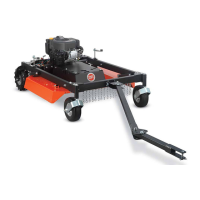
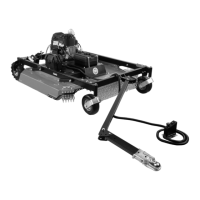
Attaching the Tow Bar to the Push Bar
The Tow Bar can be positioned to the left, to the right, or directly behind center
depending on which side of the Tow Vehicle you choose to mow. Refer to "Offset
Mowing" in Chapter 4. The following steps describe installing the Offset Bracket to
allow offsetting to the left side of the Tow Vehicle.
1. Secure the Offset Bracket to the Push Bar in the configuration shown (for left
side offset) using the 4.5 in long Clevis Pin, Washer, and Hair Pin (Figure 15).
2. Align the Tow Bar so it is pointed straight out from the Mower and install a Clevis
Pin, Washer, and Hair Pin in the Offset Bracket to lock the Tow Bar into position.
3. Align the Tow Bar Extension with the Tow Bar and install a Clevis Pin, Washer,
and Hair Pin in the Tow Bar to lock the Tow Bar Extension in place (Figure 16).
Connecting the Remote Control
Tools Needed:
• Wire Cutters
• 5/16 in Socket w/Ratchet
1. Use wire cutters to cut the cable tie that is securing the Remote Control Cable to
the frame for shipping.
2. Remove the screws securing the cable clamps to the Tow Bar using a 5/16 in
Socket w/Ratchet.
3. Route the Remote Control Cable over the Push Bar and on top of the Tow Bar.
Leave some slack in the Remote Control Cable around the Push Bar to allow for
Mower Deck movement.





 To Next Page