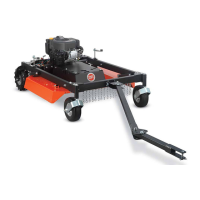
Connecting the DR TOW-BEHIND FIELD and BRUSH MOWER
to your Tow Vehicle
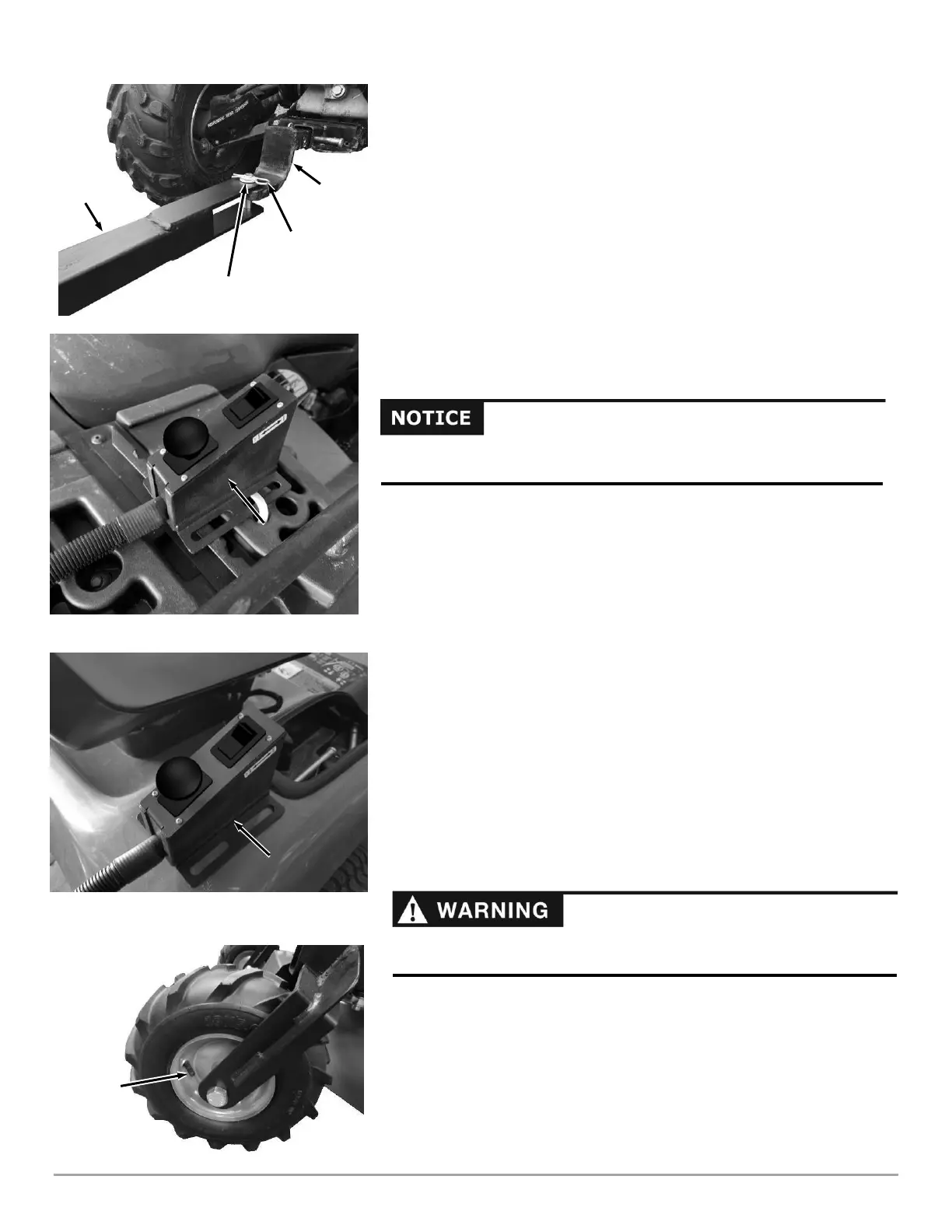
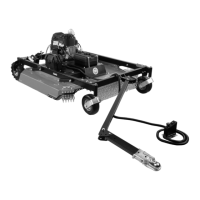
The Pin-Type Hitch that comes installed on the DR TOW-BEHIND FIELD and
BRUSH MOWER Tow Bar is a quick and easy way to attach to the Tow Vehicles
with a hole in the Hitch Plate. A Ball Hitch Kit is also provided if you would prefer
attachment to a 2 in Ball on the Tow vehicle. Go to the next page for info on
installation and operation of the Ball Hitch.
1. Move your Tow Vehicle to a flat area and set the Parking Brake.
2. Align the Tow Hitch to the hole in the center of your Hitch Plate with the top
portion of the Tow Hitch Plate above the Hitch Plate and the bottom portion
below (Figure 21).
3. Secure the Hitch with the Clevis Pin PN: 255491, Hair Pin PN: 160031 and
Washer PN: 234991.
Attaching the Remote Control
1. Position the Remote Control on your Tow Vehicle within reach of the seated Tow
Vehicle driver (Figure 22a and 22b).
2. Secure the Remote Control to a fixed object on your Tow Vehicle using the
mounting holes at either end of the Control Box with Cable Ties or equivalent.
Tip: Mounting the Remote Control on the side of the Tow Vehicle will make it easier
to access while observing the mower.
Checking the Rear Tire Pressure
Tools Needed:
• Tire Pressure Gauge
• Air Compressor
1. Remove the Valve Stem Protective Cap. (Figure 23) and check the tire
pressure with a Tire Pressure Gauge.
2. Compare the tire pressure reading from Step 1 with the manufacturer's
recommended tire pressure stamped on the side of the tire.
3. If the pressure is too low, add air through the Valve Stem with an air hose.
4. Replace the Valve Stem Protective Cap when finished.





 To Next Page