53
Data interface
Data interface
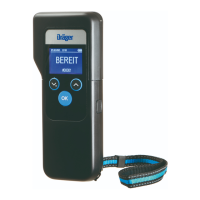
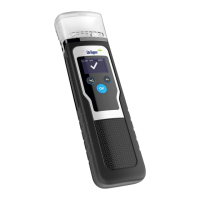
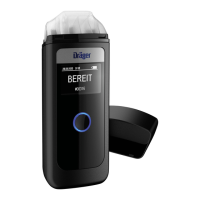
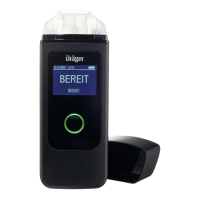
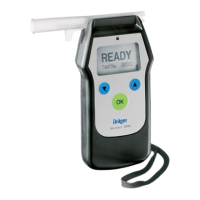
The Alcotest 7510 is equipped with two alternative interfaces for data communication with
peripheral equipment.
— USB connection for data communication (e.g. data download and configuration) with a PC
using a USB/mini USB cable (e.g. 83 18 657) with the PC program "Dräger Diagnostics"
(83 19 342 starting with version 1.60)
— Infrared interface for direct communication with external devices (e.g. "Dräger Mobile
Printer") or using " Alcotest 7510 IR module" 83 19 763 (Infrared/USB converter) and
USB/mini USB cable (e.g. 83 18 657) with a PC using the PC program "Dräger
Diagnostics" (83 19 342 starting with version 1.60).
During the communication with an interface, the other interface is inactive.
PC communication:
● Connect the data cable (e.g. 83 18 657) to the PC using a free USB port.
● Insert the other end of the cable into the designated connection for the Alcotest 7510 or
the fitted "Alcotest 7510 IR module".
● Switch on the Alcotest 7510. The PC configures the newly detected connection.
● Start the PC program "Dräger Diagnostics" (83 19 342 starting with version 1.60)
● The setting of the correct interface must be verified under menu item
» Program Settings « / » Default Interface Settings « in the PC program.
● Set the desired language under menu item » Program Settings « / » Language «.


 To Next Page
 Loading...