Alarms
84 Instructions for use Babylog 8000 plus SW 5.n
Alarm limits
Automatic alarm limits
The following alarm limits are set automatically
and cannot be changed by the user:
– Airway pressure:
– Upper alarm limit for mechanical breaths
– Upper alarm limit for expiration or CPAP
– Lower alarm limit
– Alarm limit for disconnection
–O
2 concentration:
– Upper alarm limit
– Lower alarm limit
Information on calculations can be found in
chapter ''Monitoring functions'' on page 138.
Manual alarm limits
The following alarm limits must be set by the user:
Setting the alarm limits
1 Press the key.
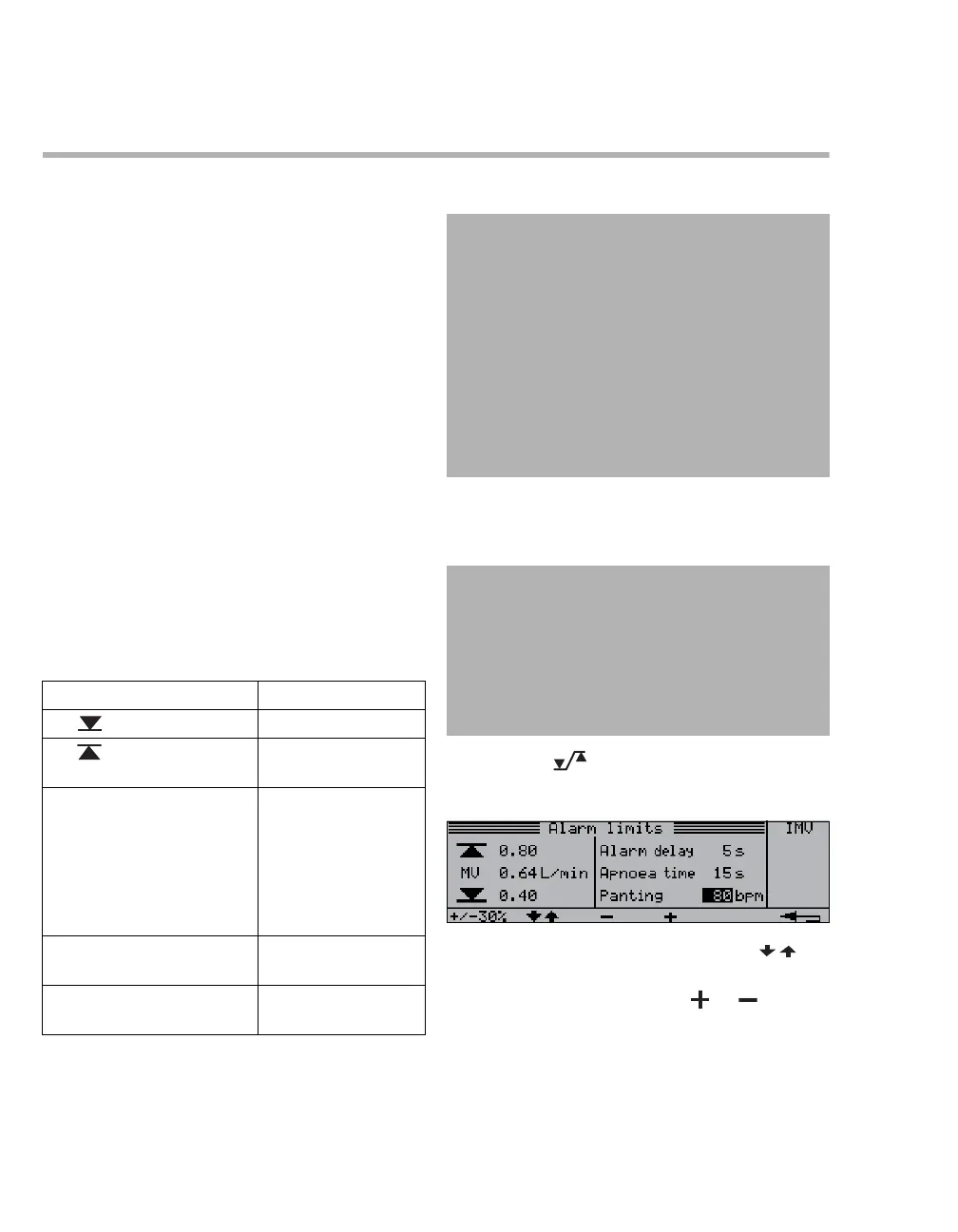
The Alarm limits dialog window is opened.
2 Select the parameter by pressing the
key.
3 Set the alarm limit using the or key.
Alarm limit Setting range
MV 0 to upper alarm limit
MV Lower alarm limit to
15 L/min
The alarm delay time
Alarm delay delays the fol-
lowing alarms:
0 to 30 seconds
– MV low
– VT low
Check settings!
Apnea alarm time Apnoea
time
5 to 20 seconds
Respiratory rate for panting
breathing Panting
20 to 200 bpm
CAUTION
Risk of patient injury due to incorrect settings
If several identical or similar devices are being
used in the care areas, the alarm limits of the
devices may be configured differently and
therefore not be appropriate for the current
patient.
– Check the alarm limits and adjust them to the
current patient and the required therapy.
– Ensure that extreme or deactivated alarm
limits do not render the alarm system useless.
WARNING
Risk of patient injury
If the alarm limits are not adapted to the
patient and the required therapy, the patient
may be endangered.
Set the alarm limits accordingly.
21067














 To Next Page