Trends
90 Instructions for use Babylog 8000 plus SW 5.n
Displaying trends
The progression of the following measured values
over the past 24 hours is stored in the trend
memory.
1 On the main screen, press the Trend key.
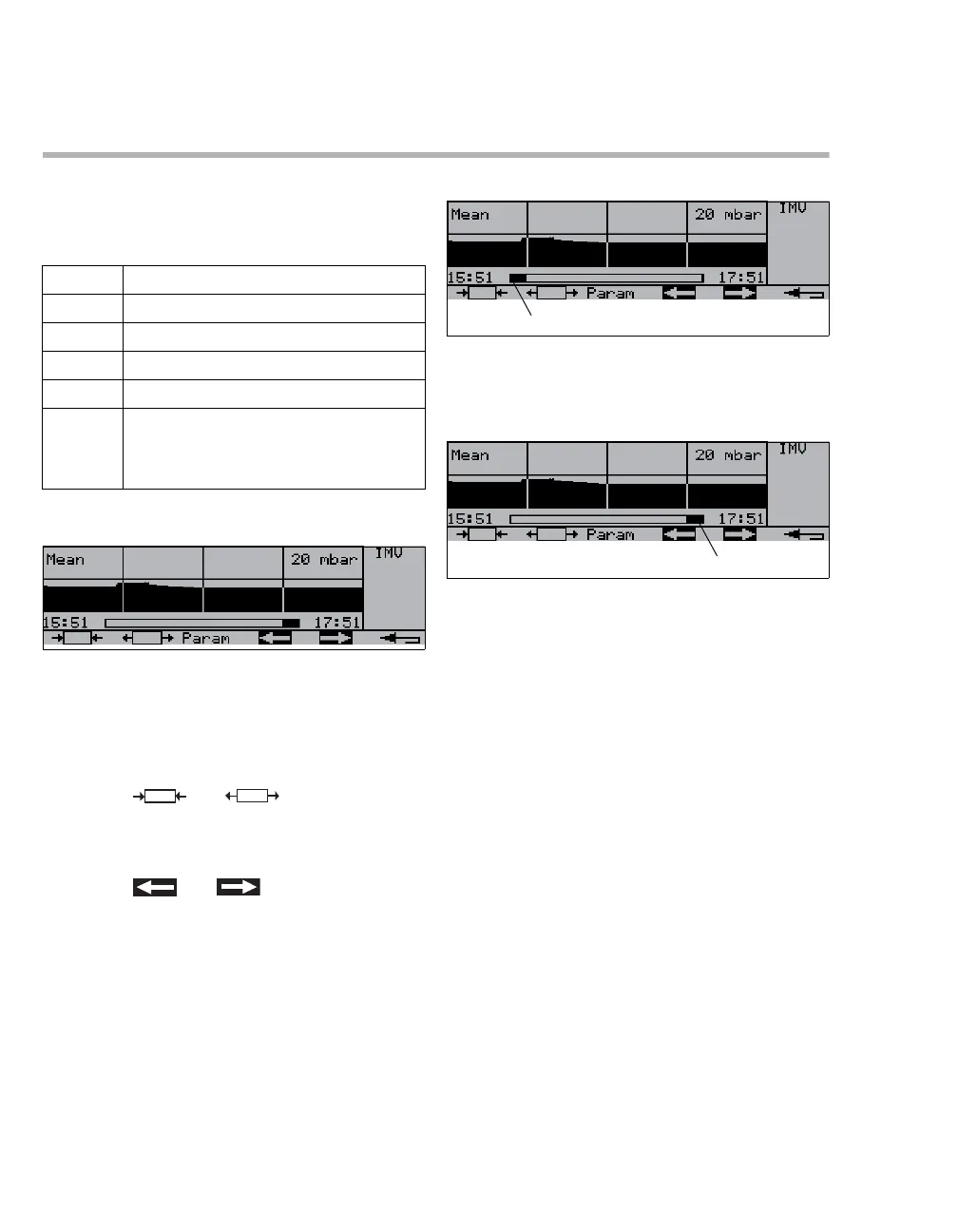
An segment of the trend memory is displayed. The
starting time and length of the segment can be
changed.
2 Select the desired measured value by pressing
the Param key.
3 Use the and keys to select the
length of the segment (max. 24 hours, min.
2 hours). The times displayed indicate the
beginning and end of the segment.
4 Use the and keys to shift the
segment:
FiO
2 Inspiratory O2 concentration
Mean Mean pressure
MV Minute volume
C Dynamic compliance
R Resistance
RVR Ratio of respiratory rate to tidal volume
Indicator of chance of success upon
weaning the patient from ventilation
21111
21112
A Located at the left end of the bar:
The segment is located at the beginning of the
trend memory.
21113
B Located at the right end of the bar:
The segment is located at the end of the trend
memory.














 To Next Page