Instructions for use Babylog 8000 plus SW 5.n 91
Trends
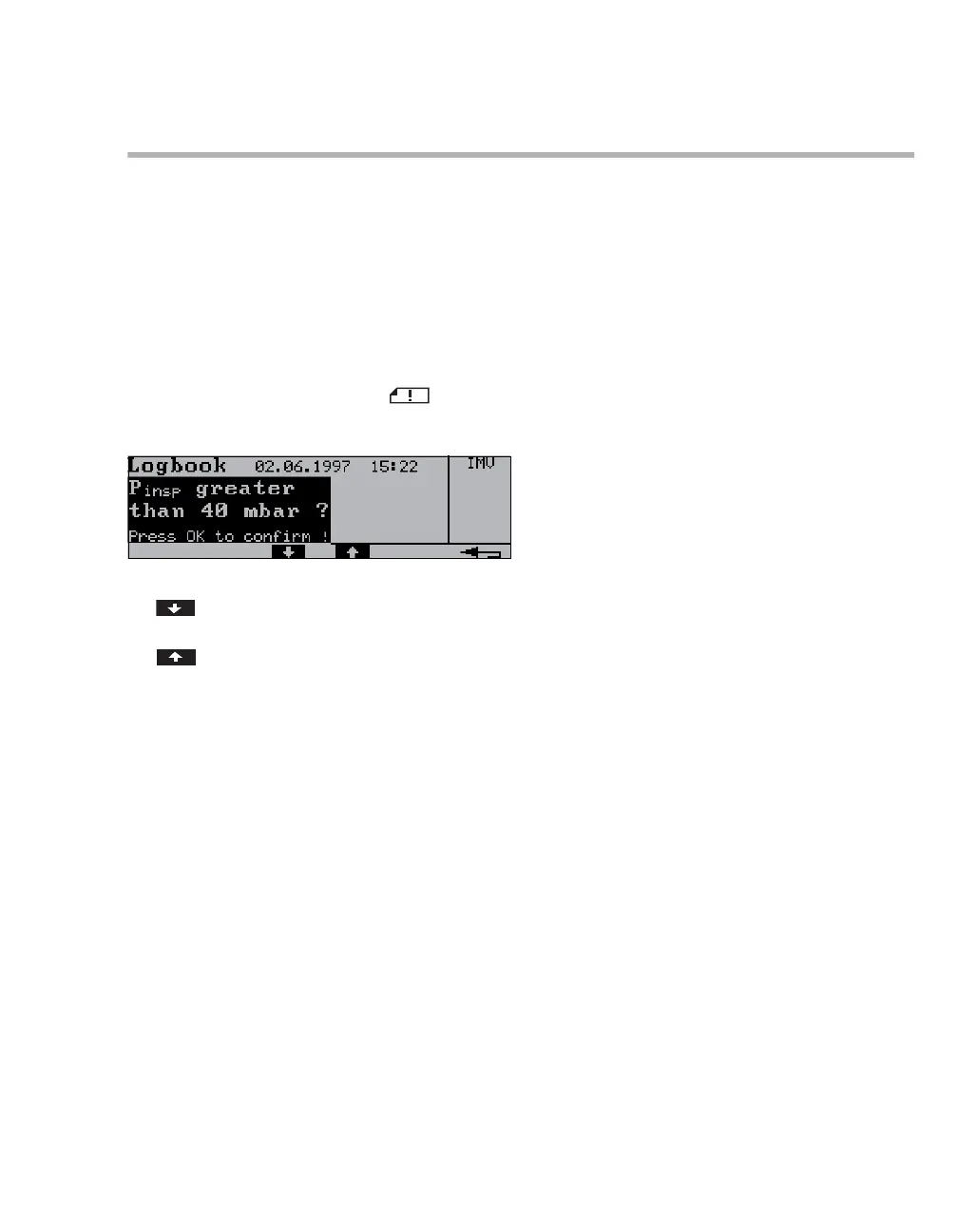
Displaying the logbook
The logbook records all alarm messages in
chronological order. Alarm messages that were not
acknowledged are highlighted.
After 100 logbook entries, the oldest entry is
overwritten as each new entry is recorded.
The entries in the logbook are not retained in
memory after the device has been switched off or
following a power supply failure.
1 On the main screen, press the key.
The Logbook dialog window is displayed.
2 Scroll forward in the logbook by pressing the
key.
3 Scroll back in the logbook by pressing the
key.
21115














 To Next Page