SCIO S ETUP
VF8 DELTA/DELTA XL/KAPPA 23-21
To access the Agent setup menu
Click on any agent parameter box if displayed
or
1. Press the
Menu fixed key.
2. Click on
Patient Setup.
3. Click on
Parameters to display a list of available parameters.
4. Click on
AGENT to display the Agent menu.
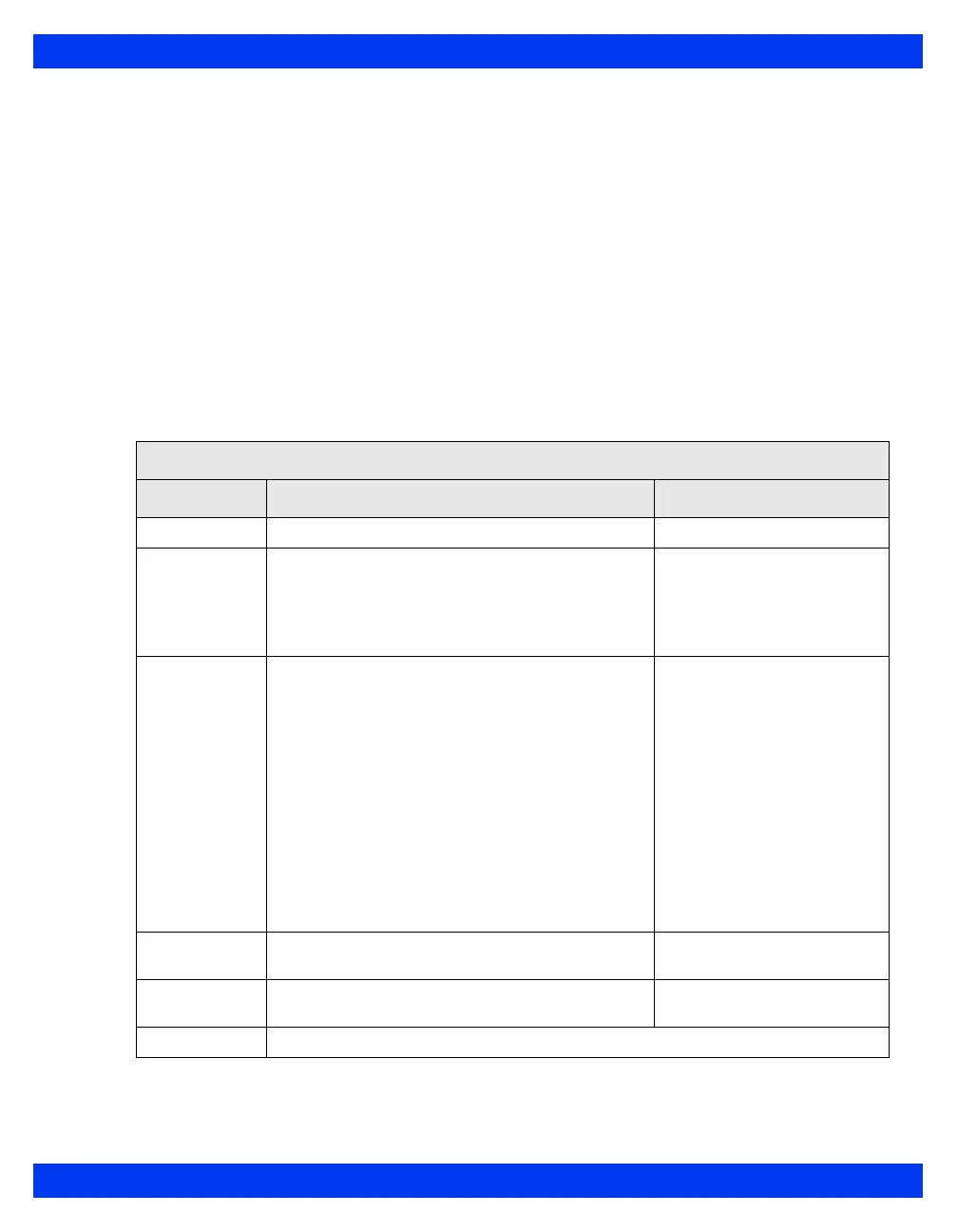
Quick Reference Table - Agent Setup
Click on the following items to execute Agent setup functions:
The Agent Setup Menu
Menu Item Description Settings
Agent Scale Sets the agent
waveform scale. • 1, 2, 3, 5, 10, or 20%
Agent Display Displays a separate agent parameter box.
NOTE: Ghosted if the monitor is displaying a
combined MultiGas parameter box (see page 23-
22).
•ON
• OFF
Agent ID
(Scio Four Oxi
and Scio Four
only)
Configures the Scio Four Oxi or Scio Four module
to measure the concentration levels of a user-
specified anesthetic agent.
WARNING:
• Use care when setting the agent ID
manually. Measurements will be inaccurate
if the wrong agent ID is selected.
• Scio Four Oxi & Scio Four cannot recognize
anesthetic gas mixtures. Measurements will
be inaccurate if anesthetic gases are mixed.
NOTE: If the user has not selected an anesthetic
agent yet, AA? is displayed in the parameter box.
• HAL
•ISO
•SEV
•ENF
•DES
MultiGas Zero Manually zeroes the Scio module (parameter
values disappear during zeroing).
Not applicable
Auto Zero
Delay
Delays automatic zeroing for 5 minutes (see page
23-12 for detailed information).
Not applicable
Agent Alarms Accesses Agent alarms in Alarm Limits table (see chapter 5)











 To Next Page