23-22 DELTA/DELTA XL/KAPPA VF8
23 S
CIO® FOUR MODULES
Combined Display (O2/Agent/N2O) (Scio Four Oxi plus
only)
The O
2
/N
2
O and agent parameters can be combined to share a single waveform
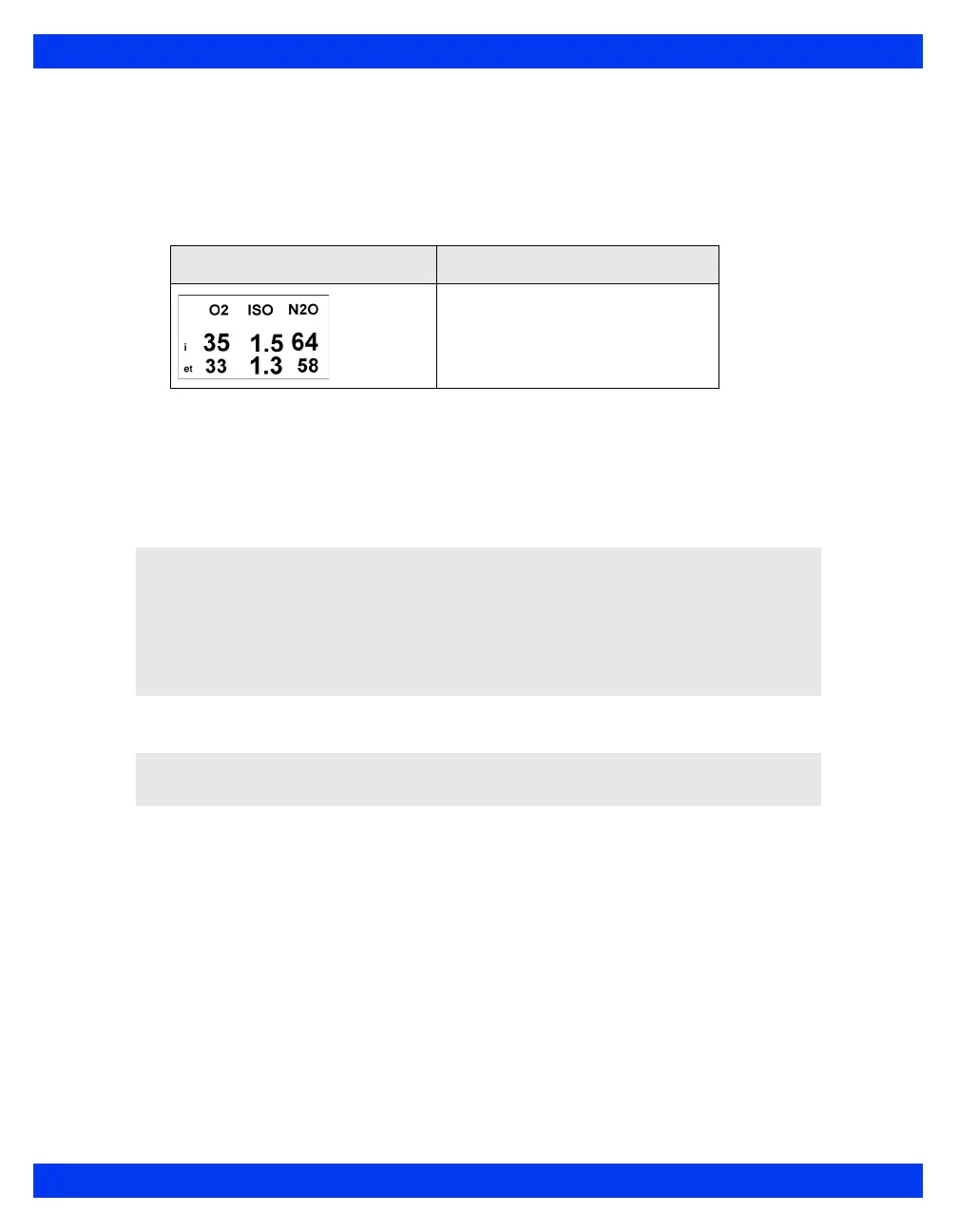
channel and MultiGas parameter box. A typical combined MultiGas parameter box is
shown below.
To enable the combined MultiGas parameter box display
1. Open the Main Screen setup menu (see page 2-5).
2. Click on
More to go to the main screen menu’s second page.
3. Select
MultiGas Parameter; click the rotary knob to select ON.
To access the combined (O
2
/Agent/N
2
O) setup menu
1. Check that MultiGas Parameter selection is set to ON.
2. Return to the main screen.
3. Click on the O
2
/Agent/N
2
O combined parameter box.
Parameter Box Description
The Scio module has identified an
agent and displays concentration
levels for O
2
, isoflurane, and N
2
O.
NOTE:
The combined MultiGas parameter box takes the place of the O
2
parameter box
on the main screen. Make sure that the O
2
or the MultiGas parameter is
appropriately assigned on the parameter priority list (see chapter 2).
When you select the combined MultiGas parameter box, N
2
O values are
automatically enabled for display.
NOTE: You can also enable MultiGas parameter from the O
2
menu (see page 23-15).











 To Next Page