476 Issue date: 17 November 2006 12 of 80
Battery charging quarter charged
Battery charging fully charged
6.2 The BA set must be shut down and the Bodyguard switched off when connected to the
charging point. This ensures that the BA set is not searching for the ECB which can overrun the
charging supply.
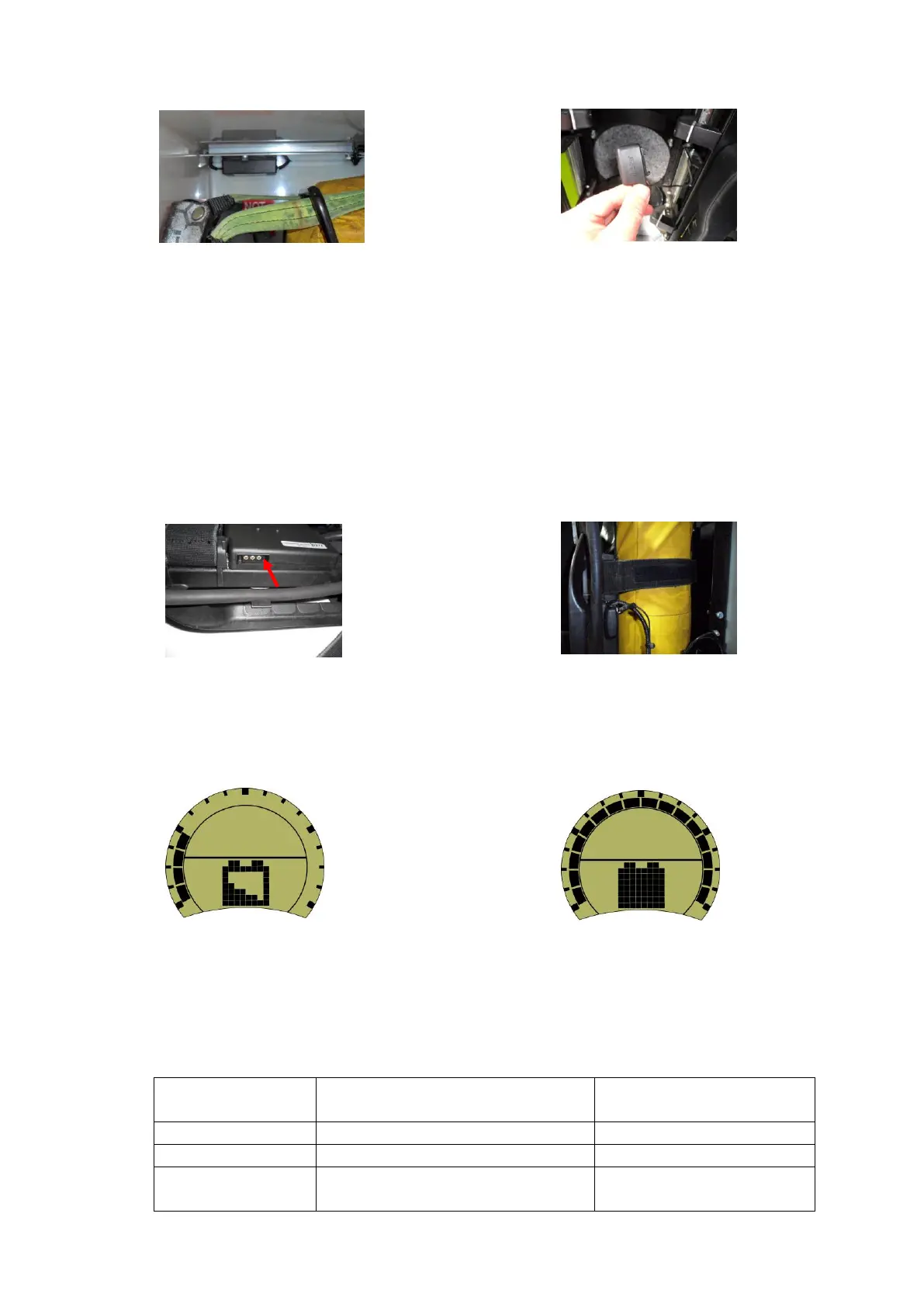
6.3 The charging lead connector push-fits into the BA set charging port. The port is located to the left
side of the telemetry module as you wear the BA set (see image 245584). To connect the lead,
place the BA set in front of stowage position. Push-fit the connector with the charging lead
uppermost (see image 1136763). The BA set can now be pushed back into the stowage and
checked to ensure it is securely held. The connector will automatically disconnect when the BA
set is removed from the BA set stowage bracket.
6.4 Once connected the Bodyguard will carry out a short test sequence before displaying the
‘charging’ icon. The radial arc indicates the level of charge in the same way as it shows the level of
pressure when the BA set is being worn (see image below).
6.5 A guide to the applicable defect codes for BA set stowage and charging points can be found in
appendix 7 of this policy.
6.6 The battery pack also indicates charging state via a coloured LED located to the top right hand
corner of the battery pack. The table below is a guide to LED status.
Fully charged (maintenance charge).
Fault, battery temperature too high or
too low.
Remove from charge. Leave
approximately 30 minutes for


 To Next Page