EasyManua.ls Logo

DRAKE R8A - Memory Functions contd.; MEMORY LOCATION PROGRAMMING; RECALLING A MEMORY LOCATION; DELETING A MEMORY LOCATION

DRAKE R8A
43 pages
Print Icon
To Next Page IconTo Next Page
To Previous Page IconTo Previous Page
Loading...
|
Memory
Functions
cont'd.
MEMORY
LOCATION
PROGRAMMING
First
be
sure
the
receiver
is
in
the
VFO
mode
(MEM,
MEM
TUNE
or
not
displayed).
A)
Select
the
desired
frequency,
mode,
bandwidth,
etc.
B)
Press:
[">*)
and
within
three
seconds,
enter
a
three
digit
number
from
000
to
439.
A
confirmation
beep
Is
heard.
C)
Receiver
will
switch
to
NAME
mode.
The
receiveris
now
ready
to
accept
a
7-digit
name
for
this
particular
memory
channel
as
indicated
by
the
blinking
NAME
annunciator.
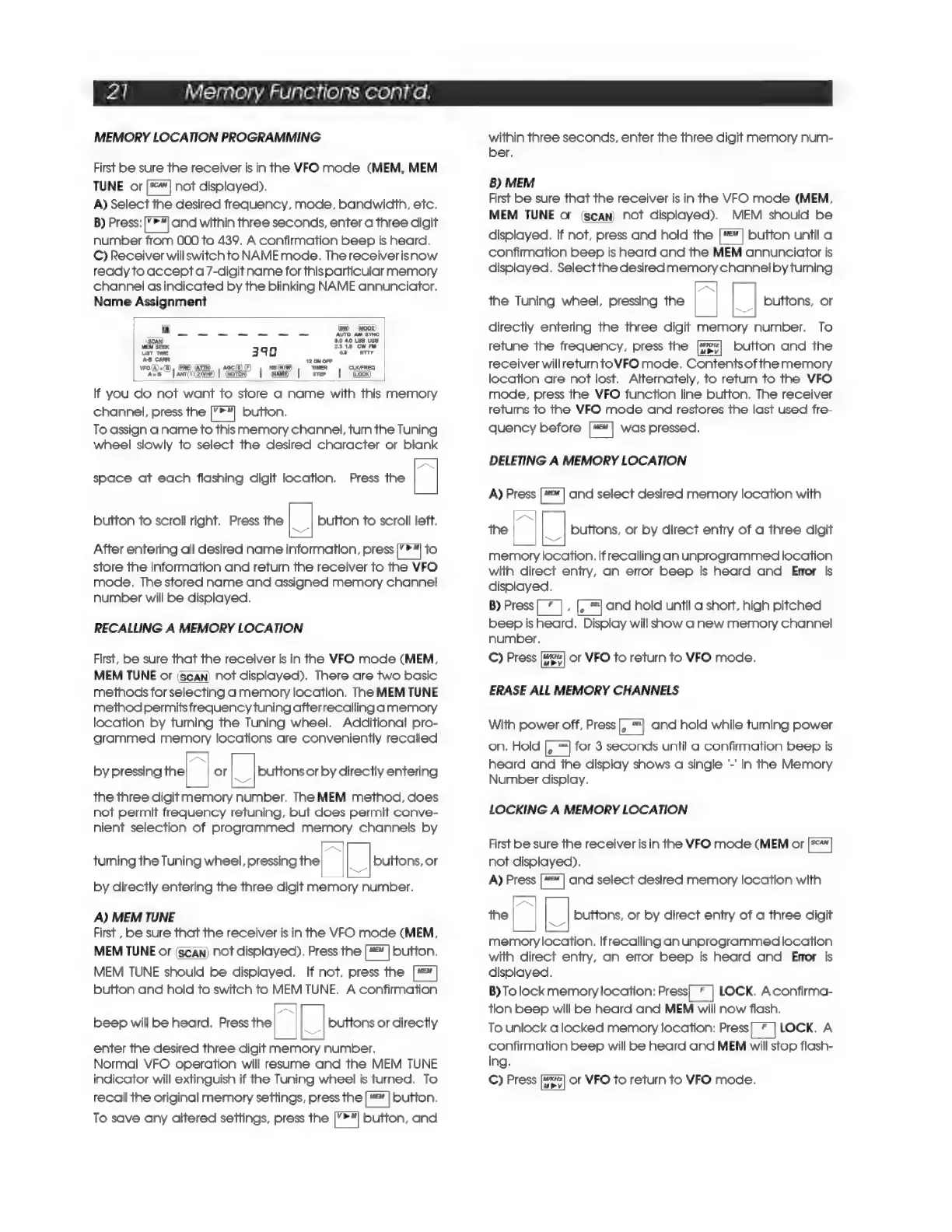
Name
Assignment
Fy
(Bw)
(ODE)
—
eo
AUTO
AM
SYNC
(Scan)
60
40
LSB
USS
MEM
SEEK
n
2318
CW
FM
UST
TIME
393
05
ATTY
AB
CARR
~:
12
ON
OFF
vro(A)=(8),
PRE)
ATTN)
|
aac(S)
(F)
na
(NW)
TIMER
CLK/FREQ
A=
|
anr(n2iver)
I
(woTen
|
QAM
I
STEP
I
(Locx)
lf
you
do
not
want
to
store
a
name
with
this
memory
channel,
press
the
bc
button.
To
assign
a
name
to
this
memory
channel,
turn
the
Tuning
wheel
slowly
to
select
the
desired
character
or
blank
space
at
each
flashing
digit
location.
Press
the
a
button
to
scroll
right.
Press
the
[|
button
to
scroll
left.
After
entering
all
desired
name
information,
press
[ral
to
store
the
information
and
return
the
receiver
to
the
VFO
mode,
The
stored
name
and
assigned
memory
channel
number
will
be
displayed.
RECALLING
A
MEMORY
LOCATION
First,
be
sure
that
the
receiver
Is
in
the
VFO
mode
(MEM,
MEM
TUNE
or
(scan)
not
displayed).
There
are
two
basic
methods
for
selecting
a
memory
location.
The
MEM
TUNE
method
permits
frequency
tuning
afterrecallinga
memory
location
by
turning
the
Tuning
wheel.
Additional
pro-
grammed
memory
locations
are
conveniently
recalled
by
pressing
the
or
|_|
buttons
or
by
directly
entering
the
three
digit
memory
number.
The
MEM
method,
does
not
permit
frequency
retuning,
but
does
permit
conve-
nient
selection
of
programmed
memory
channels
by
turning
the
Tuning
wheel,
pressing
the
buttons,
or
by
directly
entering
the
three
digit
memory
number.
A)
MEM
TUNE
First
,
be
sure
that
the
receiver
is
in
the
VFO
mode
(MEM,
MEM
TUNE
or
(scan)
not
displayed).
Press
the
=]
button.
MEM
TUNE
should
be
displayed.
If
not,
press
the
[#=ā„¢]
button
and
hold
to
switch
to
MEM
TUNE.
A
confirmation
beep
will
be
heard.
Press
the
a
|_|
buttons
or
directly
enter
the
desired
three
digit
memory
number.
Normal
VFO
operation
will
resume
and
the
MEM
TUNE
indicator
will
extinguish
if
the
Tuning
wheel
is
turned.
To
recall
the
original
memory
settings,
press
the
Kose
button.
To
save
any
altered
settings,
press
the
[’>Ā„]
button,
and
within
three
seconds,
enter
the
three
digit
memory
num-
ber.
B)
MEM
First
be
sure
that
the
receiver
is
in
the
VFO
mode
(MEM,
MEM
TUNE
o&
(scan)
not
displayed).
MEM
should
be
displayed.
If
not,
press
and
hold
the
ā€œ|
button
until
a
confirmation
beep
is
heard
and
the
MEM
annunciator
is
displayed.
Selectthe
desired
memory
channel
by
turning
the
Tuning
wheel,
pressing
the
|
|_|
buttons,
or
directly
entering
the
three
digit
memory
number.
To
retune
the
frequency,
press
the
button
and
the
receiver
will
return
toVFO
mode.
Contents
of
the
memory
location
are
not
lost.
Alternately,
to
return
to
the
VFO
mode,
press
the
VFO
function
line
button.
The
receiver
retums
to
the
VFO
mode
and
restores
the
last
used
fre-
quency
before
["]
was
pressed.
DELETING
A
MEMORY
LOCATION
A)
Press
Fame
and
select
desired
memory
location
with
the
a
|_|
buttons,
or
by
direct
entry
of
a
three
digit
memory
location.
If
recalling
an
unprogrammed
location
with
direct
entry,
an
error
beep
is
heard
and
Error
is
displayed.
B)
Press
j
and
hold
until
a
short,
high
pitched
beep
is
heard.
Display
will
show
anew
memory
channel
number.
C)
Press
or
VFO
to
return
to
VFO
mode.
ERASE
ALL
MEMORY
CHANNELS
With
power
off,
Press
and
hold
while
turning
power
on.
Hold
for
3
seconds
until
a
confirmation
beep
is
heard
and
the
display
shows
a
single
-'
in
the
Memory
Number
display.
LOCKING
A
MEMORY
LOCATION
First
be
sure
the
receiver
is
in
the
VFO
mode
(MEM
or
not
displayed).
A)
Press
[ā€œ"]
and
select
desired
memory
location
with
the
]
|
buttons,
or
by
direct
entry
of
a
three
digit
memory
location.
If
recalling
an
unprogrammed
location
with
direct
entry,
an
error
beep
is
heard
and
Enor
is
displayed.
B)
To
lock
memory
location:
Press|
*
|
LOCK.
Aconfirma-
tion
beep
will
be
heard
and
MEM
will
now
flash.
To
unlock
a
locked
memory
location:
Press
LOCK.
A
confirmation
beep
will
be
heard
and
MEM
will
stop
flash-
ing.
C)
Press
or
VFO
to
return
to
VFO
mode.

Related product manuals