Vigor2950 Series User’s Guide
152
Mail To Assign a mail address for sending mails out.
Return-Path Assign a path for receiving the mail from outside.
Authentication Check this box to activate this function while using
e-mail application.
User Name Type the user name for authentication.
Password Type the password for authentication.
Click OK to save these settings.
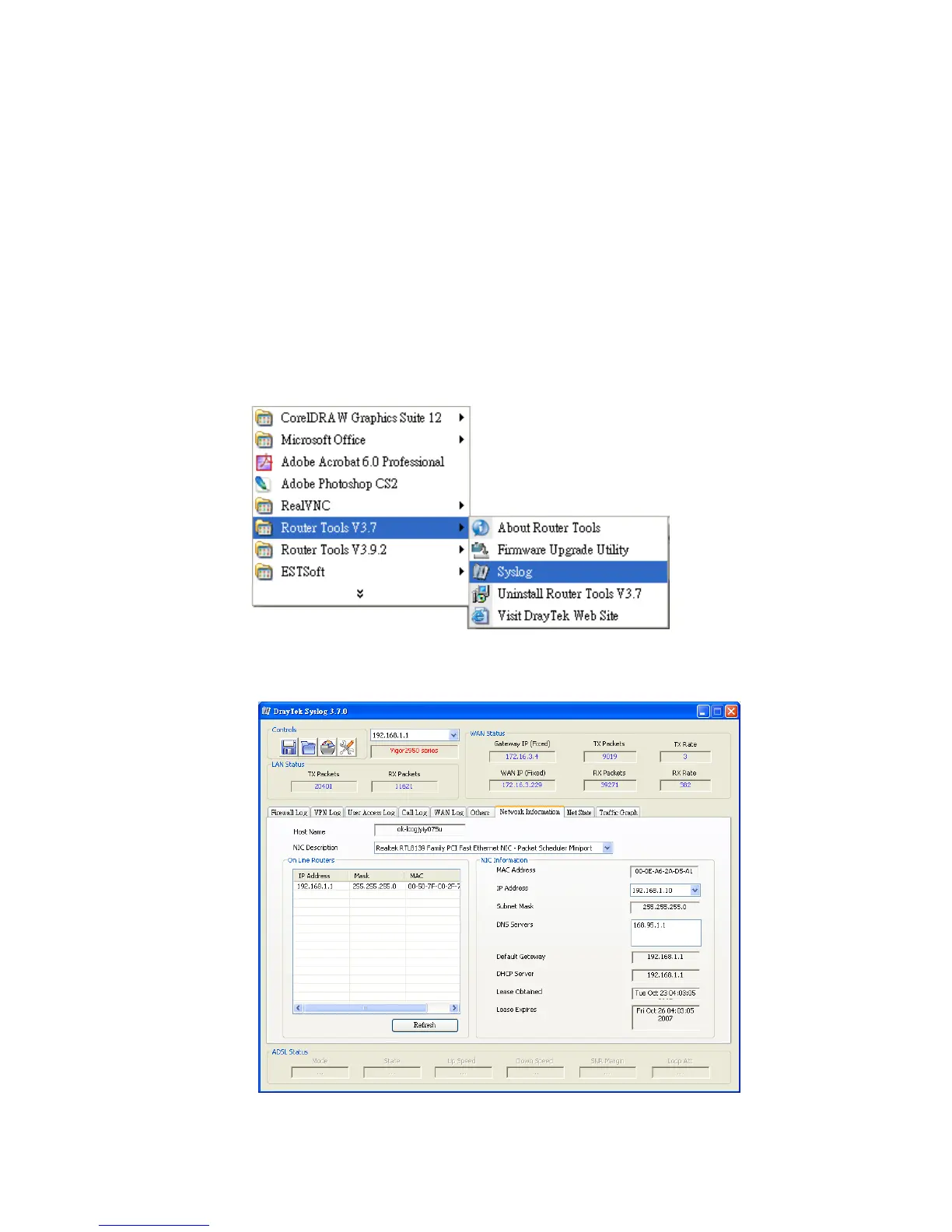
For viewing the Syslog, please do the following:
1. Just set your monitor PC’s IP address in the field of Server IP Address
2. Install the Router Tools in the Utility within provided CD. After installation, click on
the Router Tools>>Syslog from program menu.
3. From the Syslog screen, select the router you want to monitor. Be reminded that in
Network Information, select the network adapter used to connect to the router.
Otherwise, you won’t succeed in retrieving information from the router.














 To Next Page