Vigor2950 Series User’s Guide
14
2
2
.
.
2
2
.
.
4
4
S
S
t
t
a
a
t
t
i
i
c
c
I
I
P
P
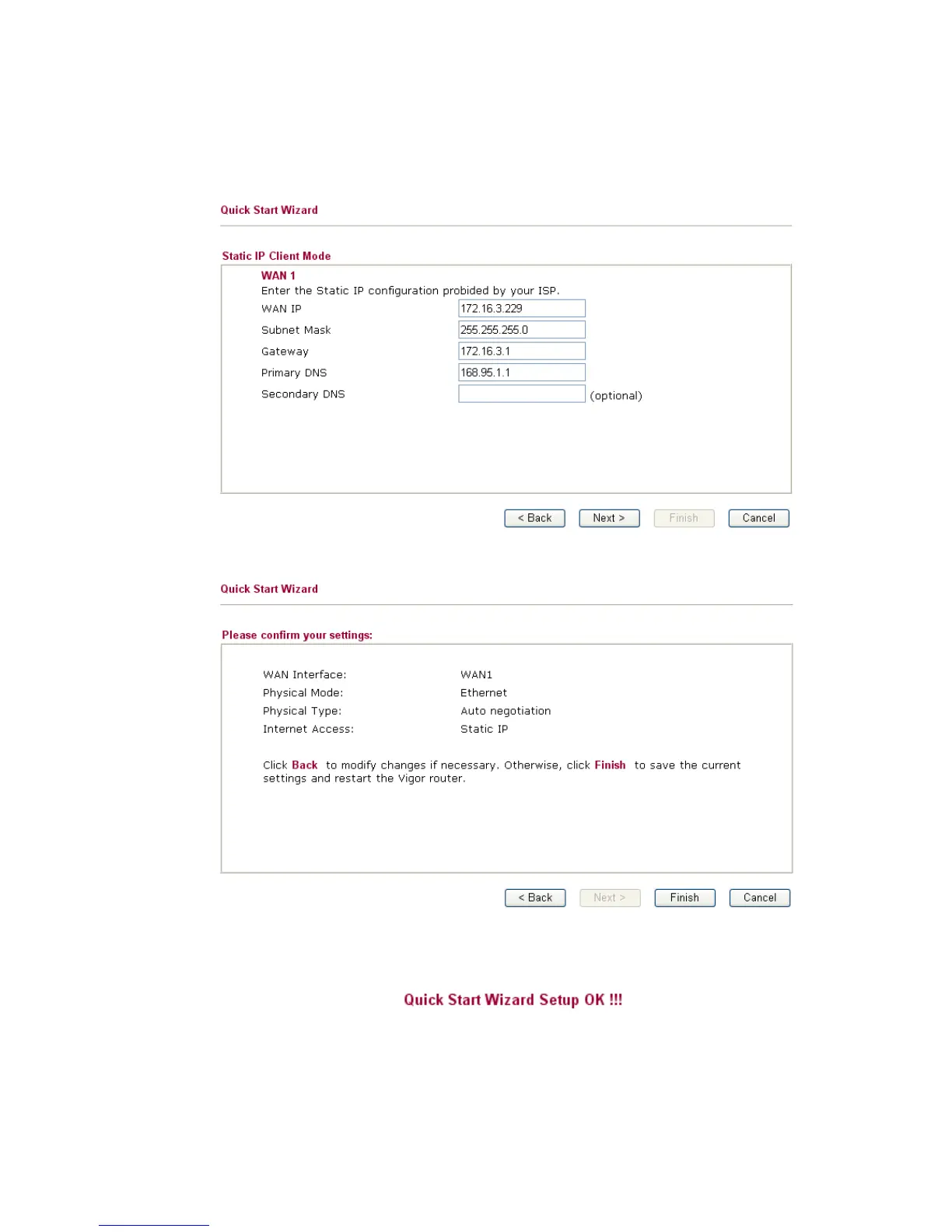
Click Static IP as the protocol. Type in all the information that your ISP provides for this
protocol.
After finishing the settings in this page, click Next to see the following page.
Click Finish. A page of Quick Start Wizard Setup OK!!! will appear. Then, the system
status of this protocol will be shown.














 To Next Page