Vigor120 Series User’s Guide
75
#Pseudo Port It indicates the temporary port of the modem used for NAT.
Peer IP:Port It indicates the destination IP address and port of remote host.
Interface It displays the representing number for different interface.
Refresh Click it to reload the page.
3
3
.
.
8
8
.
.
6
6
P
P
i
i
n
n
g
g
D
D
i
i
a
a
g
g
n
n
o
o
s
s
i
i
s
s
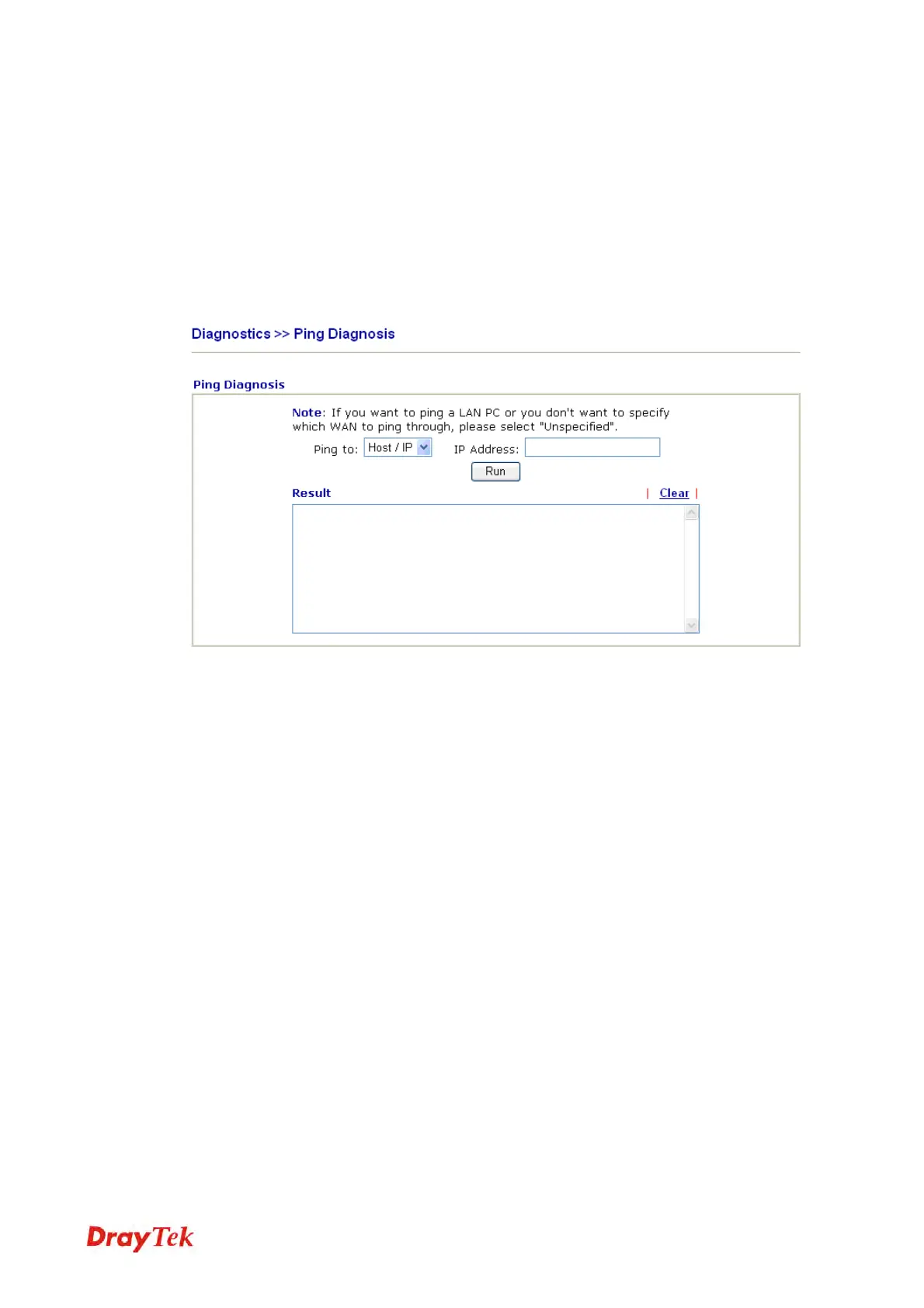
Click Diagnostics and click Ping Diagnosis to pen the web page.
Ping to Use the drop down list to choose the destination that you want to
ping.
IP Address Type in the IP address of the Host/IP that you want to ping.
Run Click this button to start the ping work. The result will be
displayed on the screen.
Clear Click this link to remove the result on the window.



 To Next Page