Vigor120 Series User’s Guide
2
1
1
.
.
2
2
L
L
E
E
D
D
I
I
n
n
d
d
i
i
c
c
a
a
t
t
o
o
r
r
s
s
a
a
n
n
d
d
C
C
o
o
n
n
n
n
e
e
c
c
t
t
o
o
r
r
s
s
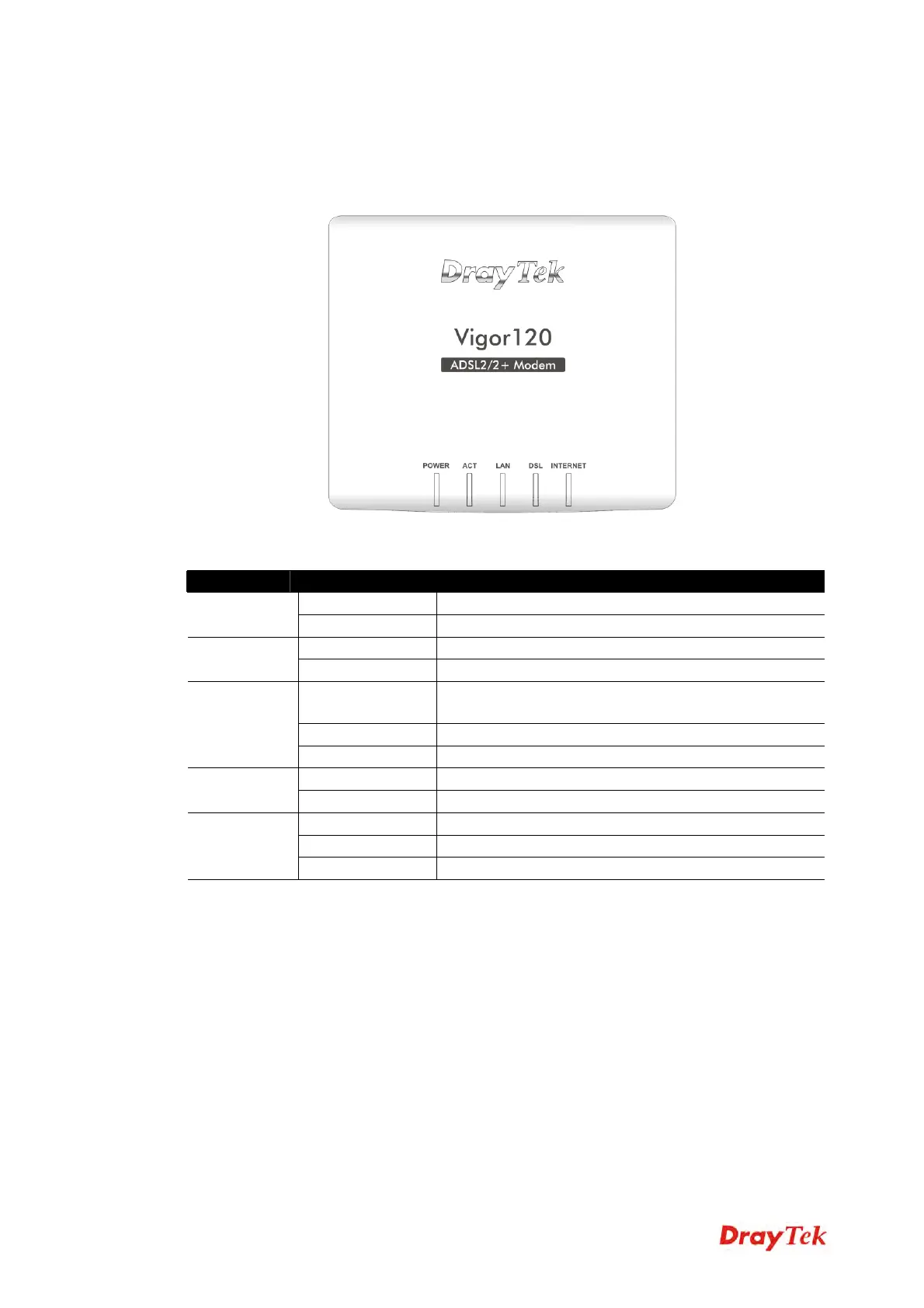
Before you use the Vigor modem, please get acquainted with the LED indicators and
connectors first.
LED Status Explanation
On The modem is powered on. Power
Off The modem is powered off.
Off The system is not ready or is failed. ACT
Blinking The system is ready and can work normally.
On A normal connection is through its corresponding
port.
Off LAN is disconnected.
LAN
Blinking Data is transmitting (sending/receiving).
On DSL connection synchronized. DSL
Blinking DSL connection is synchronizing.
On Internet connection is established.
Off Internet connection is not established.
INTERNET
Blinking Data is transmitting (sending/receiving).



 To Next Page