2
P
P
a
a
n
n
e
e
l
l
E
E
x
x
p
p
l
l
a
a
n
n
a
a
t
t
i
i
o
o
n
n
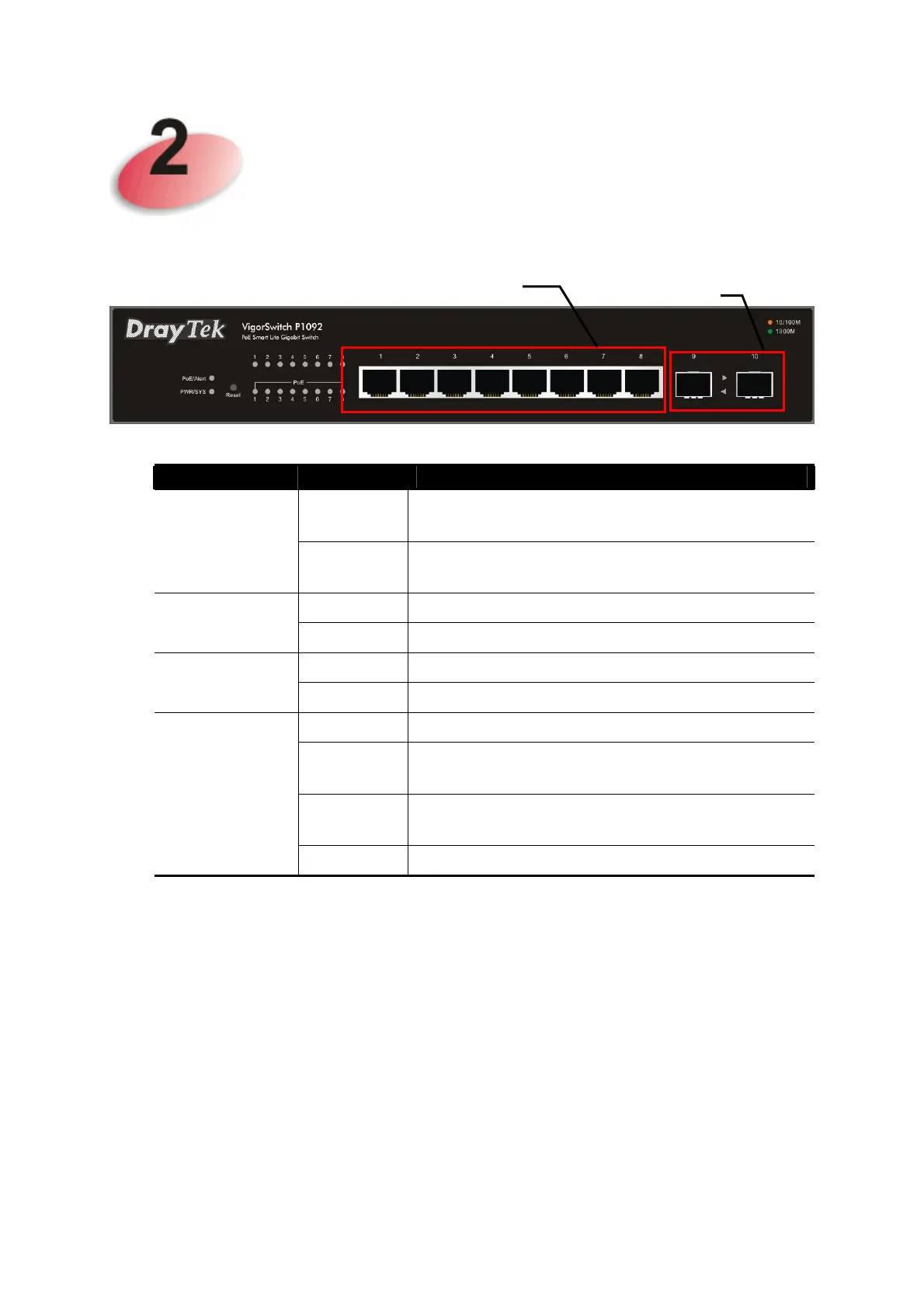
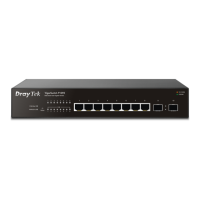
LED
Status Explanation
On (Green)
Connected over the PoE maximum power
budget.
PoE/Alert
Off Connected within the PoE maximum power
budget.
On (Green)
The switch is powered on and runs normally.
PWR/SYS
Off The switch is not ready or is failed.
On (Green)
The port is supplied with PoE power.
PoE for Ports
1~8
Off No PoE power is supplied on the port.
On (Green)
The device is connected with 1000Mbps.
On
(Amber)
The device is connected with 10/100Mbps.
Blinking The system is sending or receiving data
through the port.
RJ 45 LNK/ACT
for Ports 1 ~ 8
Off The port is disconnected or the link is failed.
SFP LNK/ACT
RJ45 LNK/ACT Port 1 to Port 8 / PoE for Port 1 to Port
8





 To Next Page