3
On (Green)
The device is connected with 1000Mbps.
On
(Amber)
The device is connected with 10/100Mbps.
Blinking The system is sending or receiving data
through the port.
Combo for Port
9 ~ 12
(RJ 45
LNK/ACT)
Off The port is disconnected or the link is failed.
On (Green)
The device is connected with 1000Mbps.
On
(Amber)
The device is connected with 10/100Mbps.
Blinking The system is sending or receiving data
through the port.
SFP LNK/ACT
Off
The port is disconnected or the link is failed.
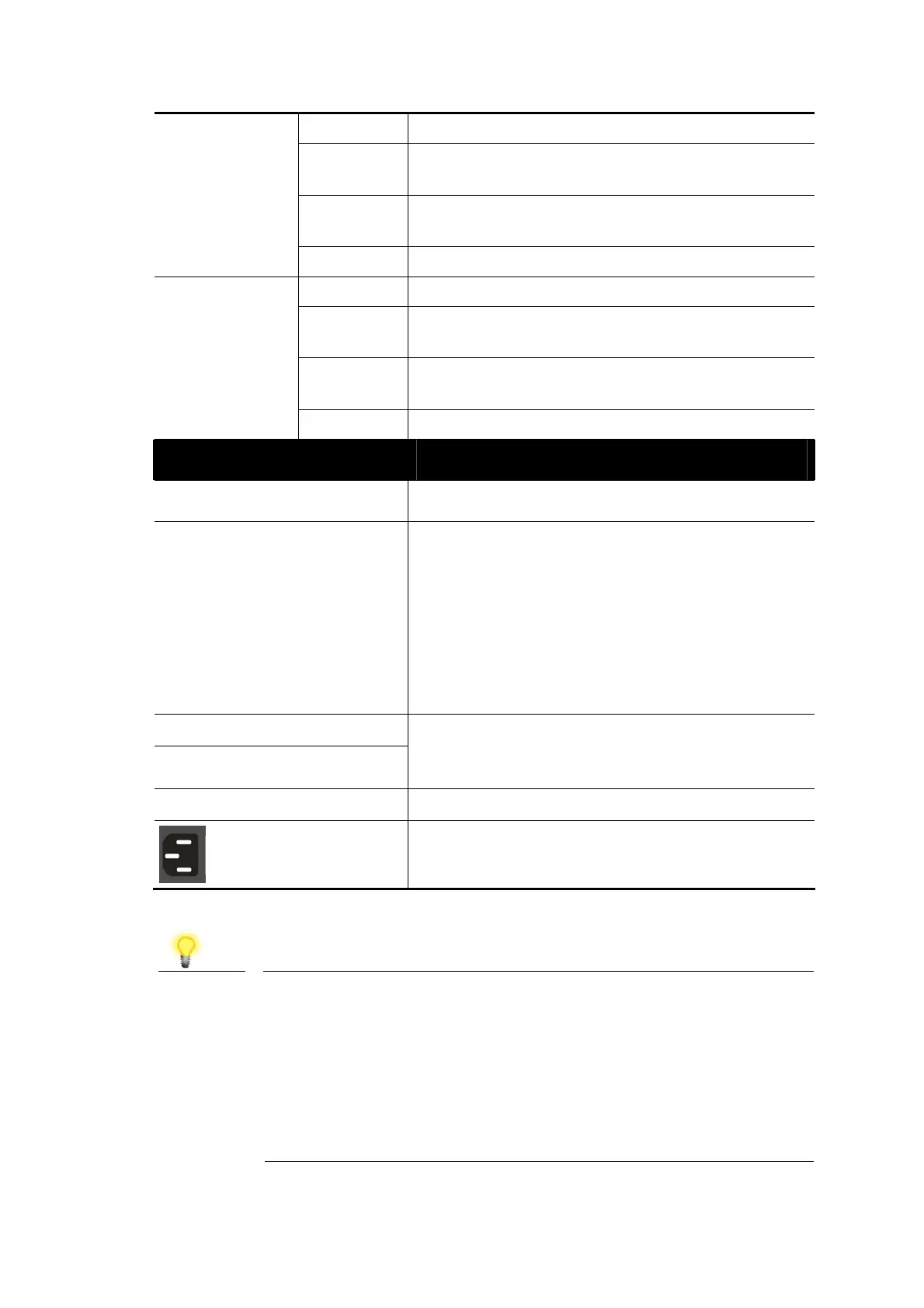
Interface Description
Console
Used to perform telnet command control.
RST
Factory reset button.
Press it to reboot the system. (<5 seconds)
The PoE/Alert and SYS LEDs will blink too.
Press it to reset the system with factory
default settings. (5~20 seconds)
The PoE/Alert and SYS LEDs will be off if
RST button is pressed between 5 seconds
and 10 seconds.
RJ 45 LNK/ACT Port 1 ~ 8
PoE for Port 1 ~ 8
Port 1 to Port 8 can be used for Ethernet
connection and PoE connection, depending on
the device connected
.
SFP LNK/ACT Port 9 ~ 12
Port 9 to Port 12 are used for fiber connection.
Power inlet for AC input (100~240V/AC,
50/60Hz).
Note
The following limitation is suitable for VigorSwitch P2121
Power Output --
IEEE 802.3af Max. 15.4W Output Supported
IEEE 802.3at Max. 30W Output Supported
PoE Power Budget –-
140 Watts (Max)


 To Next Page
 Loading...











