2
P
P
a
a
n
n
e
e
l
l
E
E
x
x
p
p
l
l
a
a
n
n
a
a
t
t
i
i
o
o
n
n
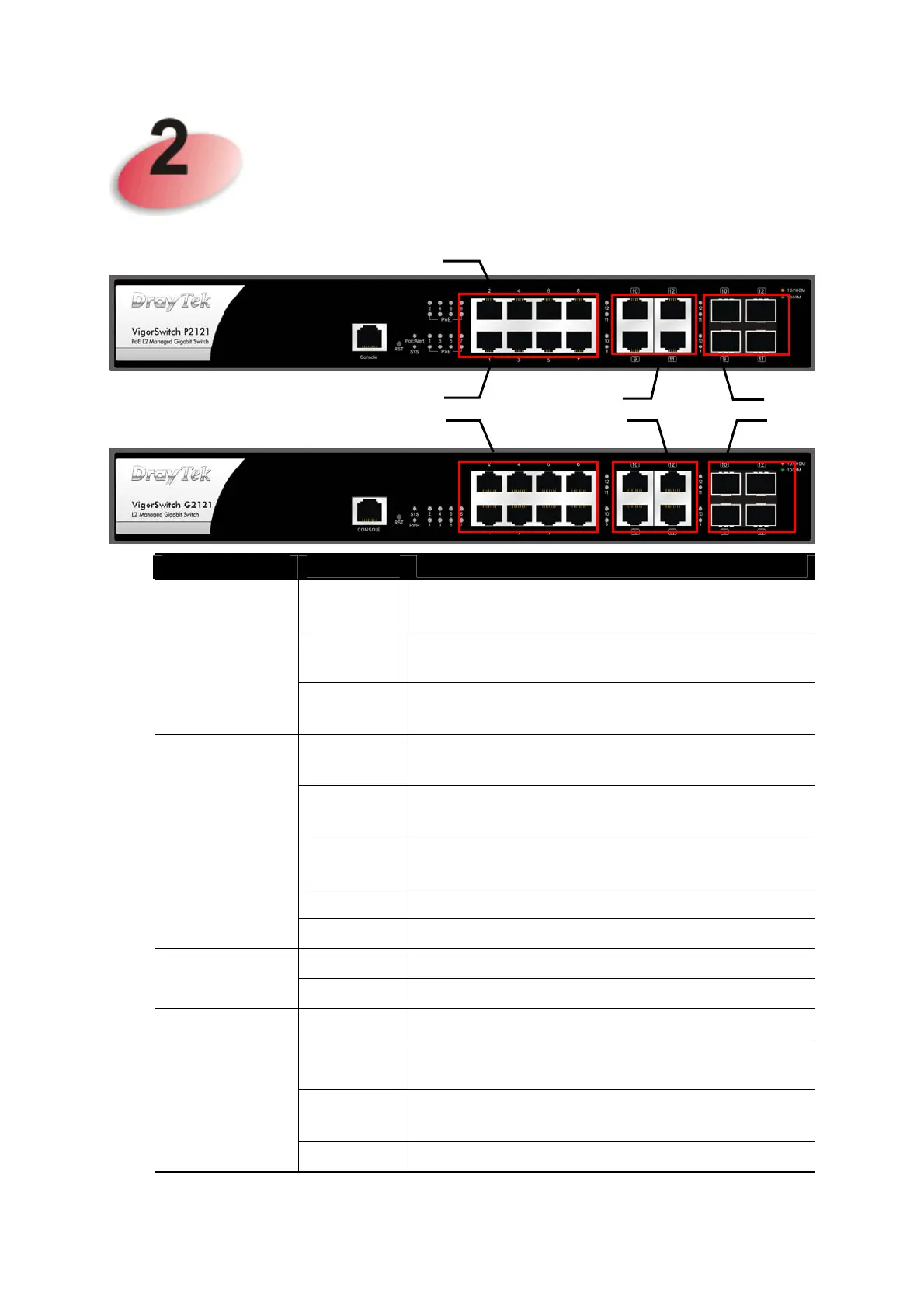
LED
Status Explanation
On (Green)
Devices connected over the PoE maximum
power budget.
Blinking
(Green)
More than 80% of maximum power budget is
supplied for PoE device(s).
PoE/Alert
(for P2121)
Off Devices connected within the PoE maximum
power budget.
On (Green)
The switch finishes system booting and the
system is ready.
Blinking
(Green)
The switch is powered on and starts system
booting.
SYS
Off
The power is off or the system is not ready /
malfunctioning.
On The device is powered on.
PWR
Off The device is powered off.
On (Green)
The port is supplied with PoE power.
PoE 1~8
Off No PoE power is supplied on the port.
On (Green)
The device is connected with 1000Mbps.
On
(Amber)
The device is connected with 10/100Mbps.
Blinking The system is sending or receiving data
through the port.
RJ 45 LNK/ACT
Port 1 ~ 8
Off The port is disconnected or the link is failed.
SFP
LNK/ACT
Combo
Port
RJ45 LNK/ACT
Port 1 to Port 8
PoE for Port 1 to Port 8















 To Next Page