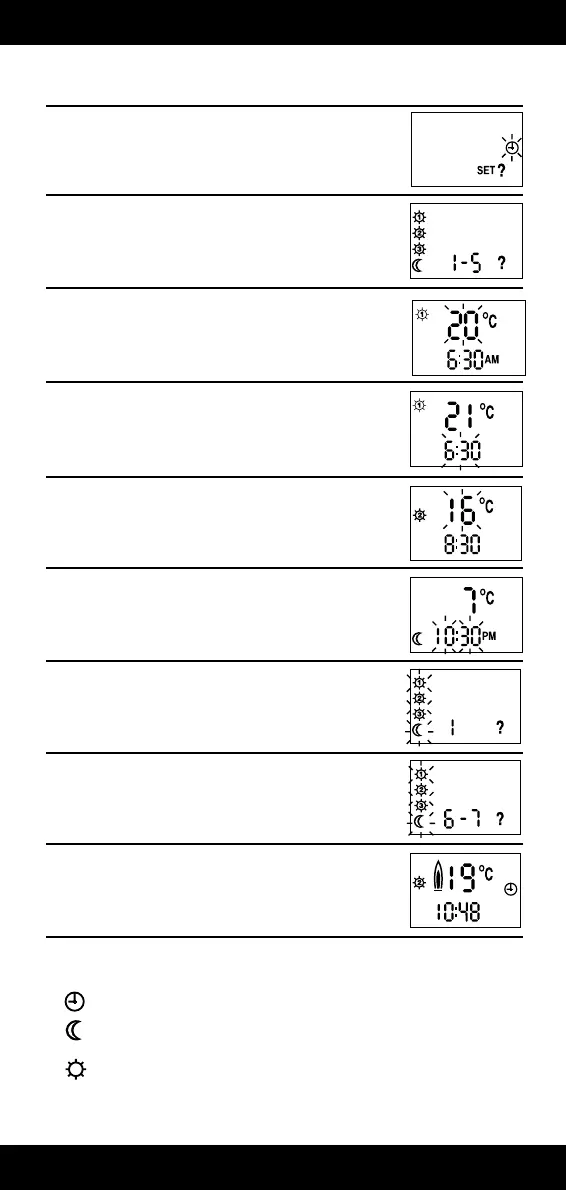
TO VIEW OR CHANGE THE FACTORY SETTINGS (steps 6-14)
6. Press the “SET?” button until this display is shown.
7. Press the Yes (–) button. You have selected the Monday to
Friday part of the programme.
8. Press the Yes (–) button again. This tells you that at 6.30 a.m., the
heating system will control your home at 20°C. If you wish to
alter the temperature use the + and – buttons.
9. Press the “SET?” button. The time will now flash. If you wish to
alter the switching time use the + and – buttons. This will change
the switching time in 10 minute steps.
10. Press the “SET?” button, this tells you that at 8.30 a.m., the
heating system will control your home at 16°C. If you wish to
alter this temperature use the + and – buttons.
11. Continue to press the “SET?” button as in steps 9 and 10 above
to advance through the times and temperatures for Mon. to Fri.
(1 – 5). If you wish to alter any of the times and temperatures use
the + and – button, when the one you wish to alter is flashing.
12. Once Mon. to Fri. have been set, the display will show as here.
This means do you want to set the times for Monday (1)
differently from the rest of the week? If you do, press the Yes (–)
Button, and follow the routine as steps 9 to 11.
13. Continue to press the “SET?” button to advance through the
week (1 – 5). When this display shows, press the
Yes (–) button if you wish to view or alter the times for Sat.-Sun.
(6-7). Repeat steps 9-12 as required.
14. Continue to press “SET?” button until you
return to normal operating mode with a
display similar to the one shown here.
OPERATING MODES
The Digistat can be operated in one of three modes.
1) – Timed, all preset times and temperatures
2) – Continuous night temperature (useful for low limit temperature
protection when on holiday)
3) – Continuous ‘DAY 1’ temperature
Use the SELECT button to change the operating mode to suit your requirements, the symbols are
positioned on the right hand side of the display.


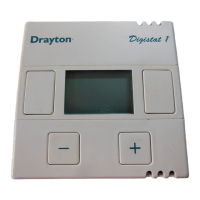
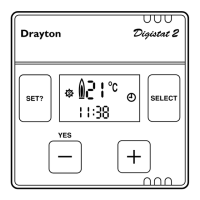
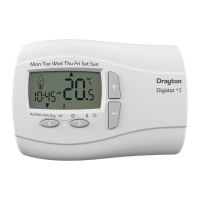


 To Next Page