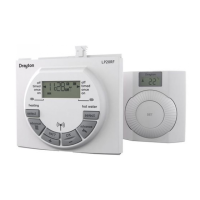
User Guide LP20 Programmer
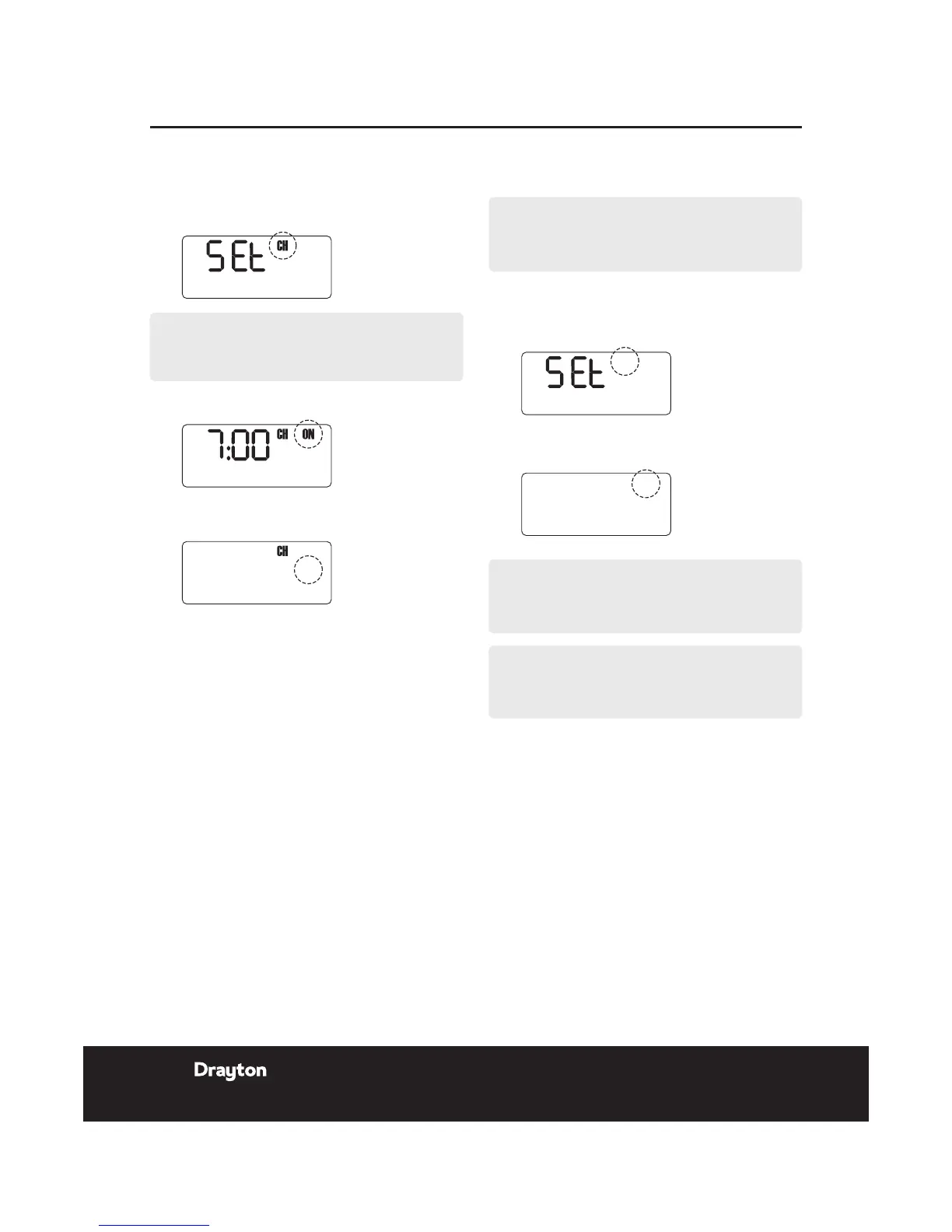
Repeat operations 3 to 6 to set the second and third
ON/OFF times.
NOTE:
After pressing set? for the third CH OFF time, SET
and HW for the weekend are displayed.
Setting Hot Water (HW) SAT - SUN:
Setting Central Heating (CH) SAT - SUN:
1.
Press OK to select weekend.
2.
Press OK to select CH.
3.
Press + or - to change the ON time.
4.
Press set? to set the ON time and select the OFF
time.
5.
Press + or - to change the OFF time.
6.
Press set? to set the OFF time and select the next
ON time.
PROG?
SAT SUN
NOTE:
Speed up the display by holding down the + or -
buttons.
7.
Press OK to select the rst ON time.
Repeat operations 3 to 6 to set the rst, second and third
HW ON/OFF times.
NOTE:
After pressing set? for the third HW OFF time, SET
and SAT are displayed....see next page.
NOTE:
If you do not require individual weekend day times,
then press set? until the normal display is shown.



 To Next Page