Client Drayton File Name 7342 Drayton Amends LP20 06515084001 ISSB
Artworker -
Proof Stage
PRINT
Finished Size A5 148x210mm
Creative Director Mike Lane Artwork % 100%
Modification Date 19/03/15 10:01AM Bleed 3mm
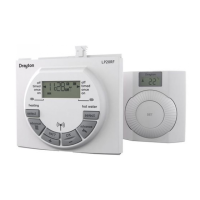
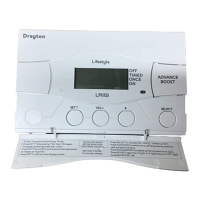
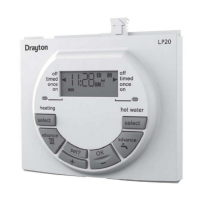
User Guide LP20 Programmer
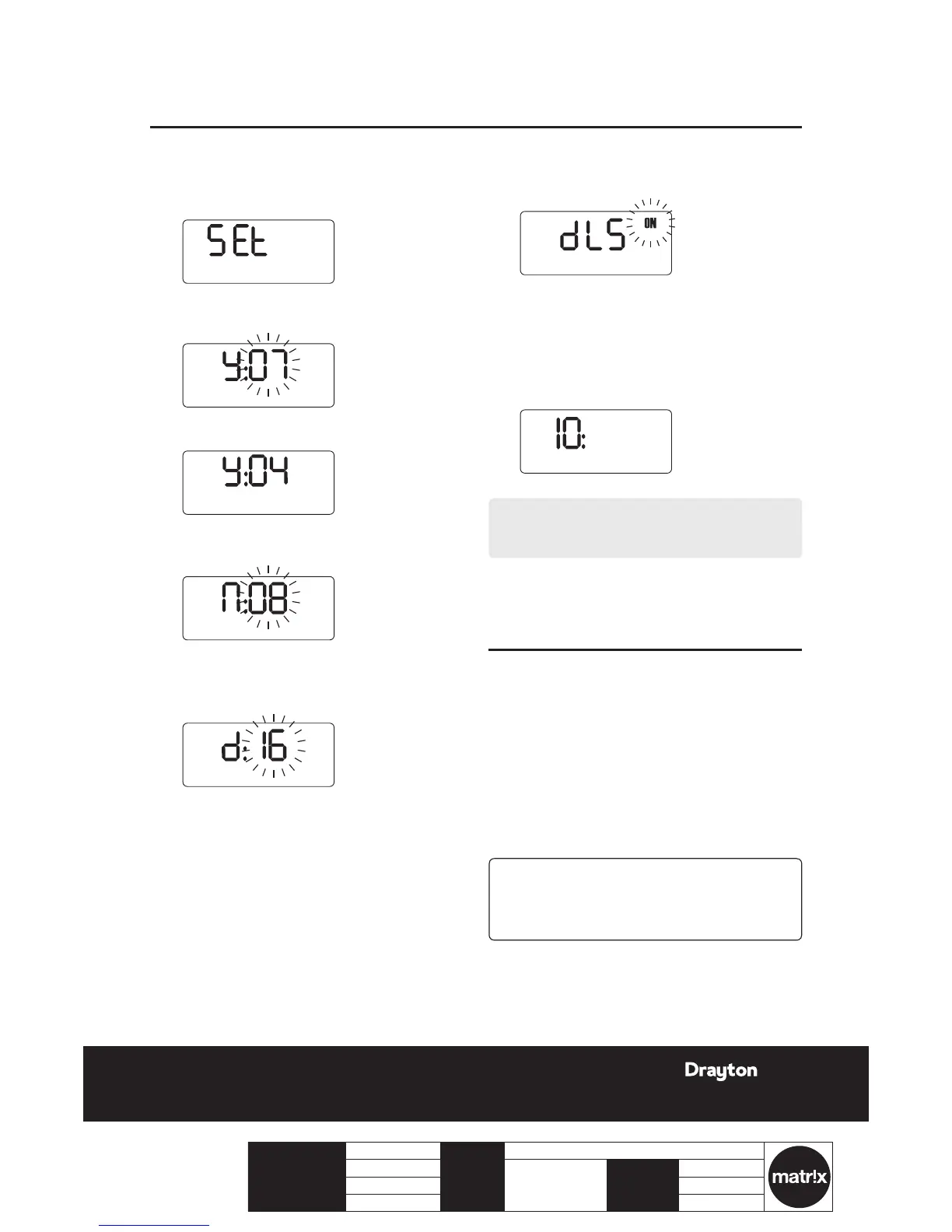
Setting the date:
1.
Press the set? button until SET and DATE? are
displayed.
2.
Press the OK button once, the year ashes on the
display.
3.
Press + or - to set the correct year, e.g. 04.
4.
When the correct year has been chosen, press set?
to select, now the month will ash.
5.
Press + or - to select the correct month, e.g. 08.
6.
When the correct month has been chosen, press
set? to select, now the day will ash.
7.
Press + or - to select the correct day, e.g. 16.
DATE?
8.
When the correct day has been chosen, press set?
to select, now dLS will be displayed and ON will
ash.
9.
Press + or - to switch between ON or OFF. If you
choose ON then the clock will automatically adjust
the time for Daylight saving. If you choose OFF
then the time will not change to take account of the
Daylight Saving time change twice a year.
J
Press set? twice to return to the normal display.
NOTE:
dLS = Day Light Savings time
The LP20 requires no maintenance.
The outer casing can be wiped clean using a dry cloth.
DO NOT use polish or detergents.
These units can not be serviced.
Should the existing units fail to function correctly,
check that the:
LP20 Programmer times and program settings
are correct.


 To Next Page