22
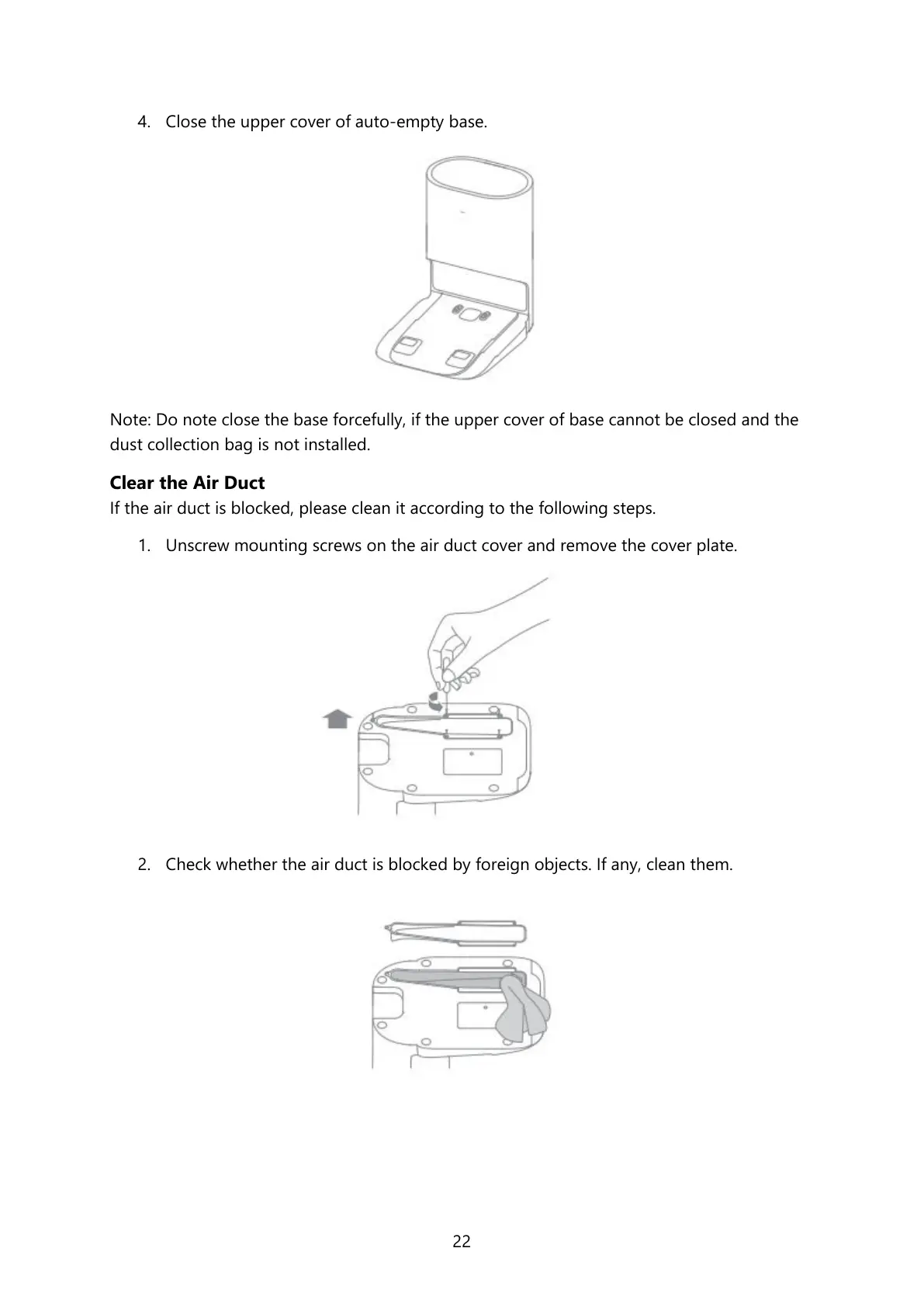
4. Close the upper cover of auto-empty base.
Note: Do note close the base forcefully, if the upper cover of base cannot be closed and the
dust collection bag is not installed.
Clear the Air Duct
If the air duct is blocked, please clean it according to the following steps.
1. Unscrew mounting screws on the air duct cover and remove the cover plate.
2. Check whether the air duct is blocked by foreign objects. If any, clean them.





 To Next Page