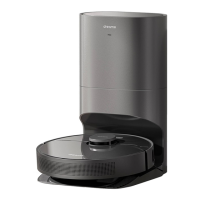
surrounding environment through camera sensors and process with software
algorithms locate itself, recognize path and plan navigation. The Dreame F9 is
equipped with professional OV vision sensors to collect 30,000 feature points
per second and extract complex spatial features. It also performs path
calculation at 50 times per second to achieve fast and accurate mapping and
navigation.
4. What advantages does VSLAM navigation have
over LDS laser navigation?
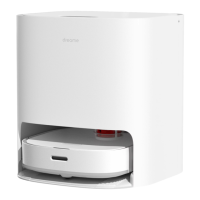
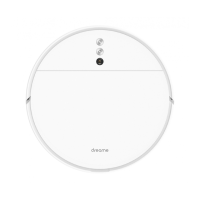
A:Dreame F9 is powered by a vision navigation technology with embedded
vision sensors, keeping the robot height at only 8 cm. Compared with LDS
laser navigation products, F9 is thinner and easier to enter the bottom of
beds, cabinets, and other furniture for a larger cleaning coverage.
Product Introduction and User Guide
1. How to connect Dreame F9 robot with Mi Home
app?
A:Connect the robot with the Mi Home app and other device to control the
vacuum with your phone.
Scan the QR code, download and install Mi Home. Users who already installed
the app will directly enter the connection page. You can also search Mi Home


 To Next Page
 Loading...