16
Needs for Slower Speeds
Certain materials, however, (some plastics and
precious metals, for ex ample) require a
relatively slow speed because at high speed
the friction of the accessory generates heat
and may cause damage to the material.
Slow speeds (15,000 RPM or less) usually are
best for polishing operations employing the felt
polishing ac ces sories. They may also be best
for working on deli cate projects as “eggery”
work, delicate wood carving and fragile model
parts. (All brushing applications require lower
speeds to avoid wire discharge from the
holder.)
Higher speeds are better for carving, cutting,
routing, shaping, cutting dadoes or rabbets in
wood.
Hardwoods, metals and glass require high
speed operation, and drilling should also be
done at high speeds.
The point to remember is this: Many
applications and accessories in our line will
provide the best performance at full speed, but
for certain materials, applications, and
accessories, you need slower speeds, which is
the reason our variable speed models are
available.
To select the right speed for each job, use a
practice piece of material.
NOTE: Speed is affected by voltage
changes. A reduced incoming voltage will
slow the RPM of the tool.
SLIDE "ON/OFF" SWITCH
The tool is switched "ON" by the slide switch
located on the topside of the motor housing.
TO TURN THE TOOL "ON", slide the switch
button forward.
TO TURN THE TOOL "OFF", slide the switch
button backward.
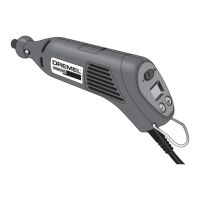
HIGH PERFORMANCE MOTOR
Your tool is equipped with a high performance
rotary tool motor. This motor expands the
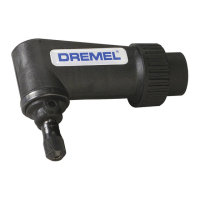
versatility of the rotary tool by driving additional
attachments such as the Dremel Right Angle
Attachment and Dremel Flex Shaft.
ELECTRONIC FEEDBACK
Your tool is equipped with an internal electronic
feedback system that provides a “soft start”,
which will reduce the stresses that occur from
a high torque start. The system also helps to
keep the preselected speed virtually constant
between no-load and load conditions.
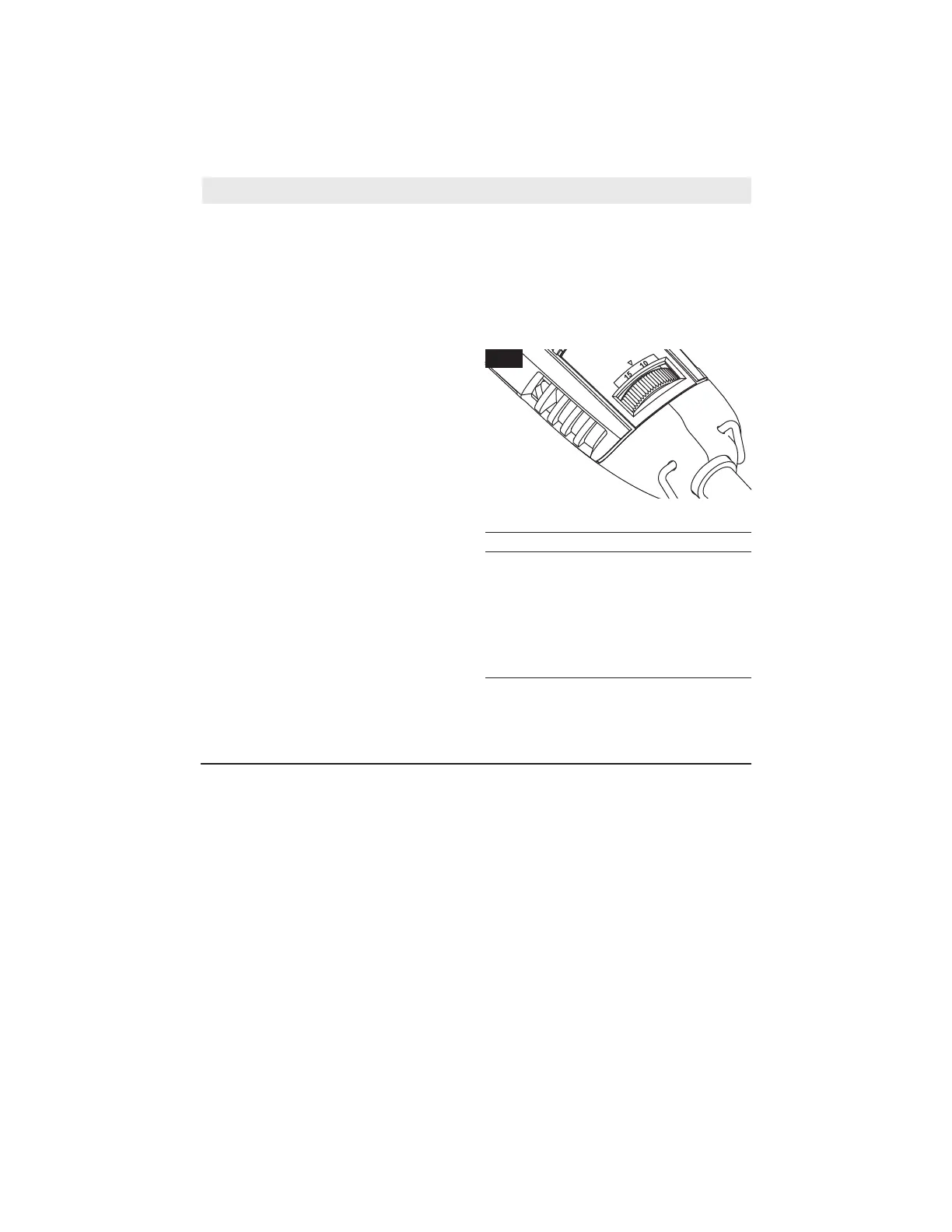
VARIABLE SPEED DIAL
Your tool is equipped with a variable speed
dial. The speed may be adjusted during
operation by presetting the dial on or
between any one of the settings.
You can refer to the charts on pages 27–30
to determine the proper speed, based on the
material being worked and the type of
accessory being used. These charts enable
you to select both the correct acces sory and
the optimum speed at a glance.
The speed of Rotary Tool is controlled by
setting this dial on the housing (Fig. 9).
Settings for Approximate Revolutions.
Switch Setting Speed Range
*5–10 5,000-10,000 RPM
15 13,000-17,000 RPM
20 18,000-23,000 RPM
25 23,000-27,000 RPM
30 28,000-32,000 RPM
35 33,000-35,000 RPM
* Wire Brush Setting.
Operating Speeds
FIG. 9
www.GlobalTestSupply.com
Find Quality Products Online at: sales@GlobalTestSupply.com


 To Next Page