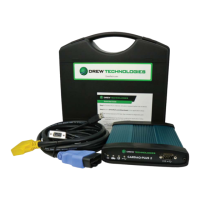
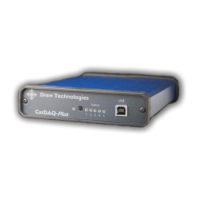
Using Ethernet
CarDAQ-Plus’s default “Client then Server“ mode is strongly
recommended. No configuration changes are required when moving
the CarDAQ-Plus between LAN and in-vehicle use.
To a Laptop Directly
Connect the direct-connect Ethernet cable (blue with red ends) between
a PC and the CarDAQ-Plus. This is a crossover type, intended to connect
directly to a computer.
To an Existing LAN
Connect a standard Ethernet cable. On most LANs, CarDAQ-Plus can
obtain its IP address automatically using DHCP. Ask your network
administrator if this service is available on your network.
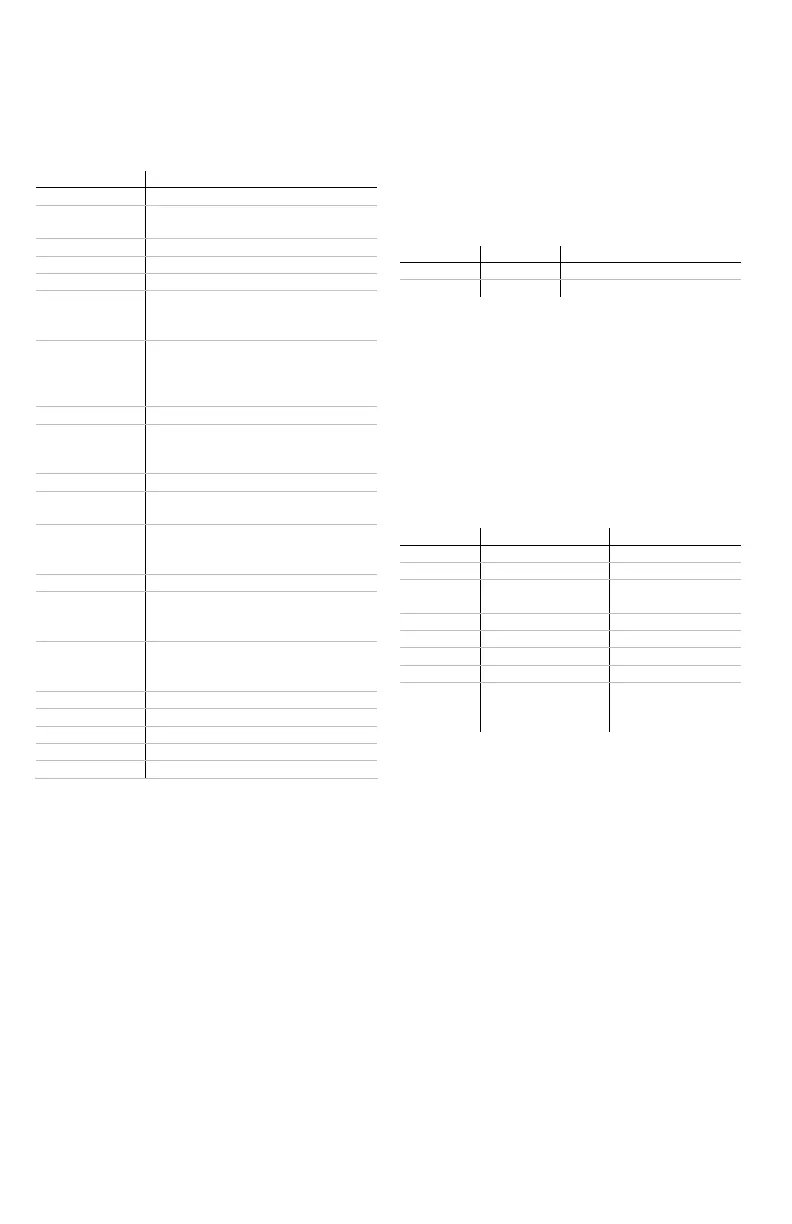
Vehicle Connector
The mating connector is a standard
MVCI, High Density DB-26.
Pin # Function
1 CAN2 Single Wire
2
J1850PWM+
J1850VPW
3 CAN2+
4 Case Ground
5 Signal Ground
6
CAN+ (CAN-C only)
SCI A Engine
5v-20v out
7
ISO-9141 K-line
SCI A Engine
SCI A Trans
SCI B Engine
8 No Connect
9
SCI B Trans
5v-20v out or short-to-
ground
10 J1850PWM-
11
CAN2-
5v-20v out
12
SCI B Engine
5v-20v out or short-to-
ground
13 5v-20v out
14
CAN- (CAN-C only)
SCI A Trans
5v-20v out
15
ISO L Line
SCI B Trans
Short-to-ground
16 Battery In (150mA @ 12 VDC)
17 Cable ID 2
18 Cable ID 1
23 +5 output (50mA fused)
26 Ground
Ethernet Lights
Use the crossover cable (blue with
red ends) to connect directly to a
laptop. The Ethernet port on
CarDAQ-Plus has two indicator
lights.
Color Description
Left
Green Ethernet Activity
Right
Green Ethernet Link Light
A/D Inputs Connector
The 12-bit analog inputs are setup
for an input range of 0 to 27.5VDC
and are electrically protected
against reverse voltage and over
voltage conditions. The Mating
connector is a High Density DB-15
Pin # Function Direction
2 Channel 6 In
4 Channel 3 In
6 Battery Voltage
Out (200mA
max)
8 Channel 4 In
10 Channel 1 In
12 Channel 5 In
14 Channel 2 In
1, 3, 5,
7, 9, 11,
13, 15
Ground


 To Next Page