07-02282A F571-230V & F571-110V 6 Legend Brands Europe Holdings Ltd.
Before each use
Inspect the electrical cord for damage. Look for
fraying, cuts, etc. Replace the cord if you find any
damage.
Inspect and replace filter. Replace filter when visibly
dirty.
Monthly
Inspect coils. Clean when dust accumulation is visible.
In normal use, dust can accumulate and can restrict
airflow, reducing performance and causing the unit to
overheat. Use a vacuum cleaner with a brush tool and a
soft cloth to remove any debris. Take care not to
damage any interior components.
To maintain appearance, wipe interior and exterior
surfaces with a damp cloth. For deep cleaning and a
lasting, protective shine, use an automotive interior
cleaner.
As Needed
Clean pump check valve and basin. If the unit displays
the message “ER9 PUMP BLOCKED PUMP & HOSE”,
the pump check valve and pump basin may need to be
cleaned. Remove grills and cover as shown in Fig. B.
Remove screws from pump base and lift out pump. Wipe
out pump basin with a damp cloth. Unthread barbed
fitting with check valve and rinse fitting and check valve
with clean water. Reinstall barbed fitting into pump. Do
not overtighten. Reinstall pump on base. Reinstall cover
and grills. Clean coils. With the cover removed, inspect
both coils. If excessive dust and debris is present,
vacuum thoroughly and/or clean with coil cleaner.
PUMP PURGE BUTTON
The Control Panel will display the following message when the Pump Purge Button is pressed:
C O N T R O L P A N E L
M E S S A G E
Pump is purging with countdown in seconds. Press key again to stop if needed.
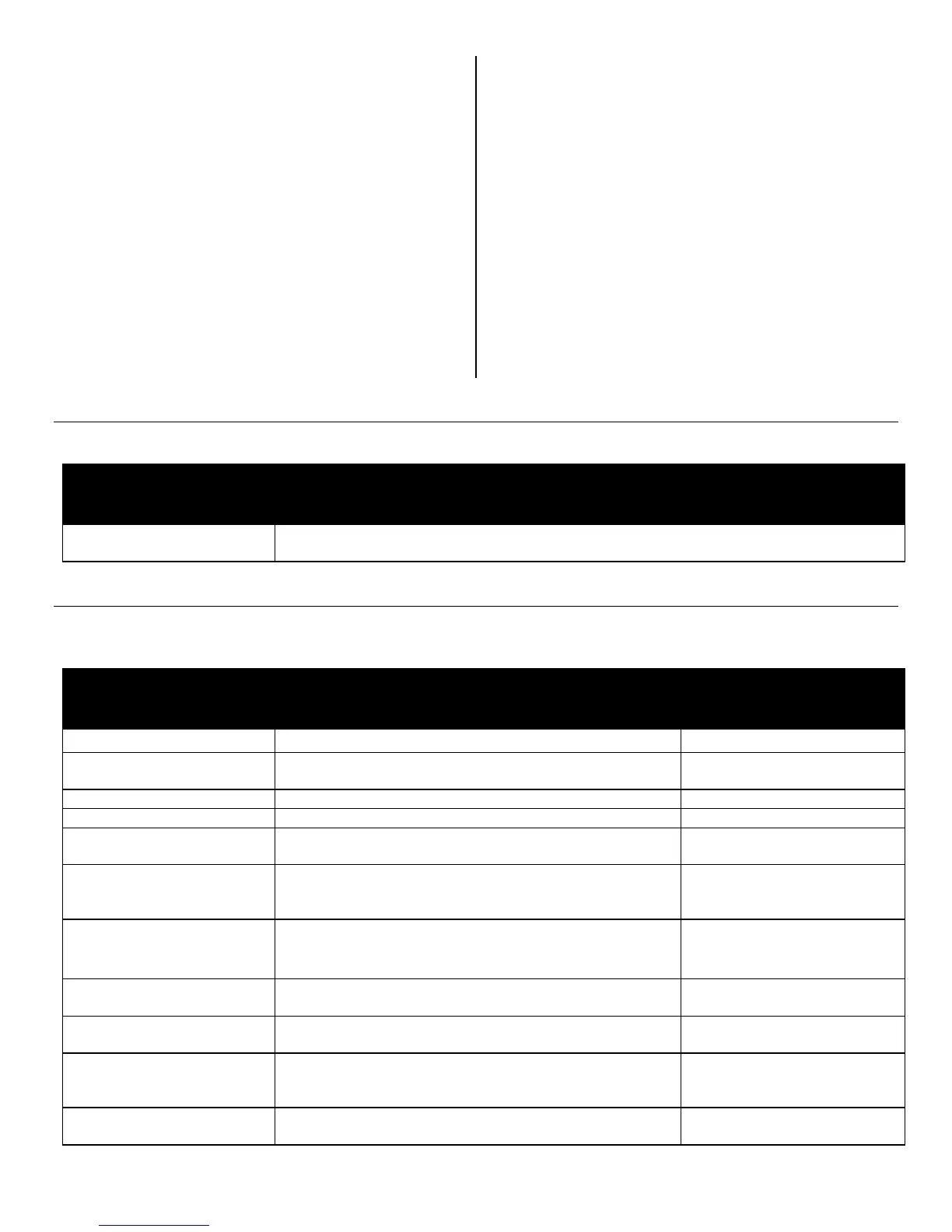
SYSTEM MESSAGES
The Control Panel will display the following messages based on system performance and environmental conditions. User
action, if any is required, is indicated in the third column.
C O N T R O L P A N E L
M E S S A G E
Indicates control board firmware version number.
Unit has finished powering up and is operating.
PLEASE WAIT
COMP. DELAY XX
60s delay before compressor turns on. Allows system
pressure to equalize.
UNIT ON XXXX HRS
INLET XXX°F / XX%
First line: indicates total operating hours.
Second line: Toggles between inlet temperature and
inlet RH every 2 seconds.
HUMIDISTAT
INLET XXX°F / XX%
First line: indicates unit is in humidistat mode
Second line: Toggles between inlet temperature and
inlet RH every 2 seconds.
HI TEMP CYCLE
REMAINING XX MIN
Unit overload limit reached. Cool-down initiated.
Unit is defrosting, with countdown in seconds.
Unit turned off when coil is cold or already in a defrost
cycle. Proceeds to finish cycle or initiate one to clear the
coils of ice before storage.
Occurs when unit is turned off and coil is not frozen.
Clears the coils of water before storage.



 To Next Page
 Loading...