Installing Your Water 1000 Pro Series
Installing Your Water 1000 Pro Series 2-30
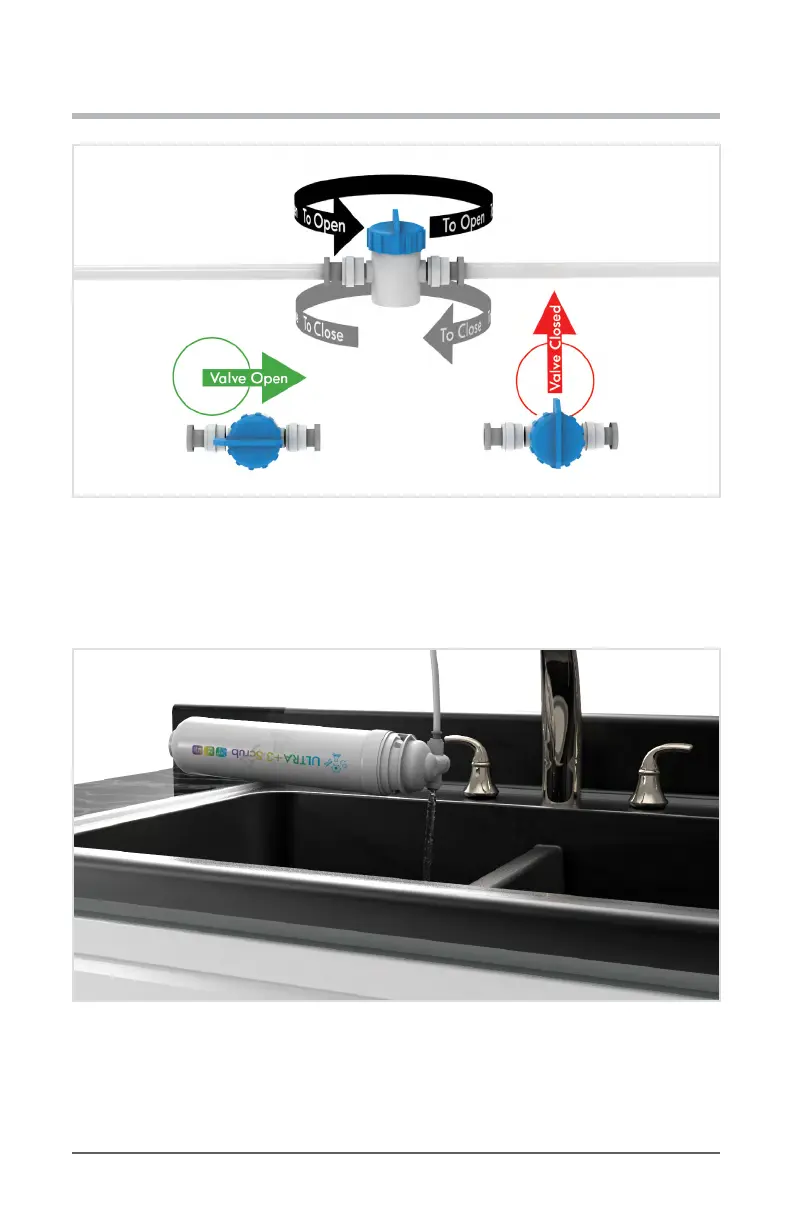
Diagram 2.5.8 Open Quick Connect Valve
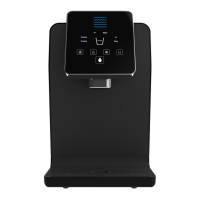
9. Flush the lter for a total of 2 minutes. Then shut o the water ow, and disconnect the
lter. Be careful to set the lter down upright on a solid surface, to avoid spilling the
water remaining in the lter.
Diagram 2.5.9 Flush For 2 Minutes
10. Remove the lter from your ushing setup.


 To Next Page