EasyManua.ls Logo

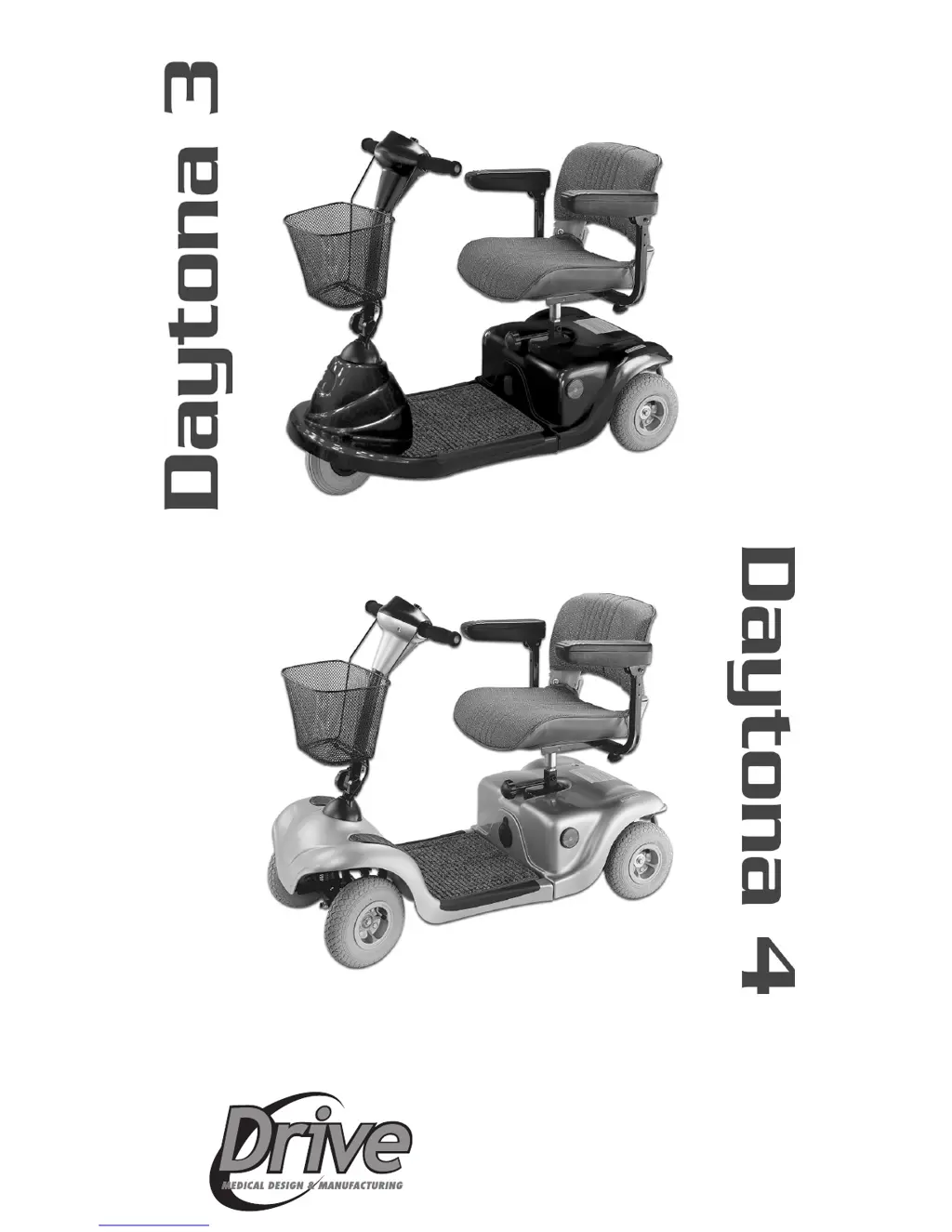
Drive Medical Daytona 3 - User Manual

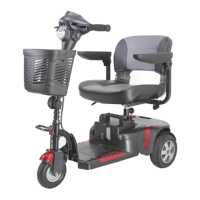
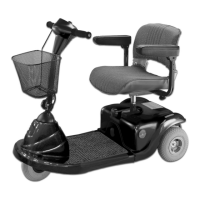
Drive Medical Daytona 3
33 pages
Print Icon
To Next Page IconTo Next Page
Loading...
12 Harbor Park Drive, Port Washington, NY 11050
Toll Free: 877-224-0946 • 516-998-4600
Website: www.drivemedical.com
OWNERS MANUAL & INSTRUCTIONS

Questions and Answers

  • D
    donnabarberJul 30, 2025
    What to do if my Drive Medical Daytona 3 switches on but will not run?
    • J
      jennifer70Jul 30, 2025
      If your Drive Medical Scooter switches on but doesn't run, there are a few potential causes. First, check the battery power to ensure they are not flat. Second, make sure the charger is unplugged. Finally, verify that the motor is not in freewheel mode by re-engaging the freewheel lever.
  • J
    Jesse DiazAug 13, 2025
    Why won't my Drive Medical Scooter switch on?
    • M
      Mr. Christopher WattsAug 14, 2025
      If your Drive Medical Scooter won't switch on, there are several possible reasons. First, check to ensure the batteries are properly connected. Second, verify the connection on the front-to-rear loom. Lastly, check if the circuit breaker has tripped and push the circuit breaker button to restart it.

Summary

Safety Notice - Before Driving

Pre-Operation Safety Checks

Essential checks and practices before operating the scooter.

User and Load Limitations

Information on passenger limits and maximum weight capacity.

Safety Notice - While Driving

In-Motion Safety Precautions

Safety measures to observe while the scooter is moving.

Navigating Gradients and Terrain

Safe practices for using ramps, inclines, and rough surfaces.

Safety Notice - Warnings

Freewheel Mode Gradient Caution

Warning about using freewheel mode on inclines to prevent injury.

Maximum User Weight Warning

Information on the weight limit and risks of overloading the scooter.

Safety Notice - Labeling and Interference

Radio Wave Interference Risks

Potential effects of radio waves on scooter control and safety.

Safety Notice - Electromagnetic Interference (EMI)

Safety Notice - EMI Precautions

EMI Warnings and Immunity Levels

Critical warnings and information on the scooter's EMI immunity.

Operation - Control Panel and Basic Controls

Powering On;Off and Speed Adjustment

How to turn the scooter on/off and set the desired speed.

Driving and Braking Mechanics

Instructions on using speed levers for movement and stopping.

Operation - Battery Management

Operating Your Daytona 3;4

Starting and Driving Procedures

A step-by-step guide for beginning to operate the scooter.

Battery Charging and Care

Step-by-Step Battery Charging

Detailed instructions for connecting and charging the battery.

Battery Charging and Care - Best Practices

Battery Charging Recommendations

Tips for ensuring full charging and battery longevity.

Inspection and Maintenance

Daily Inspection Checklist

A list of items to check daily before using the scooter.

Inspection and Maintenance - Scheduled Checks

Troubleshooting Common Issues

Scooter Not Switching On Solutions

Remedies for when the scooter fails to power on.

Scooter Wont Run Solutions

Solutions for when the scooter powers on but doesn't move.

Limited Warranty Information

Drive Medical Daytona 3 Specifications

General IconGeneral
Weight Capacity300 lbs
ControllerElectronic
BrakesElectromagnetic
Battery TypeLead Acid
Charger TypeStandard
Wheel TypeSolid
Tire TypePneumatic
Type3-Wheel Scooter
Seat Depth16"
Ground Clearance2.5 inches
Drive WheelsRear
Motor24V DC
Batteries2 x 12V
ChargerOff-Board

Related product manuals