EasyManua.ls Logo

Drive Medical PHOENIXHD3 - User Manual

Drive Medical PHOENIXHD3
29 pages
Print Icon
To Next Page IconTo Next Page
Loading...
1
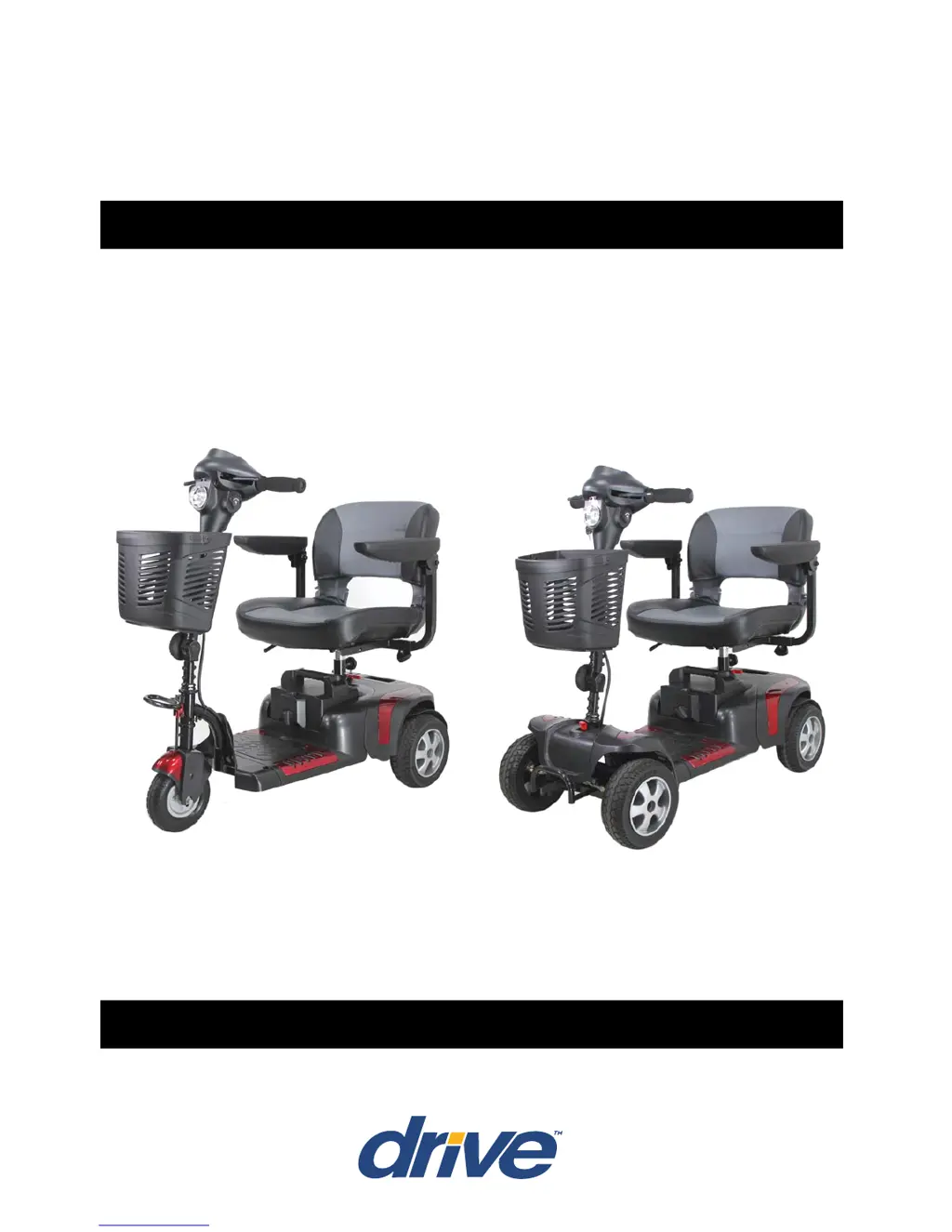
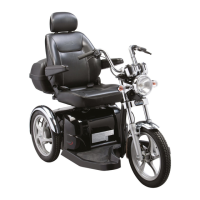
PHOENIX HD SCOOTER
PHOENIXHD3 / PHOENIXHD4
OWNER’S MANUAL

Questions and Answers

  • E
    Eric JohnsonJul 30, 2025
    What to do if my Drive Medical Scooter switch on but will not run?
    • J
      John ChandlerJul 30, 2025
      If your Drive Medical Scooter switches on but doesn't run, there are a few potential causes. First, the batteries may be flat, so check the battery power. Second, the charger might still be plugged in; unplug it. Finally, the motor could be in freewheel mode, so re-engage the freewheel lever.
  • N
    Nicole GarrettAug 4, 2025
    How to fix involuntary horn sounds on Drive Medical PHOENIXHD3 Scooter?
    • J
      Jacob WatsonAug 5, 2025
      If you are experiencing involuntary horn sounds on your Drive Medical Scooter, there may be a fault. Ensure the control lever is released, switch the scooter on and off, and recharge the batteries.
  • F
    Frederick MooreAug 9, 2025
    Why my Drive Medical PHOENIXHD3 appears slow?
    • B
      Breanna RodriguezAug 9, 2025
      If your Drive Medical Scooter seems slow, it could be due to flat batteries. Check the battery power and recharge if necessary. Also, the speed dial might be set too low; check the speed dial is not set at low.
  • M
    Matthew ValentineAug 15, 2025
    How to fix a loose tiller on Drive Medical PHOENIXHD3 Scooter?
    • L
      Lauren DixonAug 15, 2025
      If the tiller on your Drive Medical Scooter appears loose, it's likely that the tiller adjustment knob is loose. Tighten the tiller adjustment knob to secure the tiller.
  • J
    Justin LynchAug 19, 2025
    What to do if Drive Medical PHOENIXHD3 will not switch on?
    • L
      Lisa HudsonAug 19, 2025
      If your Drive Medical Scooter will not switch on, it could be due to several reasons: * The batteries may not be connected: Check that the batteries are properly connected. * The rear and front sections may not be connected: Check the connection on the front-to-rear loom. * The circuit breaker may have tripped: Push the circuit breaker button to reset it.
  • W
    William EvansAug 25, 2025
    What to do if the seat moves whilst in use on Drive Medical PHOENIXHD3?
    • M
      martha46Aug 25, 2025
      If the seat moves while you are using your Drive Medical Scooter, it is likely that the seat is not locked in position. Slowly rotate the seat until it drops into place and is secure.

Summary

Safety Notice

Before Driving Safety

Guidelines for safe operation before starting to drive the scooter.

While Driving Safety

Important precautions to follow during scooter operation.

Operation

Control Panel & Basic Operation

Details the control panel functions, power, speed, and braking controls.

Seat, Battery & Circuit Breaker

Covers seat rotation, battery indicator, and main circuit breaker reset.

Driving on the Road

Starting and Driving

Step-by-step guide for safely starting and operating the scooter.

Battery Charging and Care

Battery Charging Methods

Detailed procedures for both on-board and off-board battery charging.

Inspection and Maintenance

Troubleshooting

Troubleshooting Common Issues

Solutions for common problems like power, running, speed, seat, tiller, and horn.

Drive Medical PHOENIXHD3 Specifications

General IconGeneral
BrandDrive Medical
ModelPHOENIXHD3
CategoryScooter
LanguageEnglish

Related product manuals