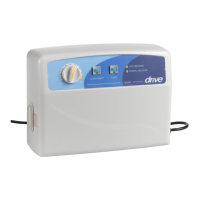
Turn the knob from the soft to firm position to select a pressure value.
Pressure-selector Touch Panel:
There are seven pressure levels on the touch panel, providing options of pressure value.
Normal Pressure LED:
Indicates the pressure has reached a set level.
Low Pressure LED:
Indicates the pressure is below a set level.
The alarm will turn on at the same time.
Cycle Time-selector Touch Panel:
Selects a desired alternating cycle time from the touch panel.
The cycle time value can be 10, 15, 20 or 25 minutes.
There are two LEDs for each time value.
Alarm Reset:
The alarm will turn on when the Low Pressure LED is on.
To mute the alarm, simply press the reset button. The Alarm LED will flash.
Re-press the reset button to reactivate the audible alarm.
Static/Alternating control:
Sets the air mattress in static mode or alternating mode.
Auto firm:
Sets the air mattress to auto-inflation mode.
Mattress System
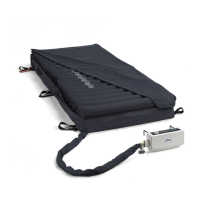
The 14029 series comes with cell type mattresses of different materials, provided optionally
with the pump unit.
The mattress options for the 14029 series are Nylon/PVC, Nylon/PU or PU.
The mattress option for the 14030 is 10” Nylon/PU only.
INSTALLATION
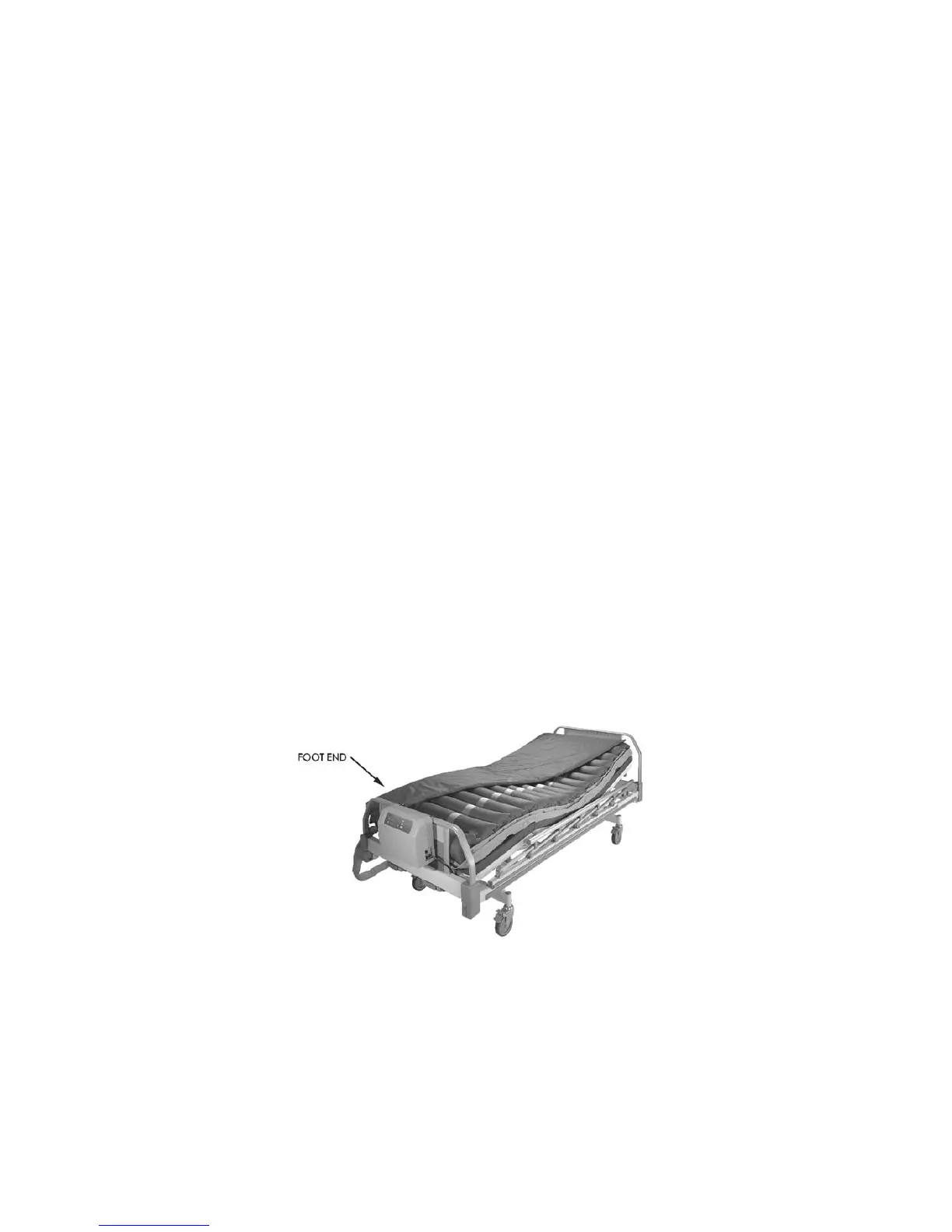
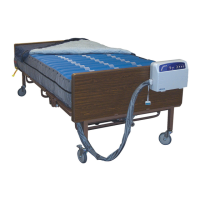
Step 1 Place the mattress flatly on the bed frame.
The inflation tube should be towards the foot end.
See figure below.


 To Next Page