EasyManua.ls Logo

Drive 14360-P - User Manual

Default Icon
20 pages
Print Icon
To Next Page IconTo Next Page
Loading...
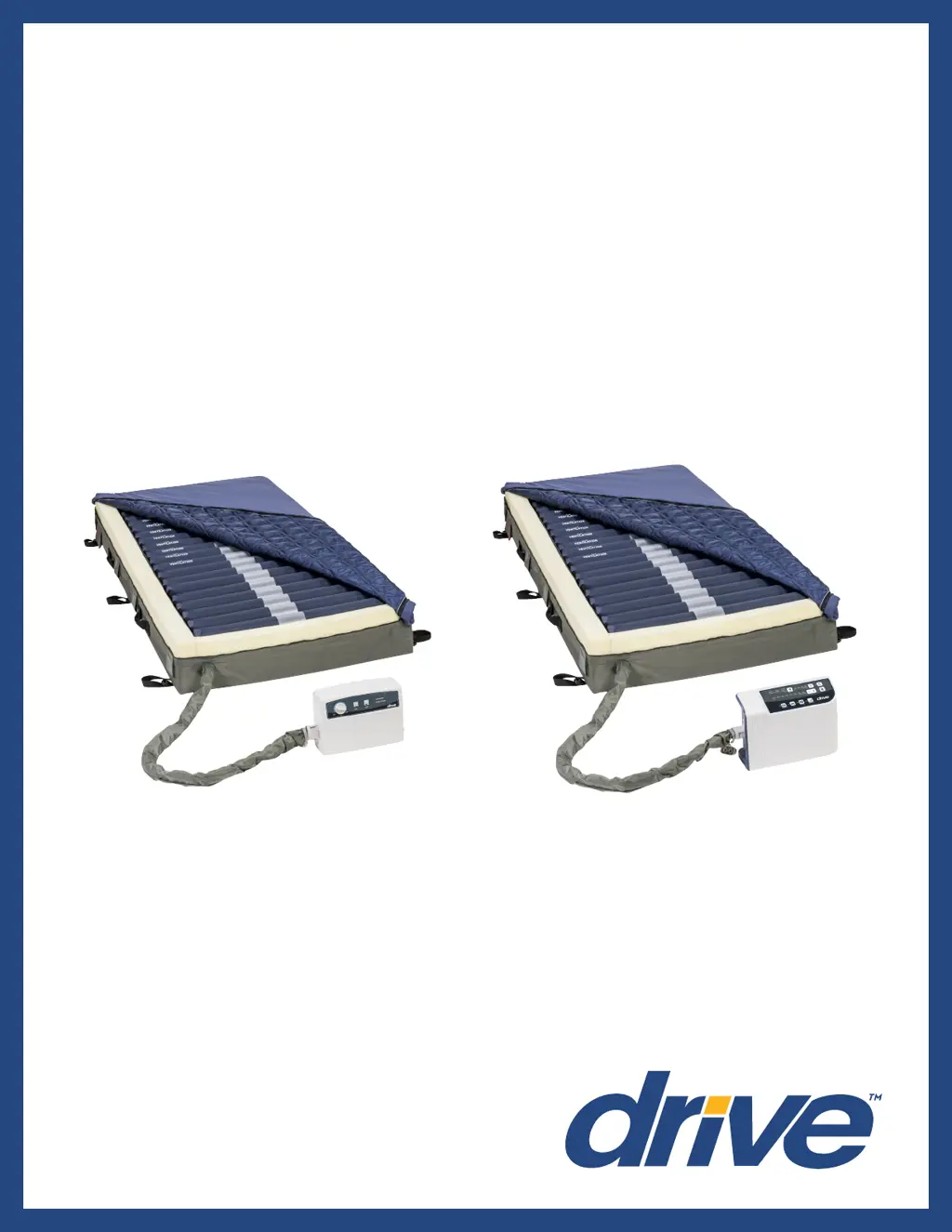
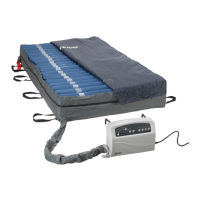
Med-Aire Edge
Alternating Pressure & Low Air Loss
Mattress Replacement System
Item # 14360-B
www.drivemedical.com
USER MANUAL
Item # 14360-P

Questions and Answers

  • W
    William Williams Jr.Aug 15, 2025
    What to do if my Drive 14360-P Medical Equipment mattress won't inflate?
    • D
      Derrick MooreAug 15, 2025
      If your Drive mattress isn't inflating, first ensure the pump is working by checking if the LED light turns on after powering it on. If not, verify the power cord is plugged into an appropriate voltage AC outlet. Also, ensure the quick connector on the mattress connects well with the pump, and that the T/L connector and air valve are securely connected, and the CPR connector is properly capped. If problems persist, consider whether an air cell may be leaking or whether the air pressure from pump is too low.
  • T
    timothytranAug 18, 2025
    Why is the alternating function not working on my Drive 14360-P mattress?
    • J
      johnstonjoshuaAug 18, 2025
      The alternating function may not be working because the synchronous motor is out of order, or wires inside synchronous motor not connect well, or the lower PCB is out of order. In such cases, you should contact your provider for a warranty claim.
  • Z
    zimmermanchristineAug 21, 2025
    What to do if the cycle time is incorrect on my Drive 14360-P Medical Equipment pump?
    • J
      Jared HancockAug 21, 2025
      An incorrect cycle time, with the alternate failure alarm activated, may be due to a micro switch on the exchanger being out of order or the lower PCB being out of order. In such cases, you should contact your provider for a warranty claim.
  • J
    Jared JensenAug 25, 2025
    Why is the pressure on my Drive 14360-P mattress too high or too low?
    • N
      Nicolas CochranAug 26, 2025
      If the pressure of your Drive mattress is too high or too low, the pressure sensor may be out of order. In such cases, you should contact your provider for a warranty claim.
  • J
    Jesse JohnsonAug 28, 2025
    Why does the compressor on my Drive 14360-P stop after some time?
    • R
      robert02Aug 28, 2025
      If the compressor stops after working for a while but the exchanger continues to rotate, the pressure detector may be out of order. In such cases, you should contact your provider for a warranty claim.
  • V
    vblackwellAug 31, 2025
    What to do if the pressure is low on my Drive Medical Equipment mattress but the alarm isn't on?
    • S
      Susan JenningsAug 31, 2025
      If the mattress pressure is low but the alarm is not activated, the pressure detector may be out of order. In such cases, you should contact your provider for a warranty claim.
  • K
    Keith MooreSep 3, 2025
    Why isn't the push button working on my Drive 14360-P Medical Equipment, and the LED is off?
    • J
      Jacob PhillipsSep 3, 2025
      If the push button on the panel isn't working well and the LED indicator isn't lighting up, it could be that the push button itself is faulty or the LED is out of order. In such cases, you should contact your provider for a warranty claim.
  • M
    Michael MccarthySep 7, 2025
    How to fix air cells not inflating in the pillow function of my Drive 14360-P Medical Equipment mattress?
    • K
      kschwartzSep 7, 2025
      If the air cells in the pillow function of your Drive mattress fail to inflate, check if the one-way valve is assembled correctly. If it's assembled reversely, assemble it in the correct direction.
  • J
    Jeffrey MillerSep 12, 2025
    Why doesn't the power failure alarm activate on my Drive 14360-P?
    • A
      Alexis HermanSep 12, 2025
      If the power failure alarm doesn’t activate after a power failure, the battery may be out of order. In such cases, you should contact your provider for a warranty claim.

Summary

Important Safety Precautions

Flammable Anesthetics and Open Flames

Do not use with flammable anesthetics, smoking materials, or open flames as air supports combustion.

Electrical Shock Precautions

Follow instructions to reduce electrocution risk, including proper unplugging and avoiding water.

Bed Frame Strapping, General Usage, and Entrapment Safety

Covers strapping, general safety, fire prevention, and entrapment risk mitigation.

Product Functionality

Setup and Installation

Initial Setup Steps

Guides on unpacking, positioning, connecting hoses, and plugging in the unit.

Operation Guide

Cleaning and Maintenance

Control Unit Cleaning

Detailed procedures for safely cleaning the control unit with approved solutions.

Mattress Cleaning and Disinfection

Instructions for cleaning, disinfecting, and drying the mattress and its components.

Troubleshooting

Pump and Inflation Problems

Addresses issues with the pump not working or mattress failing to inflate or inflate completely.

Motor, Cycle Time, and Alarm Issues

Diagnoses problems with the motor, incorrect cycle times, and activated failure alarms.

Panel, Pressure, and Power Failure Issues

Resolves issues with buttons, pressure sensors, and power failure alarms.

Specifications

Warranty Information

Drive 14360-P Specifications

General IconGeneral
BrandDrive
Model14360-P
CategoryMedical Equipment
LanguageEnglish

Related product manuals