9
PRODUCT FUNCTION
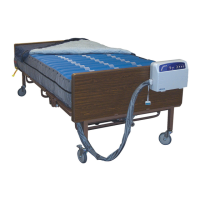
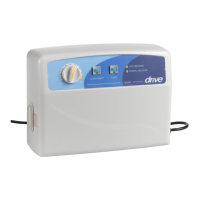
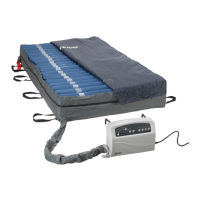
Control Unit 14530P
Power switch is located on the side of the control unit. Use the power switch to turn the system off and on.
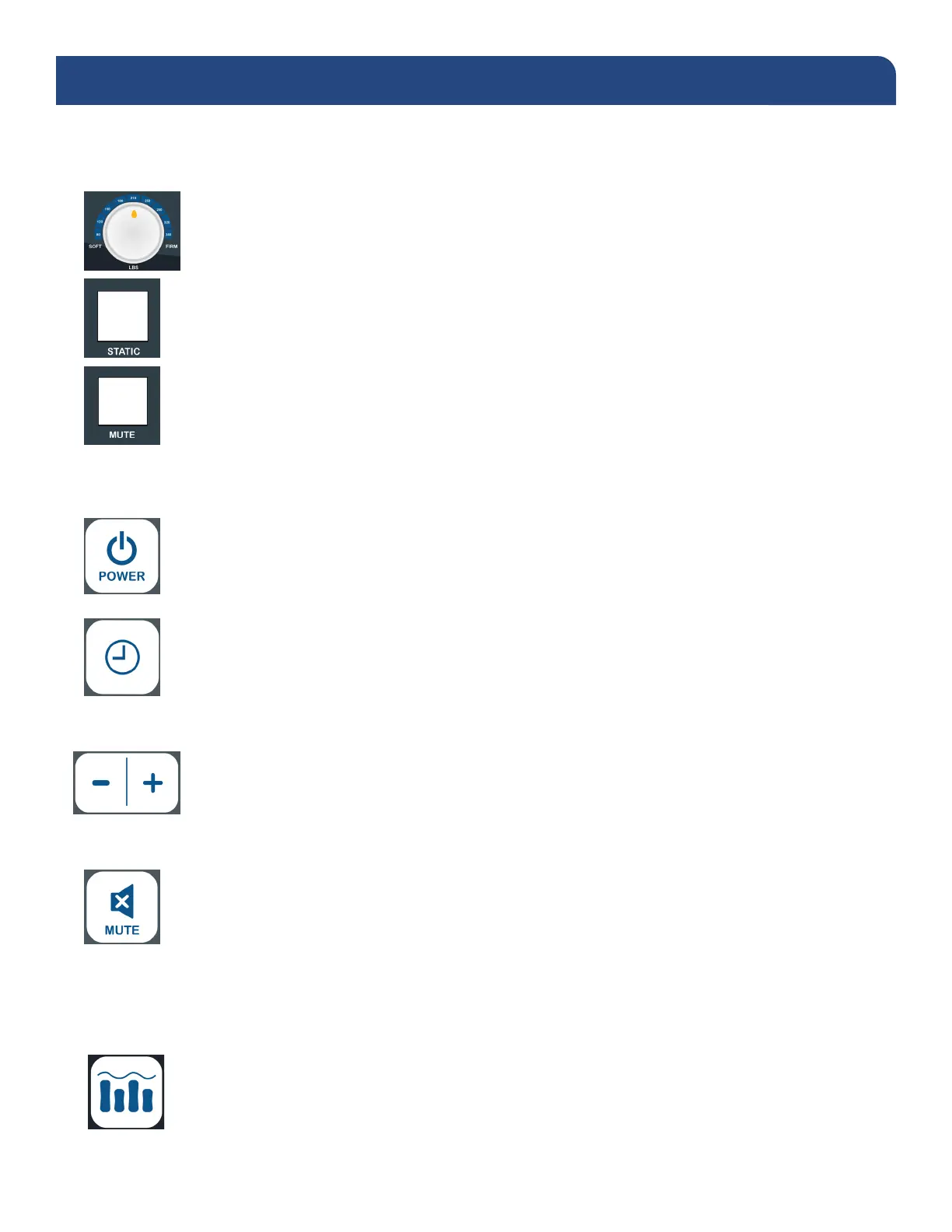
Analog Pressure Dial
• Adjust the dial to correspond to the patients’ appropriate weight setting or comfort level.
Static Pressure switch
• Press the static pressure switch to discontinue alternating therapy.
Mute button
• Silences the audible portion of the low pressure information signal.
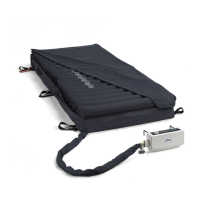
Control Unit 14360XP
Power switch is located on the side of the control unit. Use the power switch to turn the system off and on.
Power Button (1)
• Press the Power button on the panel, the pump will start/stop operation.
Cycle Time (2)
• The cycle time can be selected from the panel to choose the appropriate cycle time of the
ination modes.
• The cycle time value options are: 10, 15, 20, or 25 minutes.
Weight Settings (3)
• Weight settings range from 80-450 lbs and can be used to adjust the pressure of the
inated cells based on the patient’s weight and comfort level.
Mute Button(4)
• The audible/visible information signal turns on when low pressure, power failure or system
failure occur.
• To mute the audible information signal, press the Mute button. The visible information signal
indicator will continue ashing until the issue is resolved.
• Re-press the Mute button to reactivate the information signal.
Alternate mode (5)
• Press to set the system to alternation therapy mode.



 To Next Page