8
PRODUCT FEATURES
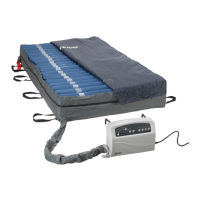
• Static button is available to discontinue alternation therapy for patient transfers, caregiving, comfort, or
preference.
• Low pressure, power failure and system failure indicators allow the user to be aware of any air pressure
changes, power outages or system malfunctions, respectively.
• Mute button available for silencing information signal.
• Seat inate increases air pressure for additional sacral support during head of bed (HOB) elevation.
• Cycle times are available to customize the therapy duration.
• Max rm is available for patient transfers or other patient care procedures.
Mattress
Warning
When using a therapy mattress system, always ensure that the patient is positioned properly within the
connes of the bed. The patient’s head should be positioned in the center of the top section of the therapy
mattress. Do not let any extremities protrude over the side or between the bed rails when the therapy
mattress is being used.
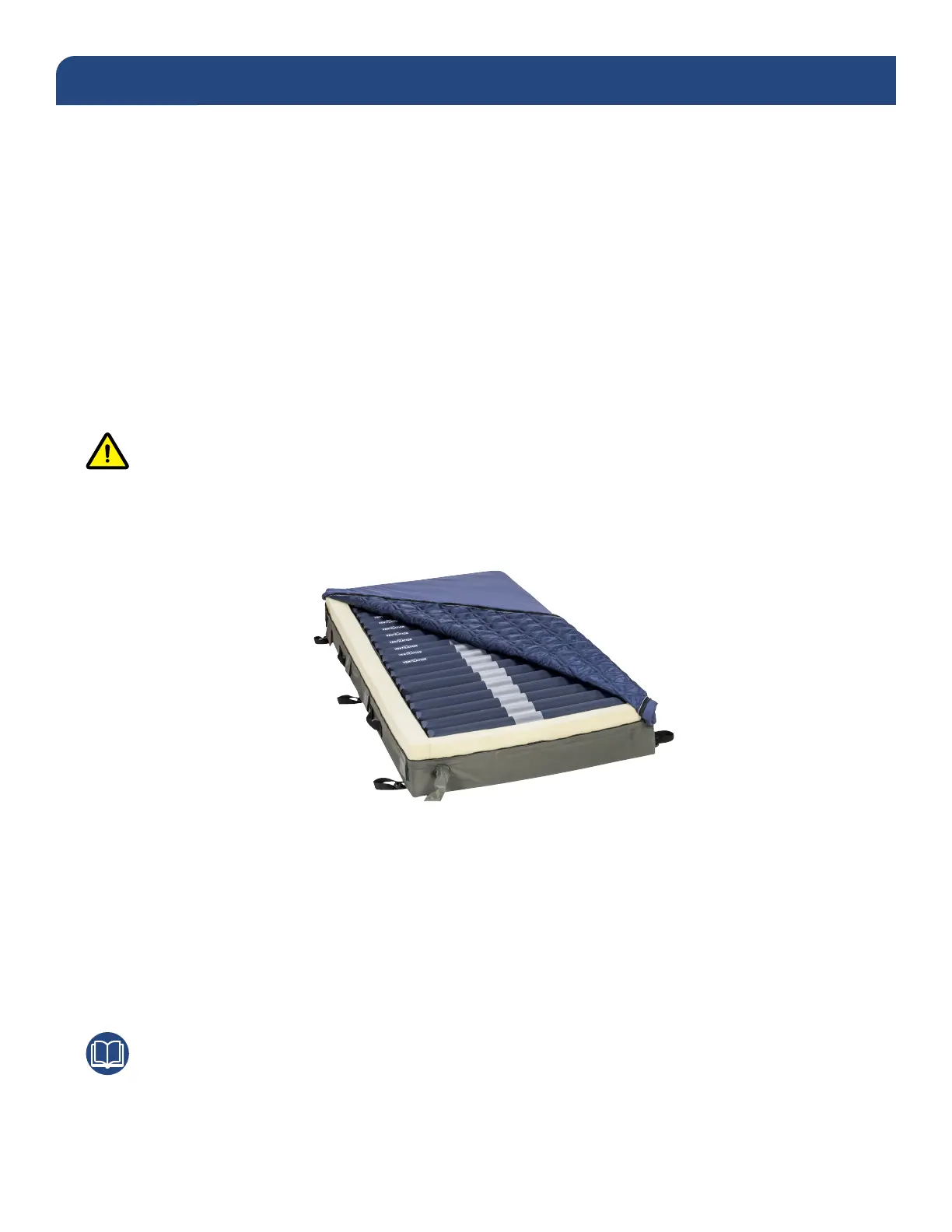
• 20 individual air cells offer pressure redistribution and low air loss.
• Firm foam perimeter provides support during patient ingress and egress as well as providing power
outage protection in the event of a power failure.
• Breathable, moisture vapor permeable fabric cover allows air to circulate beneath the patient and wicks
away heat and moisture.
• Able to accommodate patients up to 450lbs.
• CPR valve available for rapid deation (deation time varies depending on patient weight and prole).
Note
Please be sure to read this manual in its entirety before attempting to set up and operate this system.



 To Next Page