EasyManua.ls Logo

Drive 14030 - User Manual

Default Icon
20 pages
Print Icon
To Next Page IconTo Next Page
Loading...
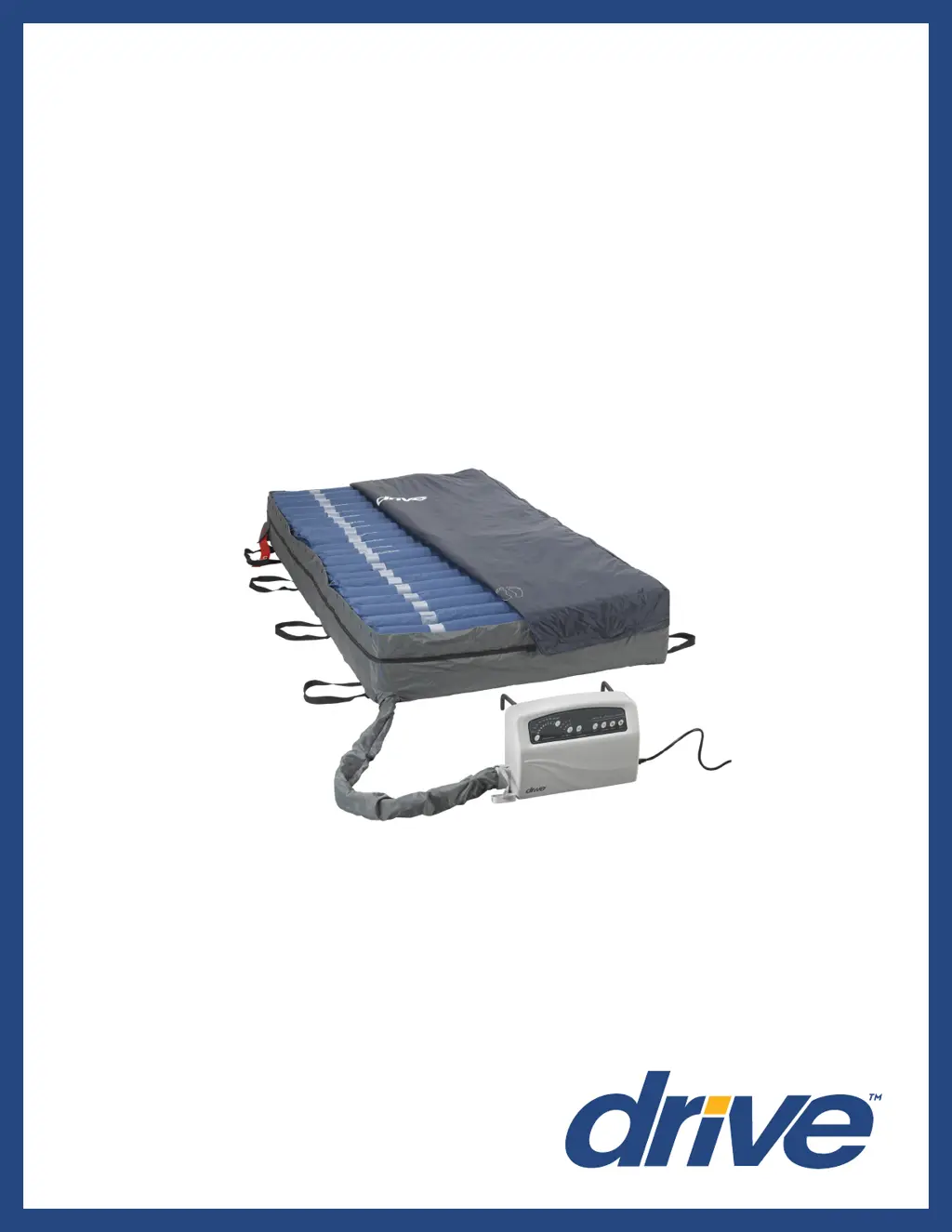
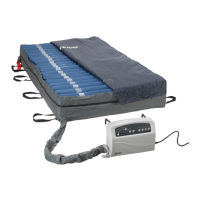
Med Aire Plus 10”
Alternating Pressure and
Low Air Loss Bariatric Mattress
Replacement System
www.drivemedical.com
USER MANUAL
Item #s 14030, 14048, 14054, 14060
(Control unit 14030XP)

Other manuals for Drive 14030

Questions and Answers

  • M
    Michelle RodriguezAug 17, 2025
    What to do if my Drive 14030 Medical Equipment mattress fails to inflate or doesn't inflate completely?
    • J
      Jennifer RoseAug 18, 2025
      First, ensure the power cord is correctly plugged into an appropriate voltage AC outlet and that the LED light turns on after powering on the pump. Also, check that the quick connector on the mattress is well connected to the pump, and the T/L connector and air valve are properly connected with the CPR connector capped. If issues persist, changing the air cell might help. If problems continue, contact your provider for a possible warranty claim.
  • D
    Daniel PowersAug 20, 2025
    What to do if the Drive 14030 pump is working but the synchronous motor doesn't, causing the mattress not to alternate and triggering an alternate failure alarm?
    • M
      Michelle PerryAug 20, 2025
      If the synchronous motor is out of order or the wires inside are not well connected, or if the lower PCB is out of order, contact your provider for a possible warranty claim.
  • A
    Amy WellsAug 22, 2025
    What to do if the Drive Medical Equipment pump and motor keep working, but the cycle time is incorrect and the alternate failure alarm is activated?
    • C
      Candice MarshAug 22, 2025
      If the micro switch on the exchanger is out of order, or the lower PCB is out of order, contact your provider for a possible warranty claim.
  • P
    Patricia ChavezAug 25, 2025
    What to do if the Drive Medical Equipment push button on the panel isn't working well, and the LED indicator doesn't light up?
    • D
      David WoodardAug 26, 2025
      If the push button is not working well, or the LED is out of order, contact your provider for a possible warranty claim.
  • J
    Jennifer MartinezAug 27, 2025
    Why does my Drive Medical Equipment mattress have low pressure but the alarm isn't activated?
    • B
      Breanna SanchezAug 28, 2025
      If the pressure detector is out of order, contact your provider for a possible warranty claim.
  • L
    Lance ColeAug 30, 2025
    What to do if the Drive 14030 Medical Equipment mattress pressure is too high or too low?
    • A
      Arthur BurnsAug 30, 2025
      If the pressure sensor is out of order, contact your provider for a possible warranty claim.
  • M
    Melissa NormanSep 1, 2025
    What to do if the Drive Medical Equipment compressor stops after working some time, but the exchanger keeps rotary when powered on?
    • A
      Amber JacksonSep 1, 2025
      If the pressure detector is out of order, contact your provider for a possible warranty claim.
  • M
    Michelle ParkerSep 4, 2025
    Why does the power failure alarm on my Drive Medical Equipment not activate after a power failure?
    • T
      timothymillerSep 4, 2025
      If the battery is out of order, contact your provider for a possible warranty claim.
  • W
    whowellSep 6, 2025
    Why do the air cells on the pillow function of my Drive 14030 mattress fail to inflate?
    • B
      Bryan ChristianSep 6, 2025
      If the one way valve is assembled reversely, assemble it in the correct direction.
  • M
    Michael OliverSep 9, 2025
    What to do if my Drive 14030 Medical Equipment pump doesn’t work?
    • B
      Brian MooreSep 9, 2025
      If your Drive medical equipment pump isn't working, first ensure the plug is firmly inserted into the outlet and turn on the power switch again. If the power LED is OFF, try connecting the power cord to another outlet. If it's still off, contact a qualified electrician for a main power check. If the power LED is ON but the pump remains non-functional, contact your local dealer immediately.

Summary

Document Symbols

Danger Symbol

Indicates an imminently hazardous situation resulting in death or serious injury.

Important Precautions

Flammable Anesthetics & Open Flames Danger

Precautions regarding flammable anesthetics, smoking materials, and open flames.

Electrocution Risk Danger

Instructions to reduce the risk of electrocution and associated injuries.

Bed Frame Securing Warning

Instructions for correctly securing the mattress to the bed frame.

General Safety Warnings

Adherence to instructions to reduce risk of burns, electrocution, fire, or injury.

Entrapment Risk Warning

Risk of entrapment due to ill-fitting bed frames and proper patient positioning.

Unpacking Your Med Aire Plus 10

Product Function

Control Unit 14030 XP Functions

Explains the functions of buttons and modes on the control unit like Cycle Time, Weight Settings, Mute, etc.

CPR Deflation Valve

Explains the function of the CPR valve for rapid deflation of the mattress.

Operation

Cleaning & Maintenance

Troubleshooting

Low Pressure Issues

Steps to diagnose and resolve low pressure issues, including air leakage checks.

Common Problems and Solutions

A table detailing common problems, their reasons, and corresponding maintenance or troubleshooting steps.

Warranty

Drive 14030 Specifications

General IconGeneral
BrandDrive
Model14030
CategoryMedical Equipment
LanguageEnglish

Related product manuals