EN - 2
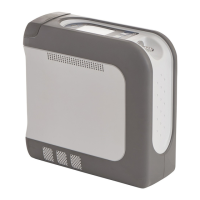
QUICK START – OPERATING YOUR IGO2 POC
ENGLISH........................................................................................................................................................................................ EN-2
ESPAÑOL ....................................................................................................................................................................................... ES-17
FRANÇAIS ..................................................................................................................................................................................... FR-32
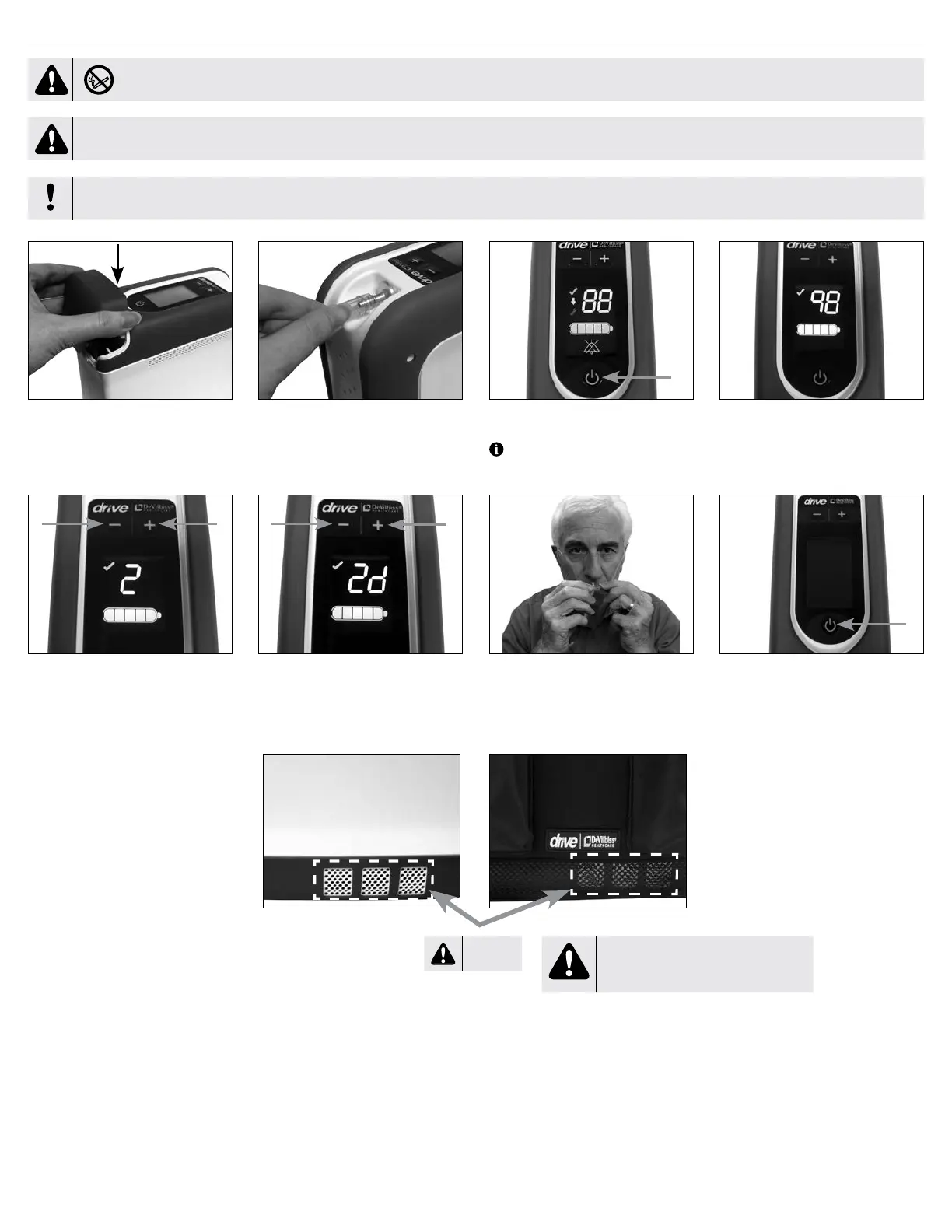
1. Install battery. Attach concentrator to
AC or DC power. Battery must be
installed for device to operate.
2. Connect cannula tubing to oxygen
outlet.
3. Press and hold Power button to turn
on concentrator.
4. Use “+” or “-“ buttons to set your
prescription.
5. To use device in SmartDose mode,
press “+” and “-“ at the same time.
7. When nished using the device,
press and hold the Power button until
the concentrator turns off.
6. Attach standard nasal cannula to
your nose and face. Breathe normally
through the cannula.
HOT
WARNING
This area can emit hot exhaust gas.
Do not place near bare skin.
NOTE– When the iGo2 is turned on, the display shows battery percent for 1 second
before changing to the prescription screen.
A-125
DANGER-NO SMOKING
Read the Important Safeguards and observe all Warnings and Cautions on the product and in the Instruction Guide. Follow all operating instructions. Refer to
Operation section for more details.
IMPORTANT
Before using the device on battery power for the rst time, the battery needs to be fully charged. Refer to Initial Battery Charge for details.


 To Next Page