Page 5For technical questions, please call 1-888-866-5797.Item 63317
Troubleshooting
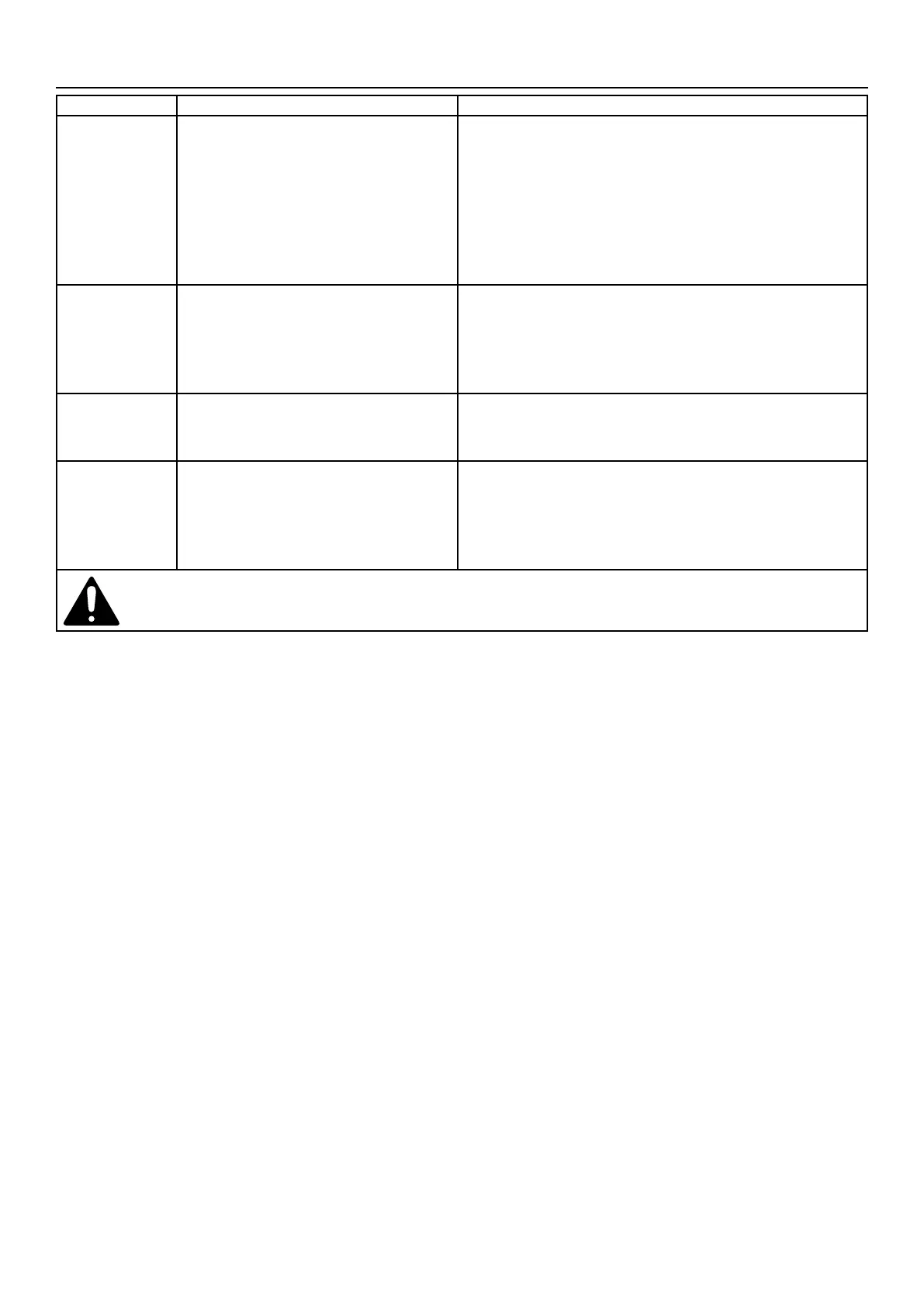
Problem Possible Causes Possible Solutions
Pump runs, but
will not deliver
any water.
1. Inlet Screen and/or impeller clogged.
2. When starting, the water
height falls below the minimum
water level (1/8″).
3. Low line voltage.
4. Check valve (sold separately)
stuck or installed backwards.
1. Remove Inlet Screen. Clean out dirt and debris from
Inlet Screen and impeller. Then replace Inlet Screen.
2. There must be at least 1/8″ deep water for the Pump to
operate properly, using the included attachment.
3. Consult an electrician.
4. Remove and examine check valve.
Pump won’t
start or run.
1. Check power connections
and circuits/fuses.
2. Inlet Screen and/or impeller clogged.
3. Defective motor.
1. Consult an electrician.
2. Remove Inlet Screen. Clean out Inlet Screen
and impeller. Reinstall Inlet Screen.
3. Have a qualified service technician repair or replace.
Excessive noise
or vibration.
1. Debris in impeller.
2. Discharge hose restricted.
1. Remove Inlet Screen. Clean impeller.
Reinstall Inlet Screen.
2. Clean Pump and discharge hose.
Pump starts
and stops too
frequently.
1. Water temperature too high.
2. Check valve (sold separately)
stuck or installed backwards.
3. Back flow of water from
discharge hose.
1. Do not exceed 77° F (25°C) water temperature.
2. Remove and examine check valve.
3. Install or inspect check valve (sold separately).
Follow all safety precautions whenever diagnosing or servicing the tool.
Disconnect power supply before service.


 To Next Page