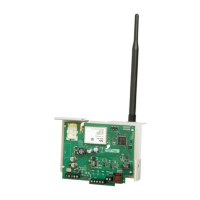
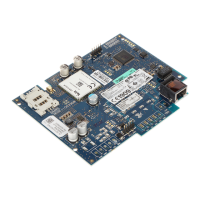
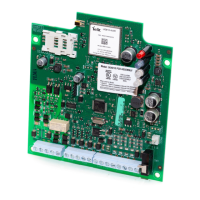
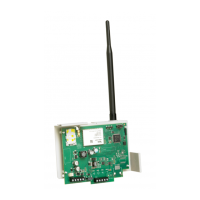
3G Alarm Communicator Installation Manual
10
COMMUNICATOR PLACEMENT TEST
(3G2075/TL2753G only)
1. Using the keypad enter the installer mode: [*][8] [installer code] [850].
2. View and record the number of bars showing on the SCW9055/SCW9057 LCD.
3. Compare with the number of bars indicated in the “CSQ Levels” column shown in Table 6 .
4. If 3 or more bars are shown, the location is GOOD and no further action is required.
5. If the location is BAD, move the SCW9055/SCW9057 to various suitable locations until 3 or more bars are obtained.
NOTE: The communicator is capable of indicating signal strength even without an active SIM, but signal indication may take up to 1-
2 minutes.
Table 6: Communicator CSQ Levels
Signal
Strength
CSQ Level Signal Level dBm Installer Action
No Signal 0 -108.8 Check if Cellular coverage is active in your area.
1 Bar 1 to 4 -108d to -103
Location is BAD. Not suitable for Cellular operation.
2 Bars 5 to 6 -102 to -99
3 Bars 7 to 10 -98d to -91
Location is GOOD.4 Bars 11 to 13 -90 to -85
5 Bars 14 and higher -84 and higher



 To Next Page